Setting Up Interview Questions
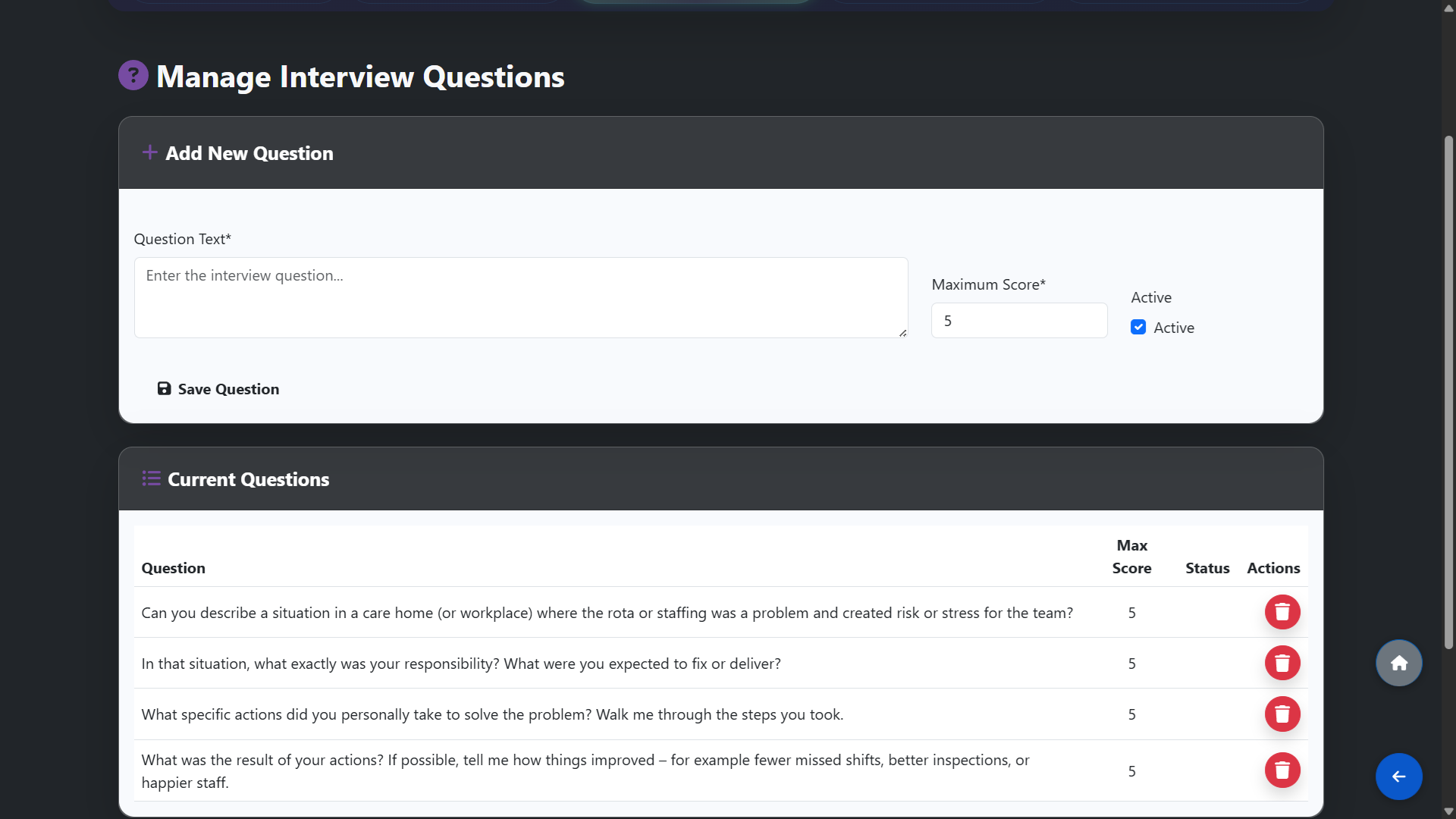
Before your interview day, go to Recruitment and click Manage Questions. Here you can create a list of interview questions that will be used for all candidates. Having a consistent set of questions ensures every candidate is assessed fairly and makes scoring and comparison more accurate. Add as many questions as needed and save them — they will be available each time you open the interview scoring screen.
Scoring a Candidate During the Interview
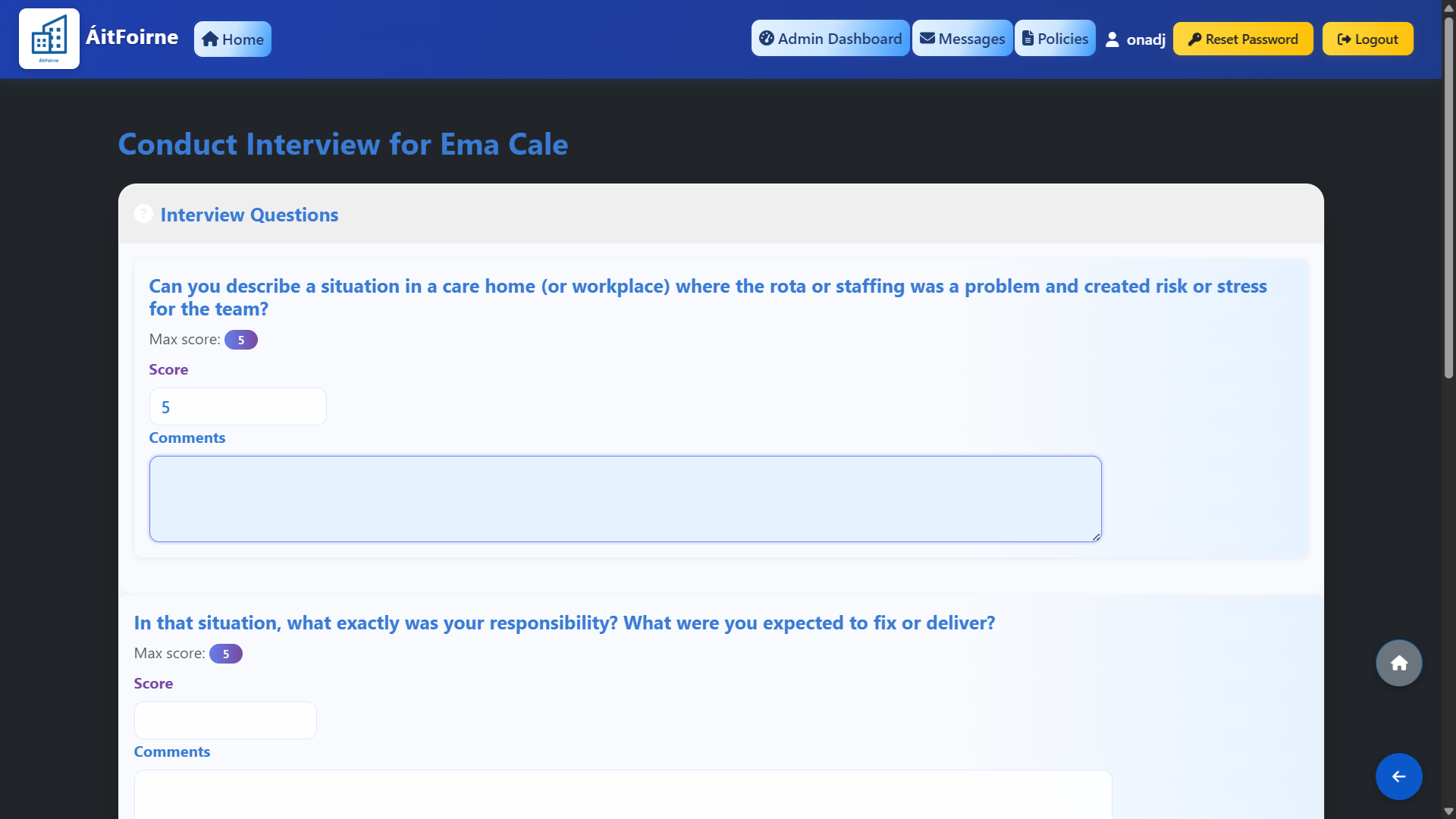
When an interview is in progress, open the candidate's record from the Candidate List and go to Interview Results. The questions you prepared will be displayed one by one. For each question, enter the candidate's response and assign a score. Work through all questions and save the results when the interview is complete. The system records the total score for that candidate automatically.
Comparing Results at the End of the Day
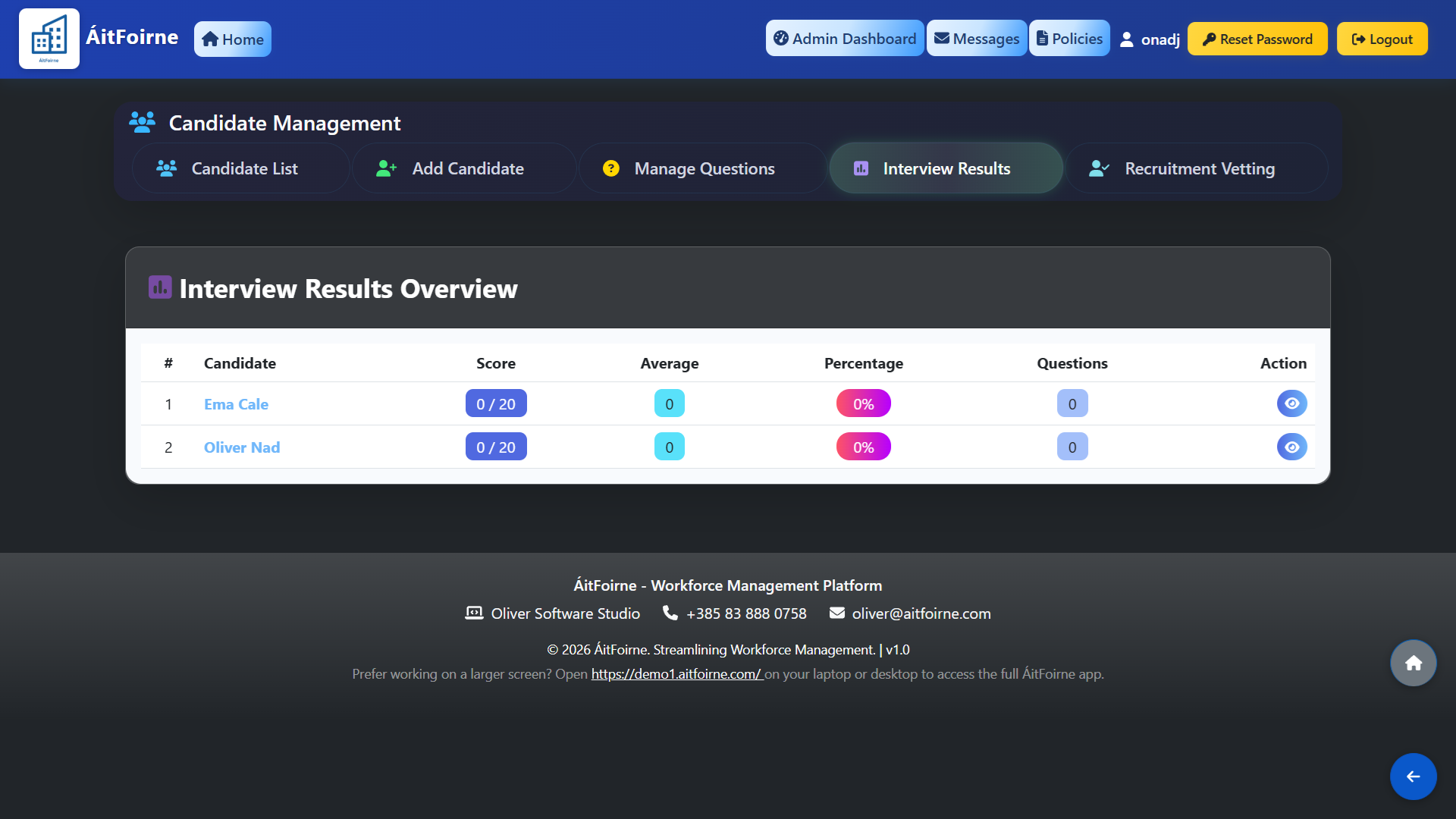
After all interviews have been completed, go to Interview Results to see a summary of all candidates scored that day. Candidates are listed with their total score, making it straightforward to compare performance across everyone you interviewed. This saves time and removes guesswork — instead of trying to recall individual conversations at the end of a busy day, you have a clear, objective record to base your decision on.