Product gallery
See ÁitFoirne before you book a demo
If you would rather look than read, this is the software itself. Choose the administrator view, Clinical, Family Portal, or the Employee Portal, then open any screen to see it full size.
Every image is a real capture of ÁitFoirne running on fictional demonstration data. Nothing here is a mock-up.
Admin Interface
What managers and administrators work in every day: planning the week around real staffing rules, checking attendance, deciding requests, and keeping people records, policies and day-to-day operations in one place.
Overview and Bruno
The morning dashboard, plus everyday operational questions in plain English.
-
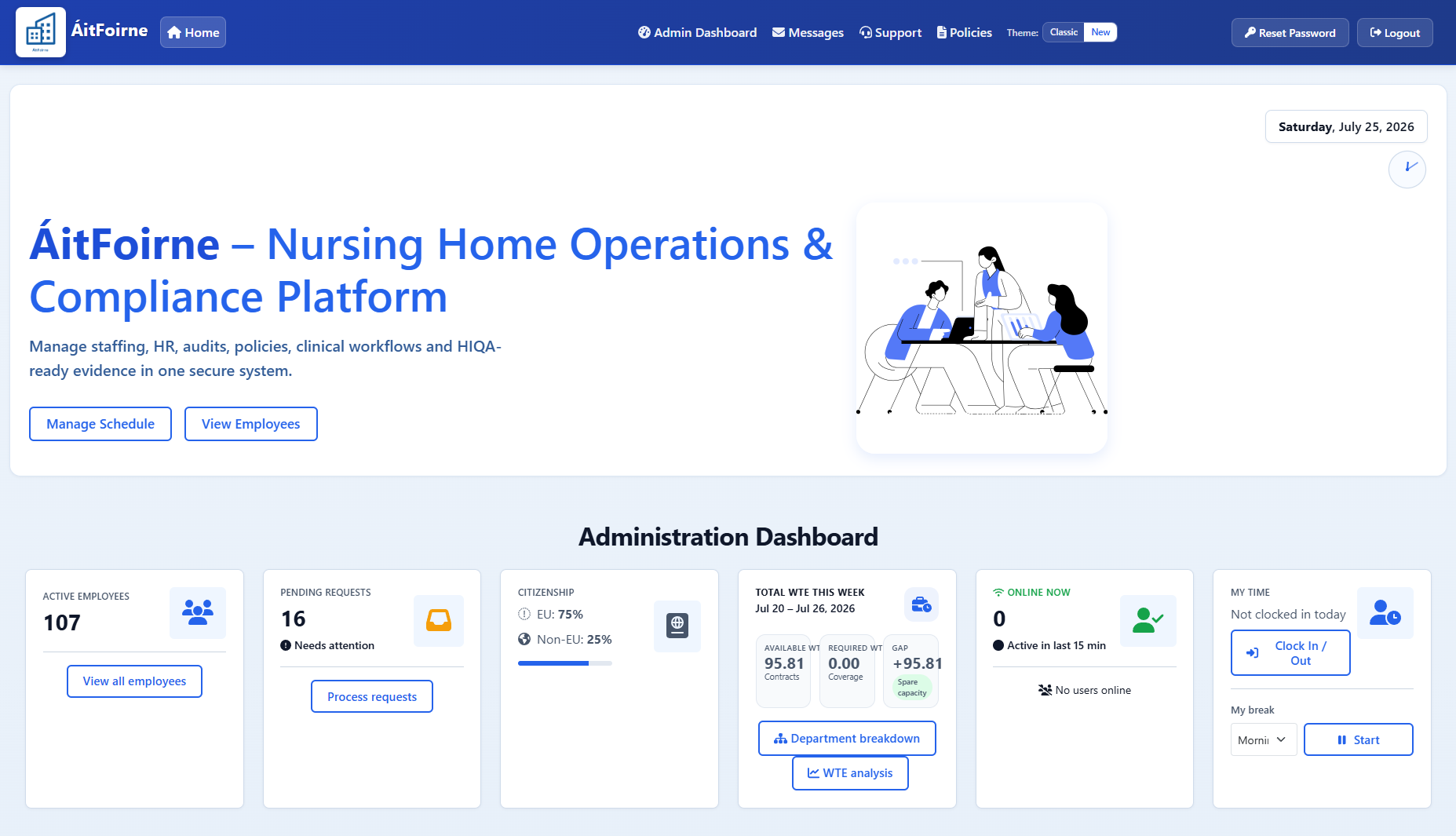
Administration dashboard The dashboard managers open each morning -
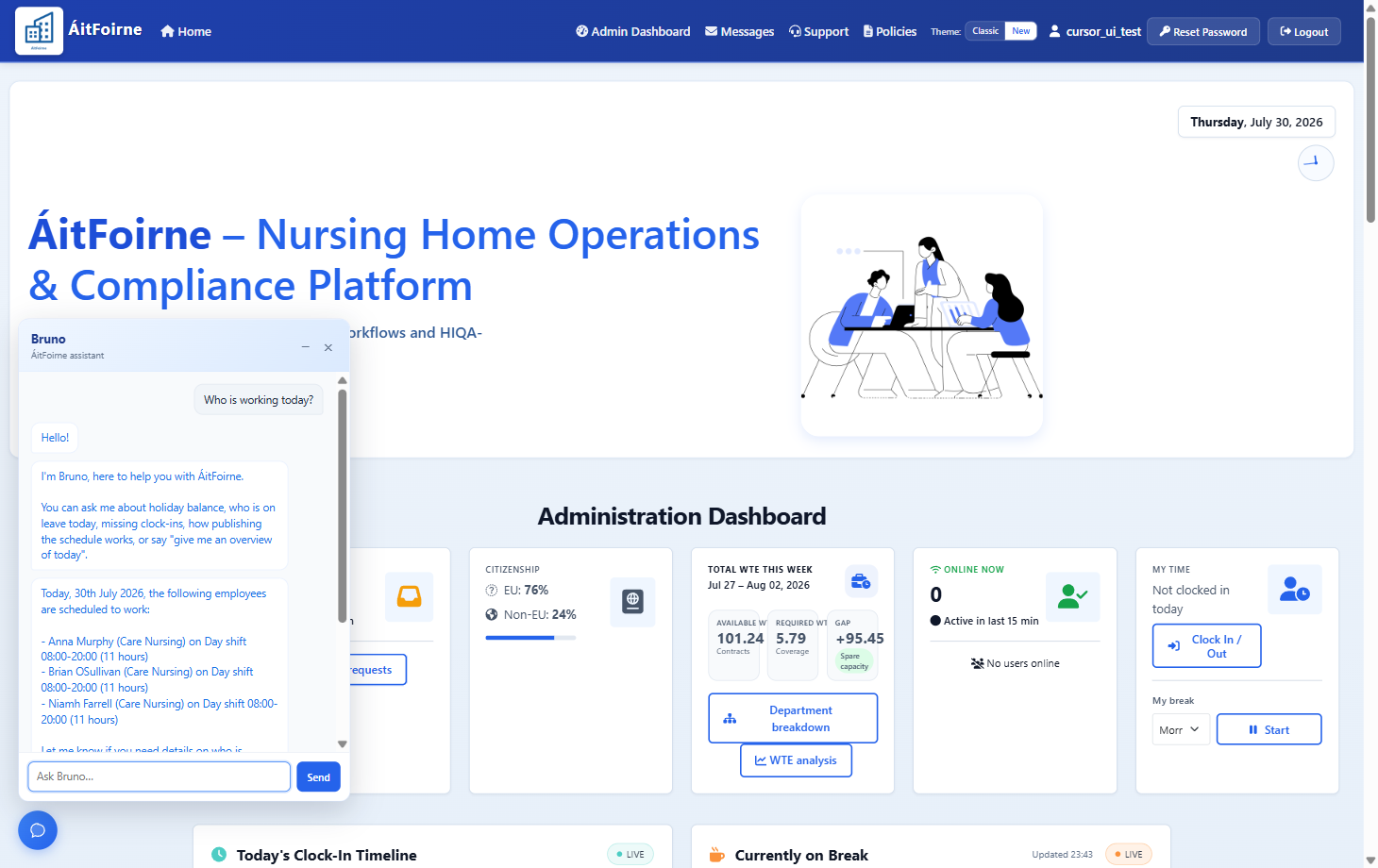
Bruno assistant Ask everyday operational questions in plain English
Rota and Staffing
ÁitFoirne builds the week around employee availability, allowed shifts, departments and weekly-hour limits — then shows uncovered cover before you publish.
-
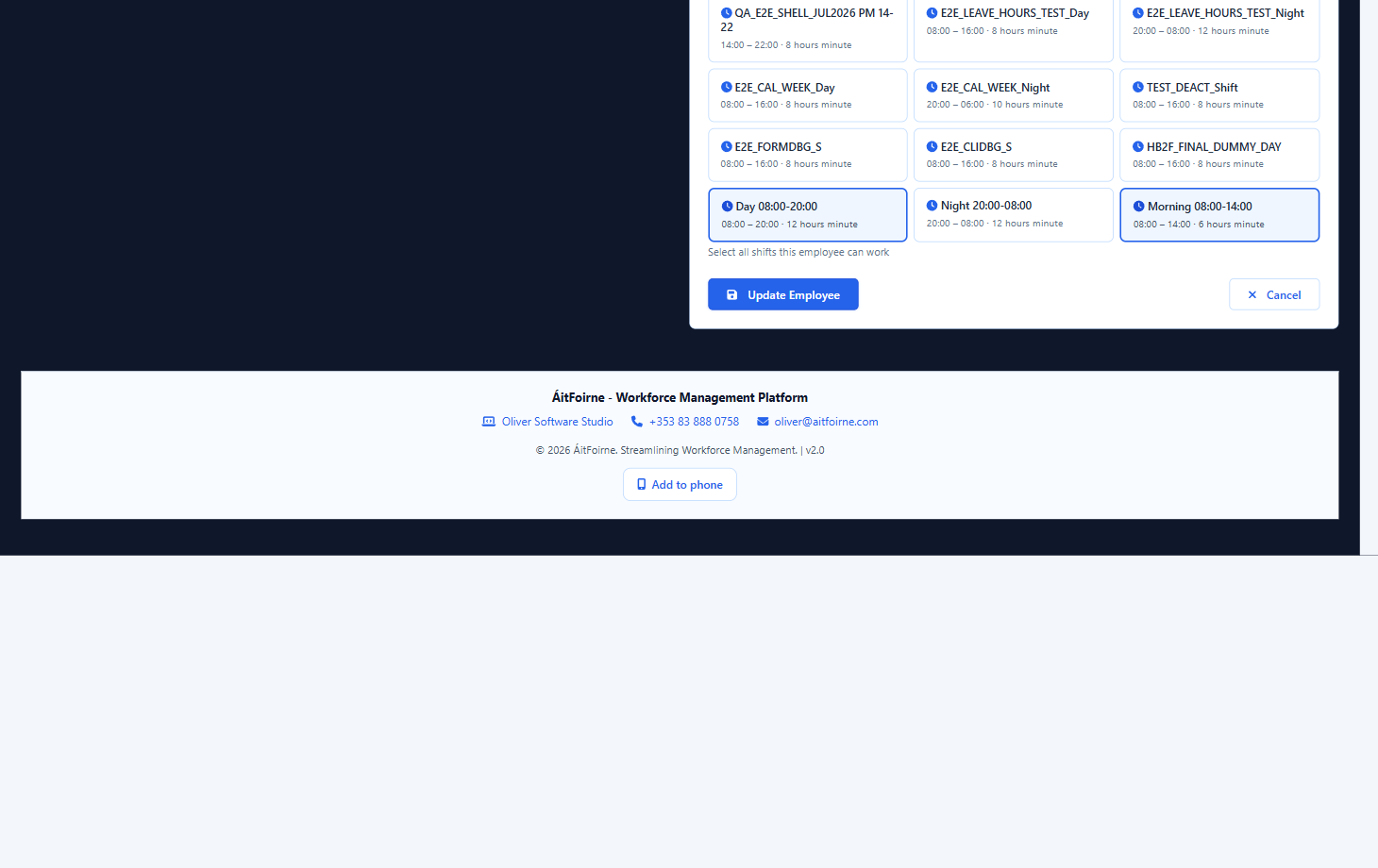
Employee scheduling rules Available days, allowed shifts and weekly-hour limits per person -
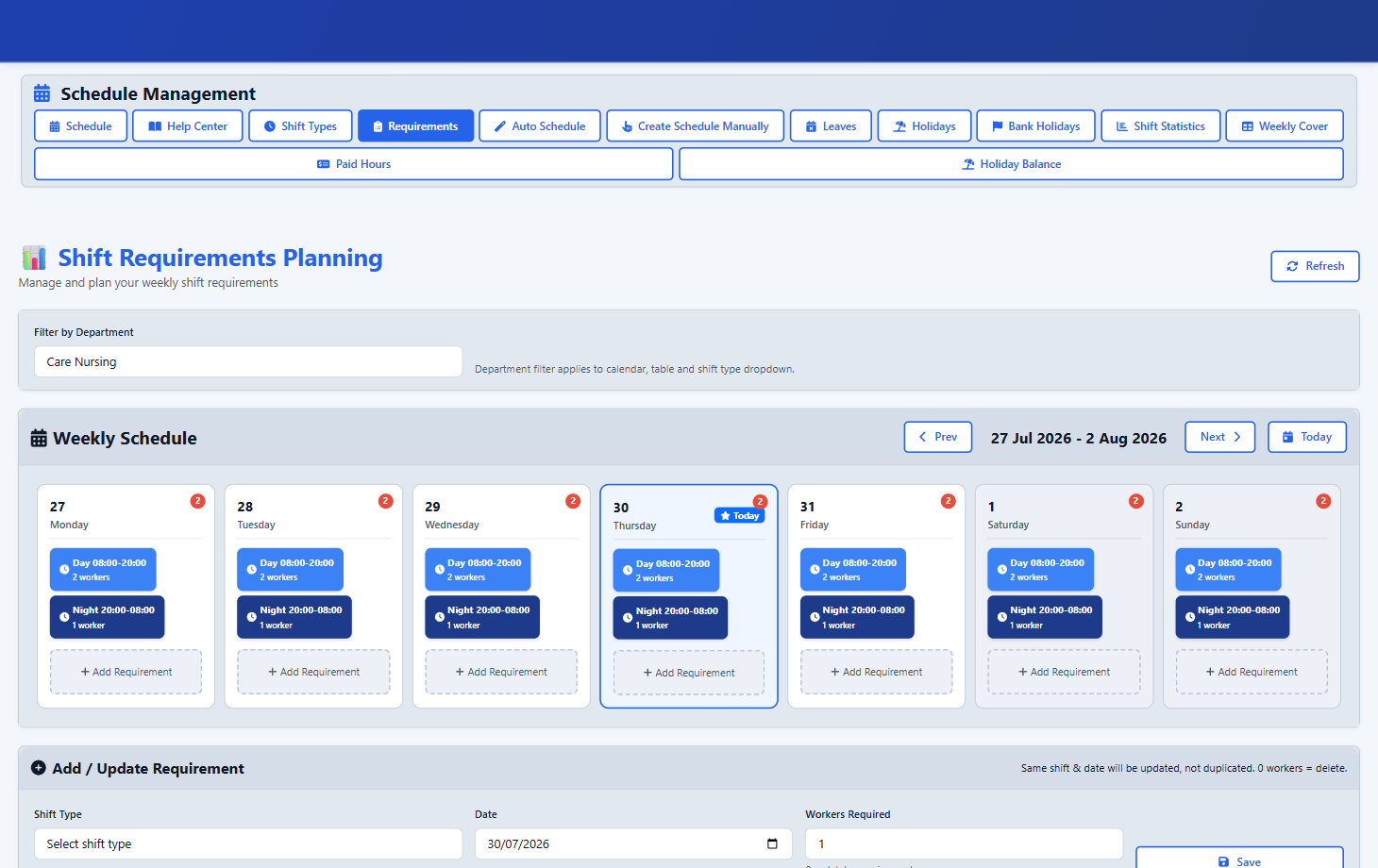
Shift requirements Set the cover each day needs before the week is built -
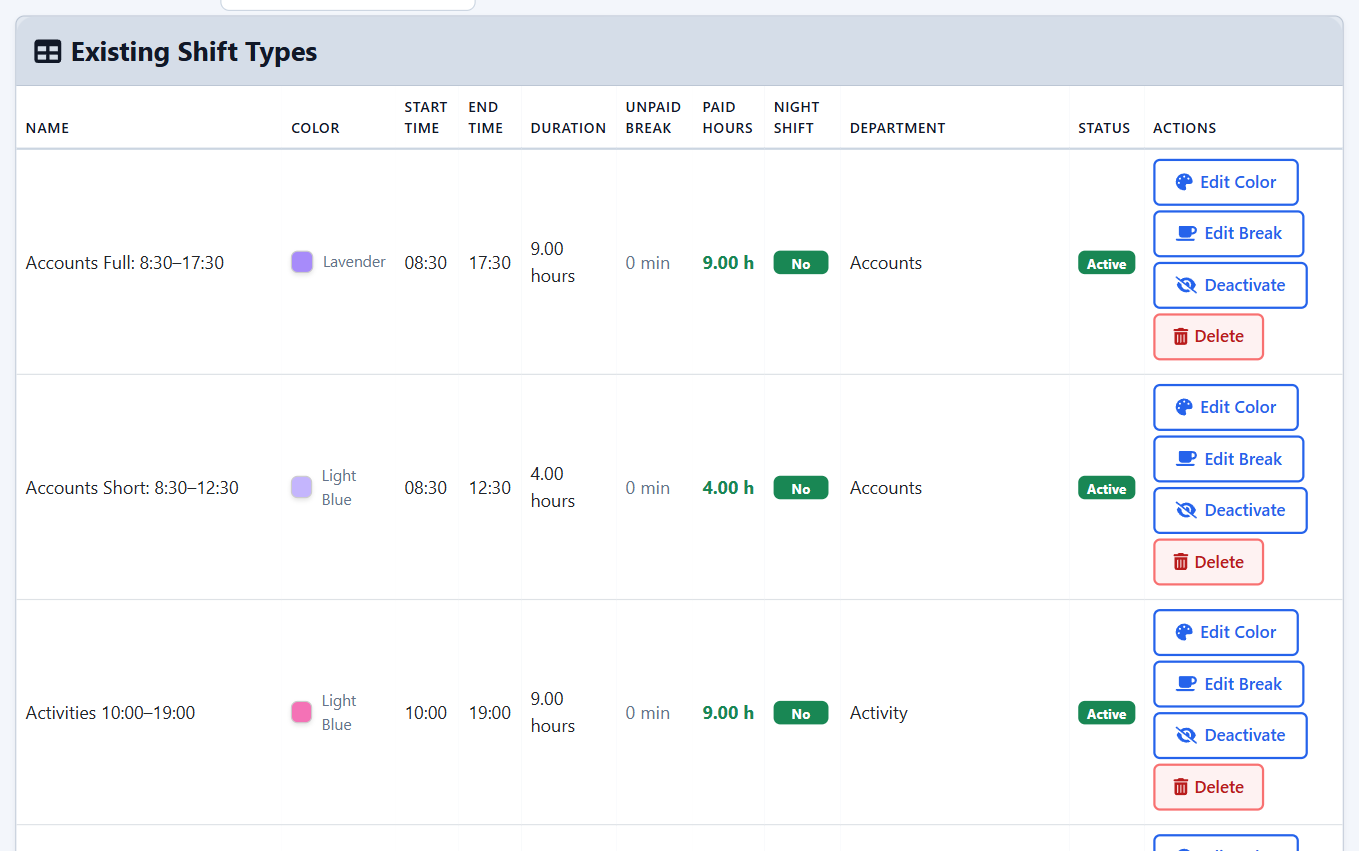
Shift types Every shift type carries its times, unpaid break and paid hours -
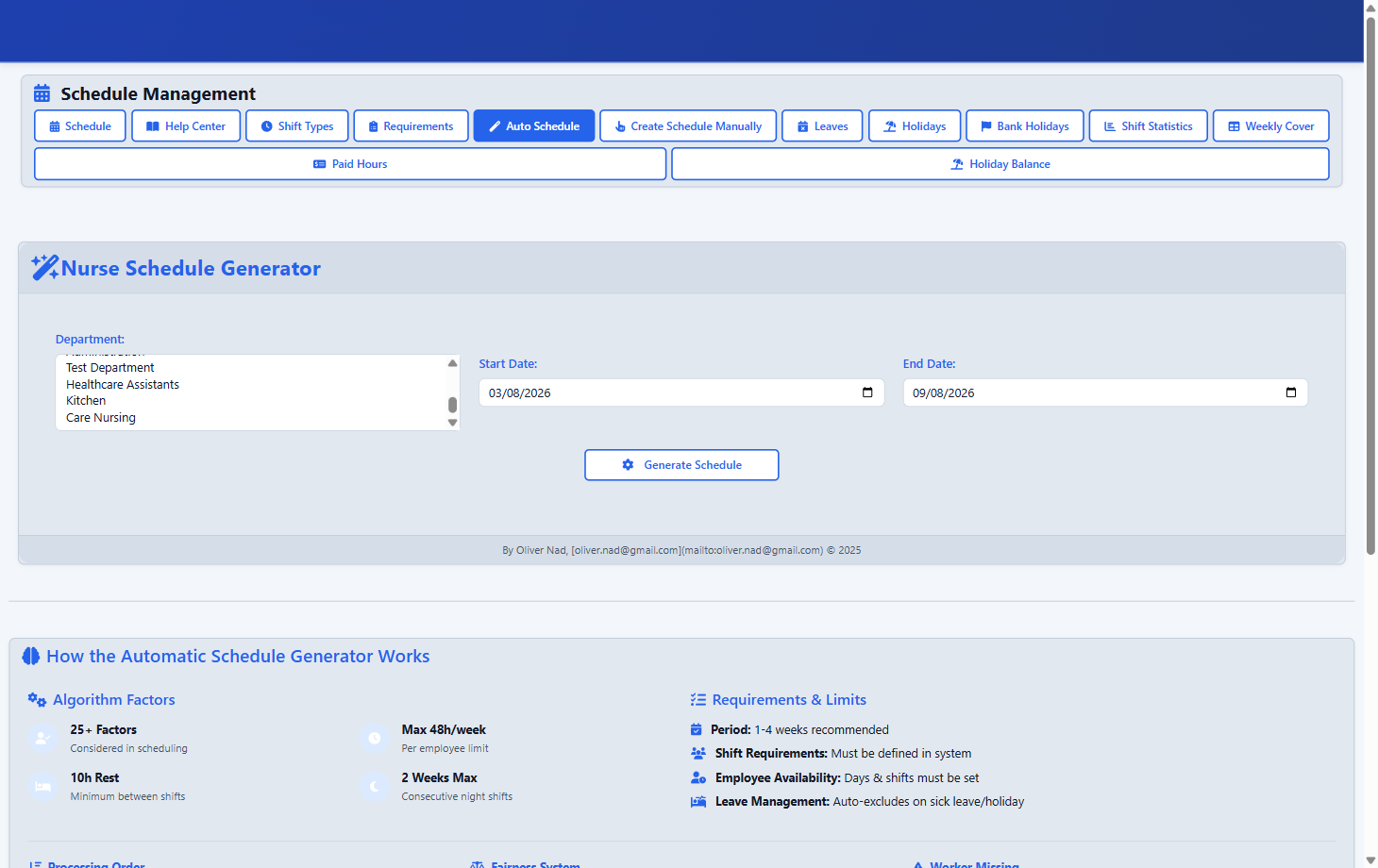
Automatic schedule generator Generate a draft week from requirements, availability and hour limits -
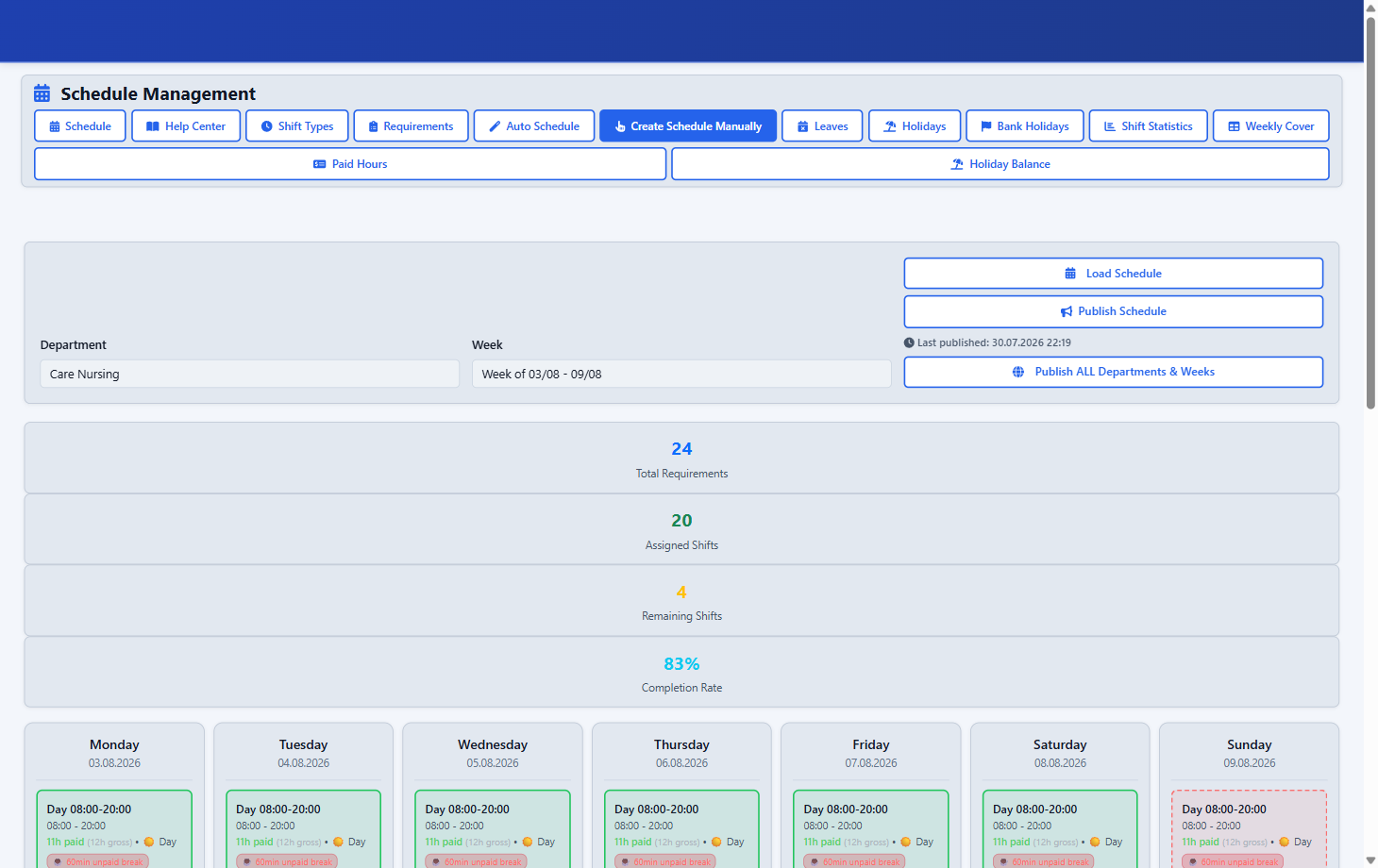
Create Schedule Manually Load a department week and assign or adjust shifts by hand -
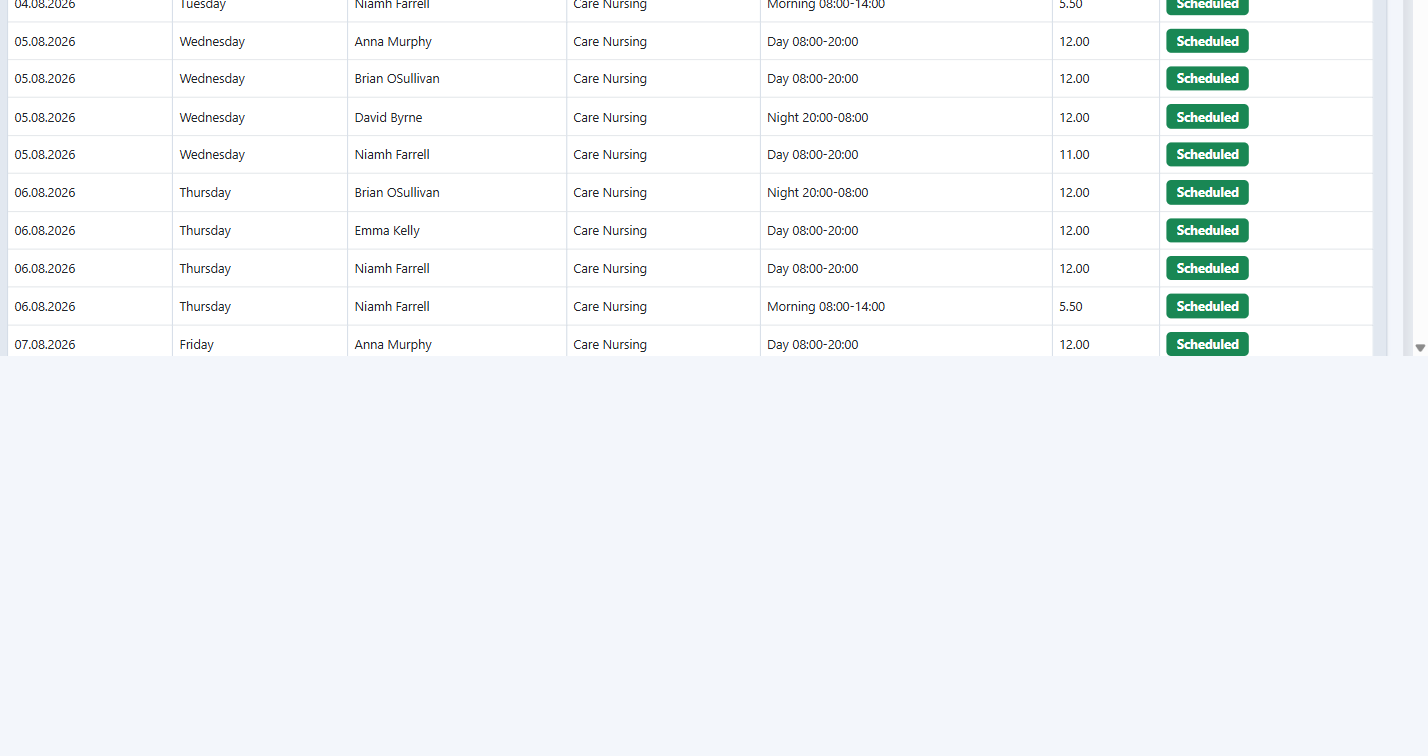
Populated rota week Assigned staff, varied hours and shift types across the week -
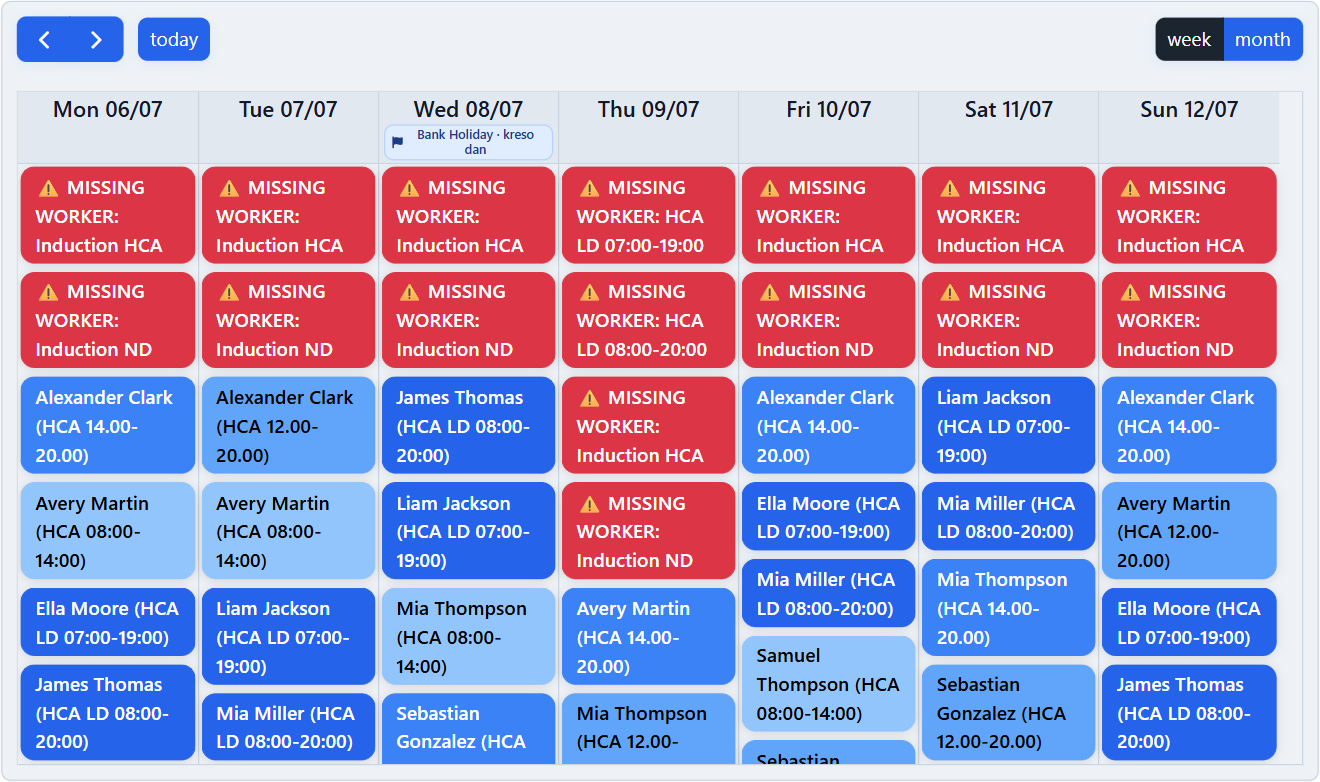
Published week Once published, the same week is visible in the Employee Portal
Time, Attendance and Breaks
Clock records and breaks are captured against the shift, then reviewed.
-
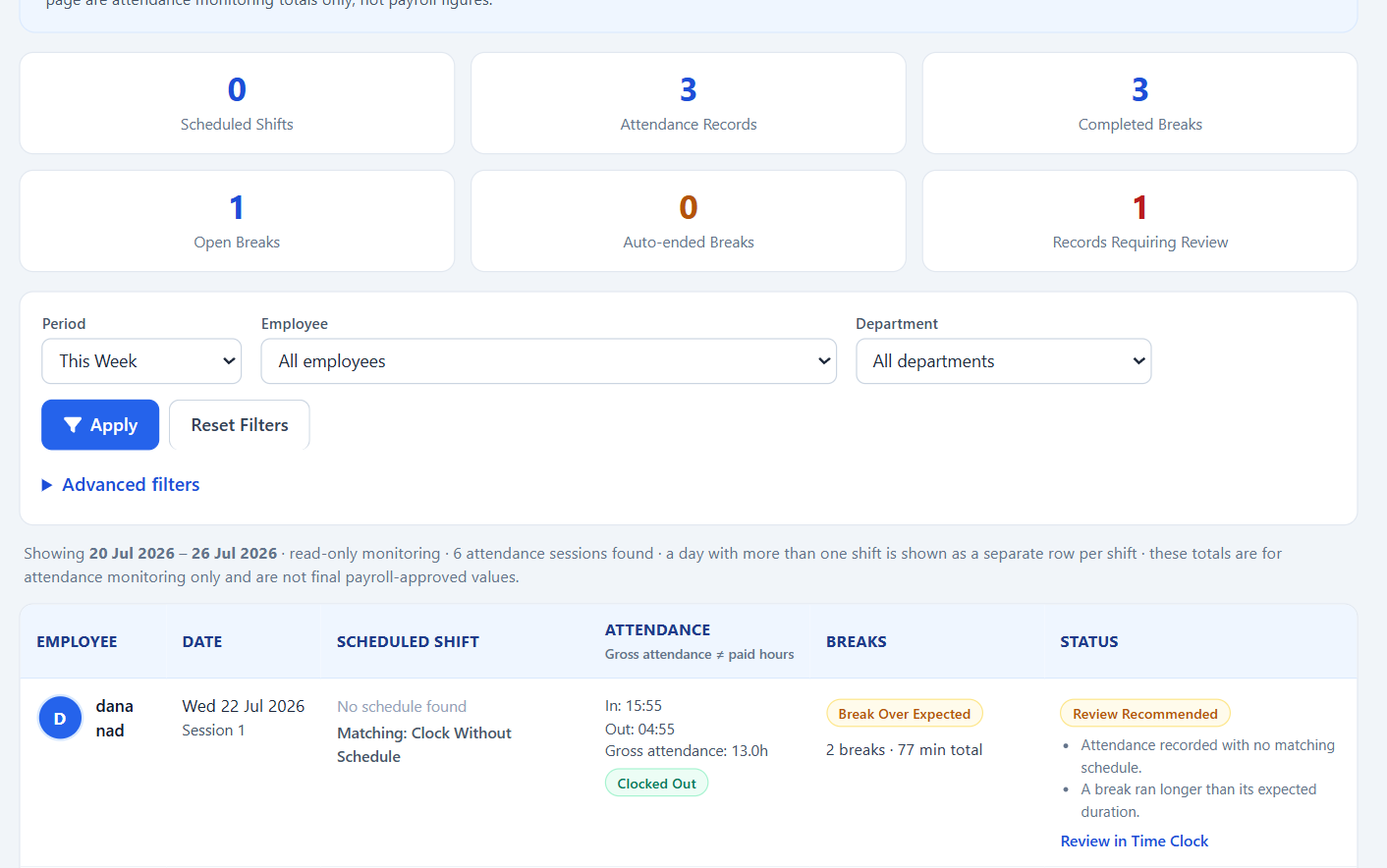
Attendance and breaks Clock times and break totals, with records flagged for review -
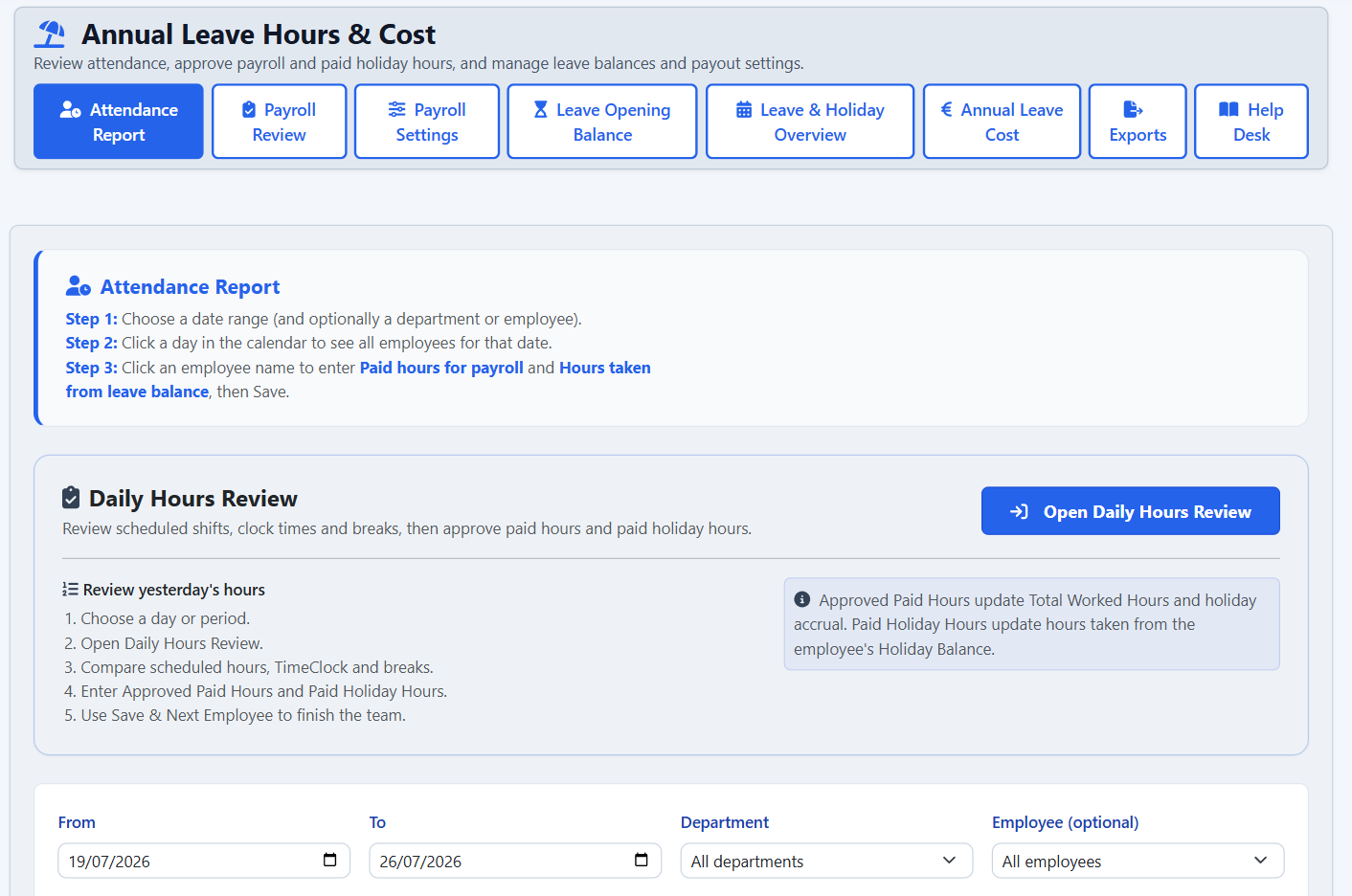
Daily Hours Review Compare scheduled, clocked and break time before approving hours
Requests, Holidays and Leave
One queue for swaps, leave and availability, with holiday balances and cover controlled.
-
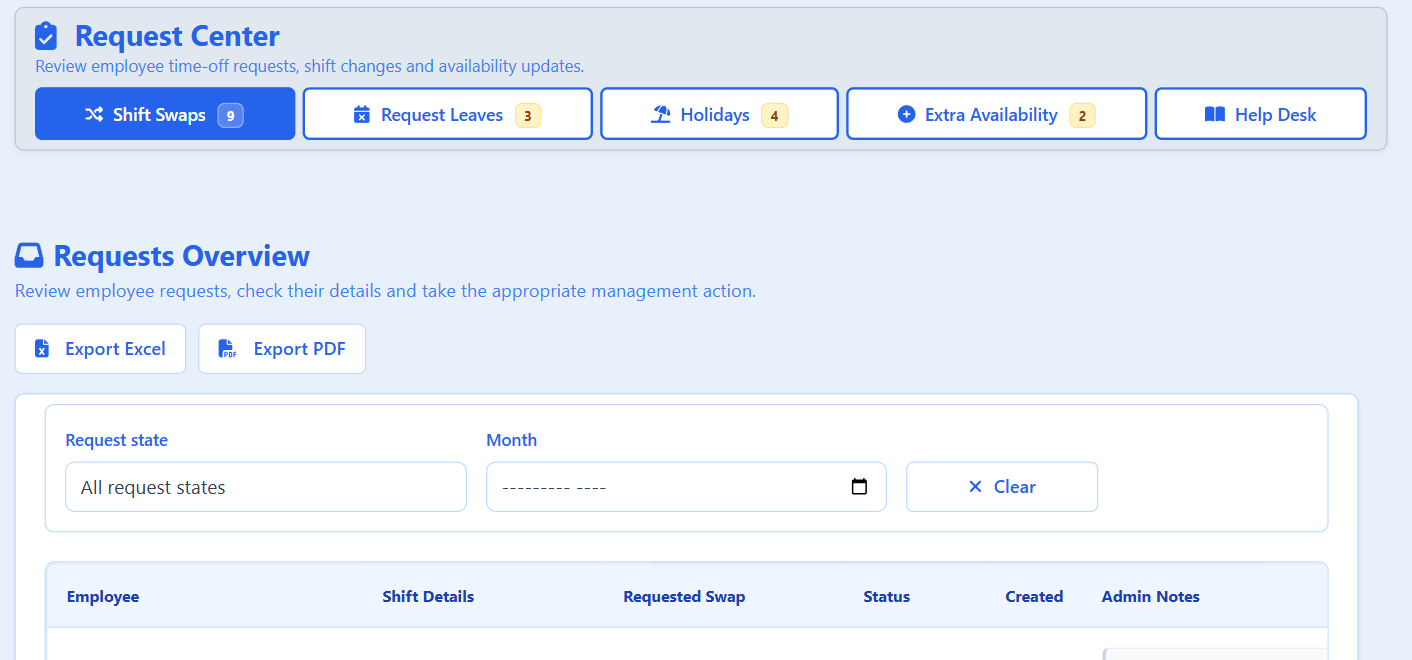
Request Centre Swaps, sick days, holidays and availability in one queue -
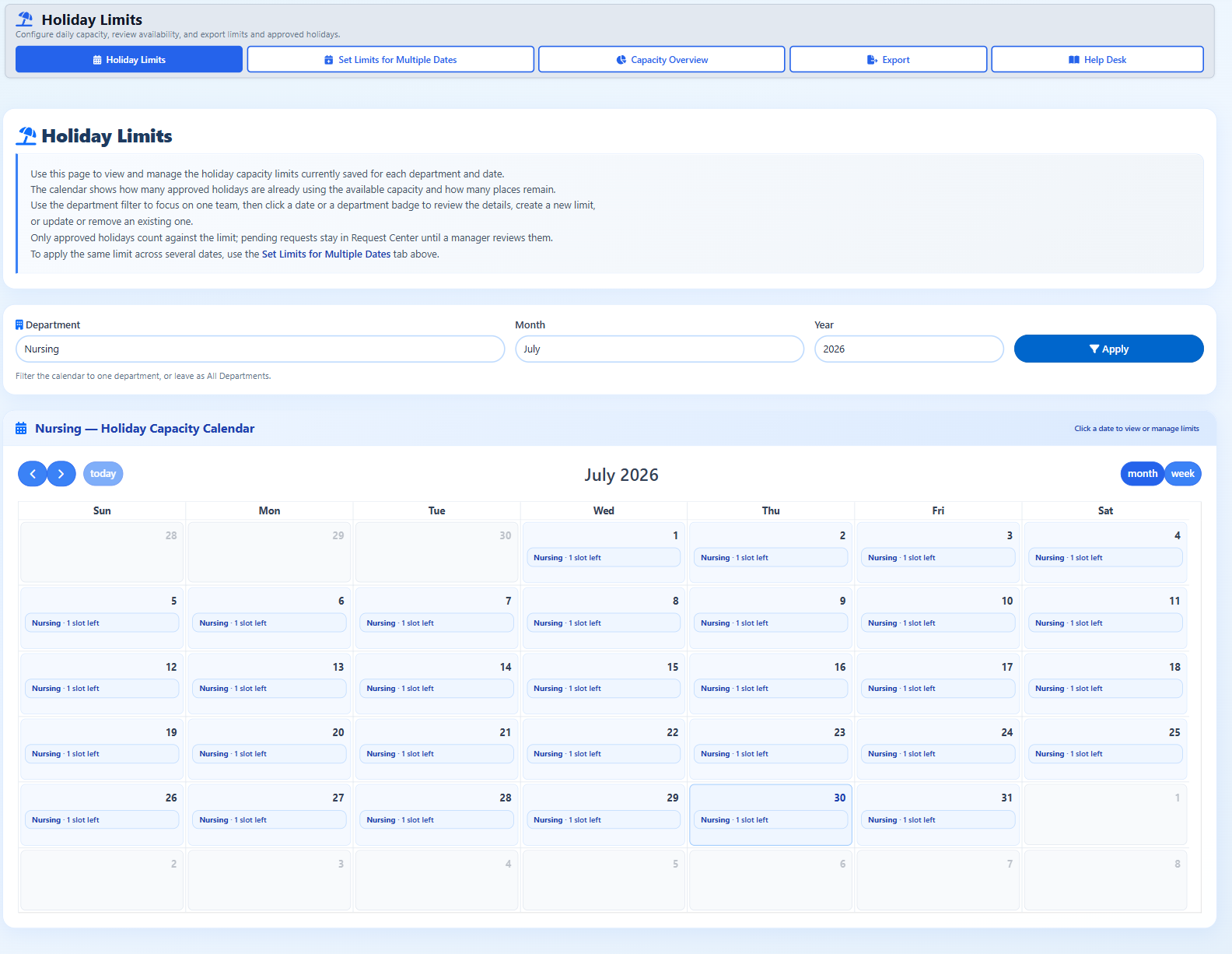
Holiday capacity calendar How many holiday places are left on each day, per department -
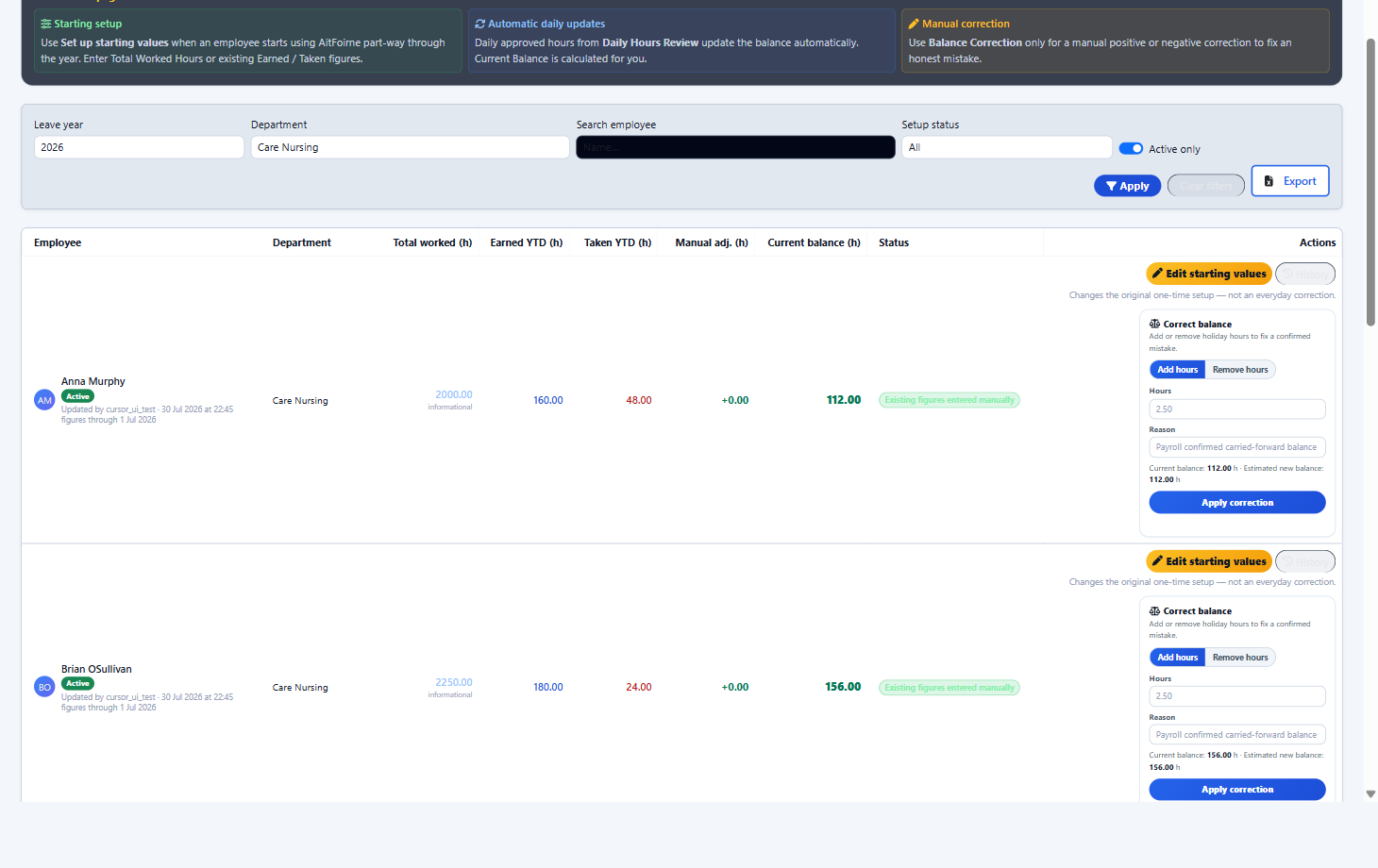
Holiday Balance overview Earned, taken and remaining holiday hours per employee
People and HR
Staff records, contracts and training kept in the same system as the rota.
-
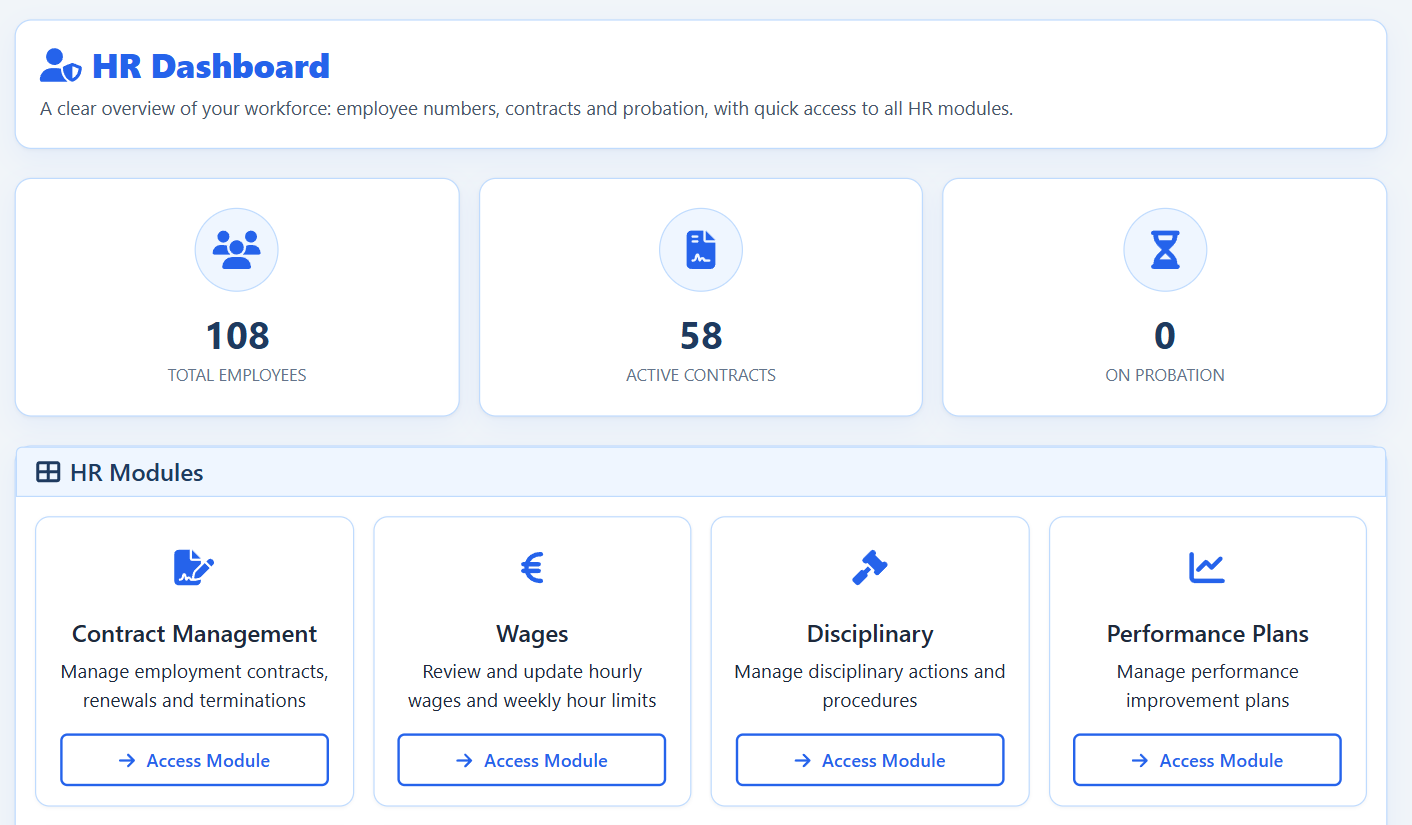
HR overview Contracts, probation and HR activity in one place -
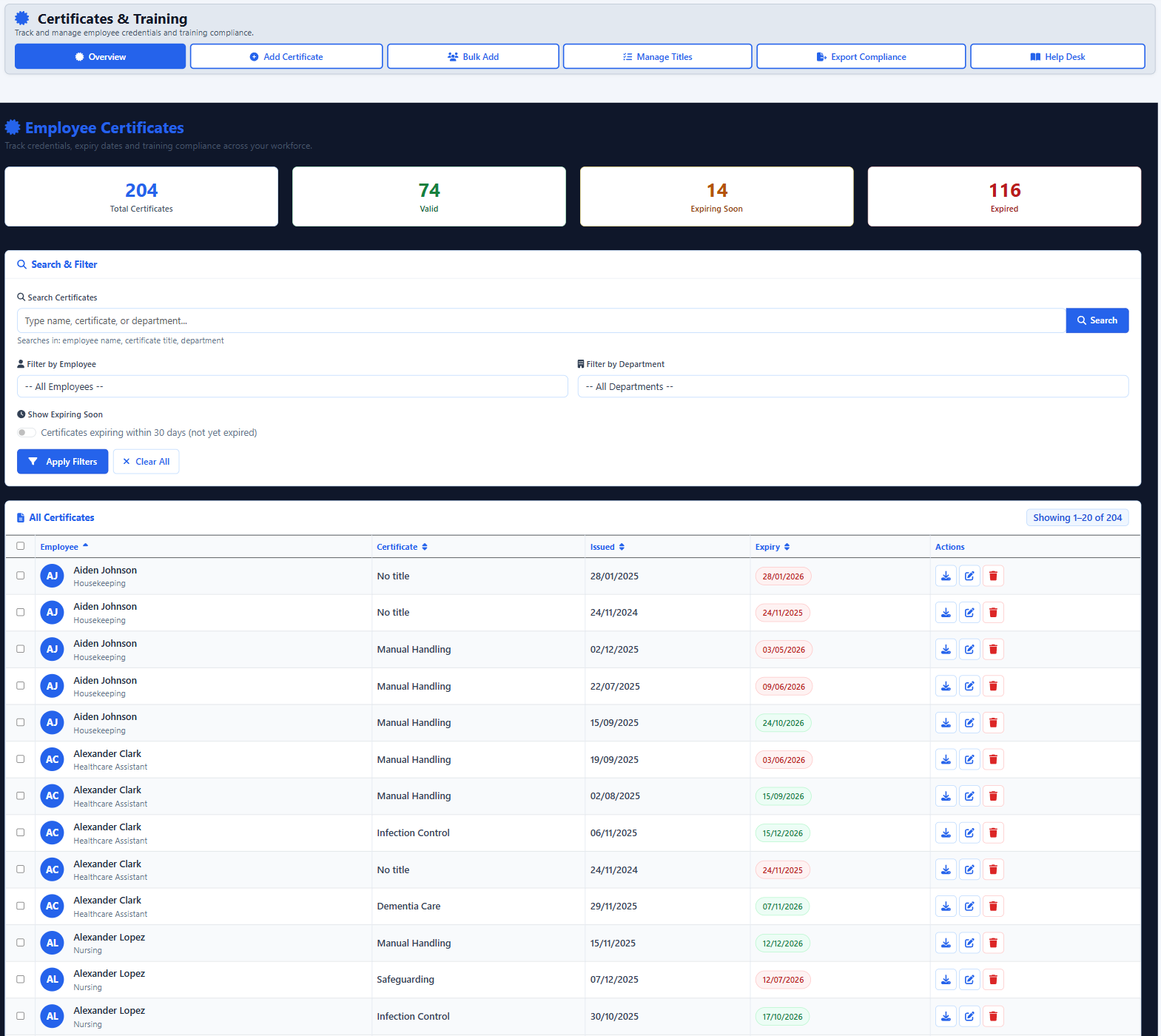
Certificates and training Valid, expiring and expired credentials across the workforce
Access and Workforce Planning
Who can see what, and whether the home has the hours it needs.
-
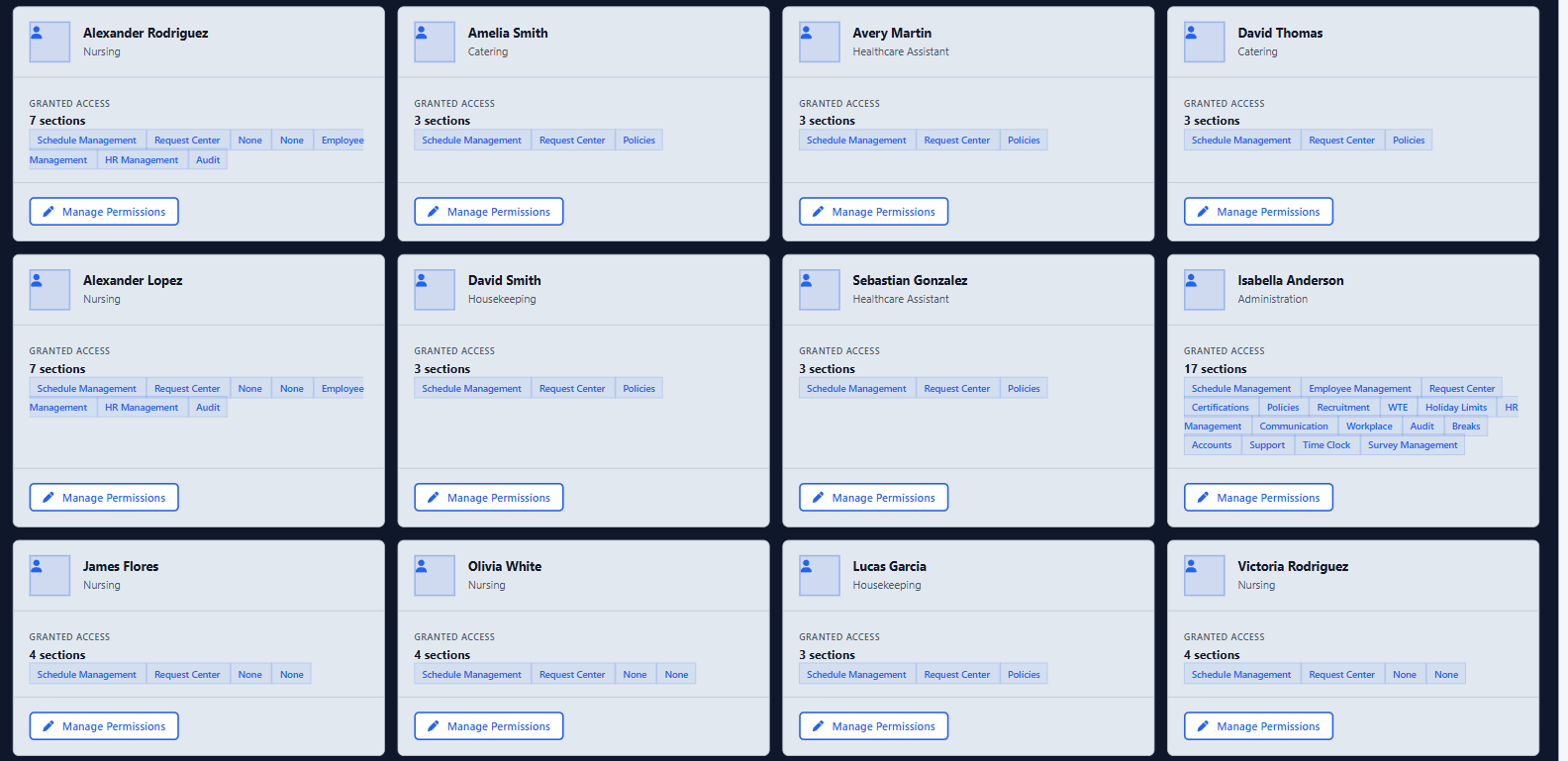
Employee permissions Each person sees only the sections they have been given -
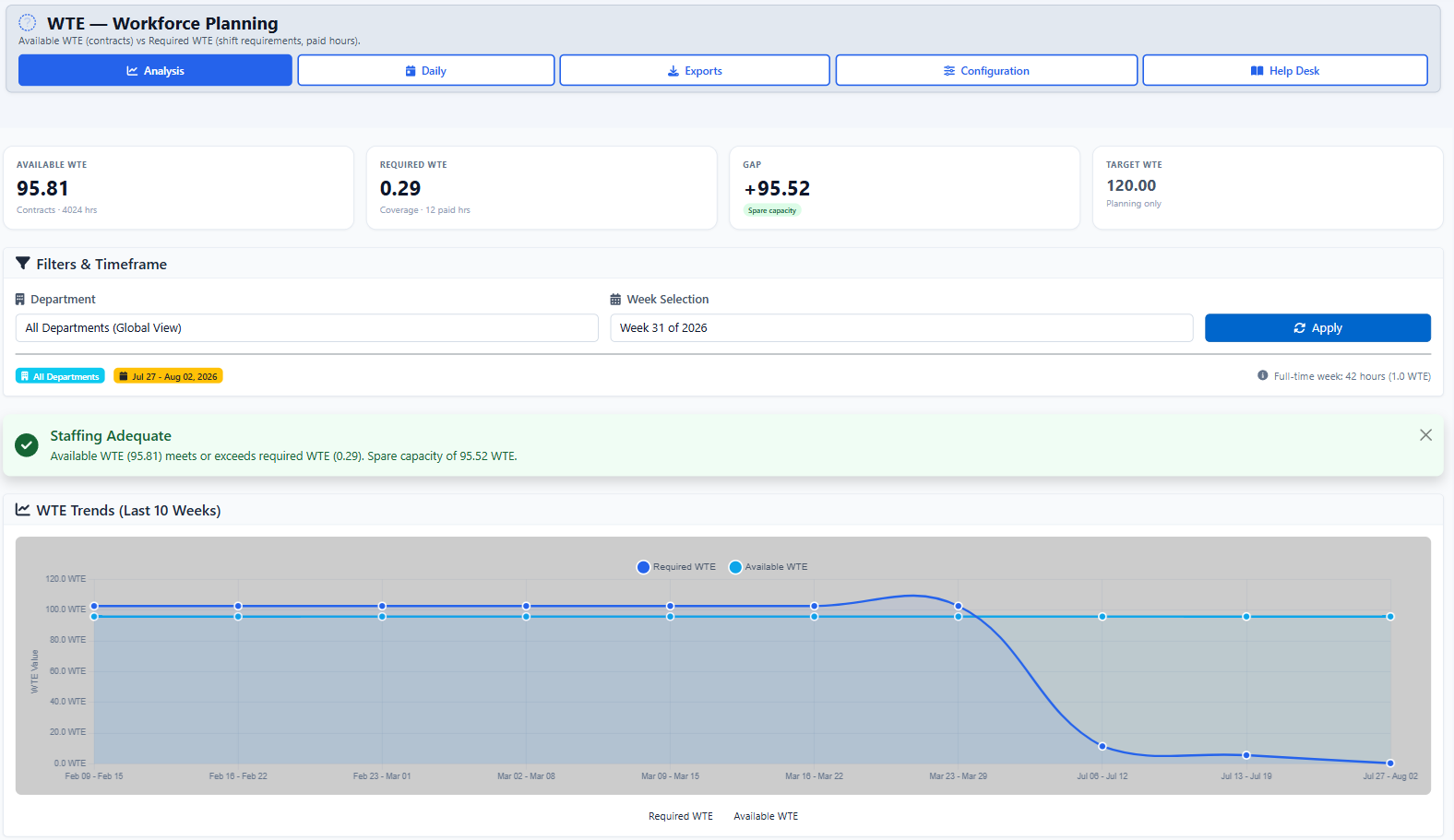
WTE workforce planning Contracted hours against required cover, tracked week by week
Policies, Audits and Compliance
Evidence that policies were read and audits were completed.
-
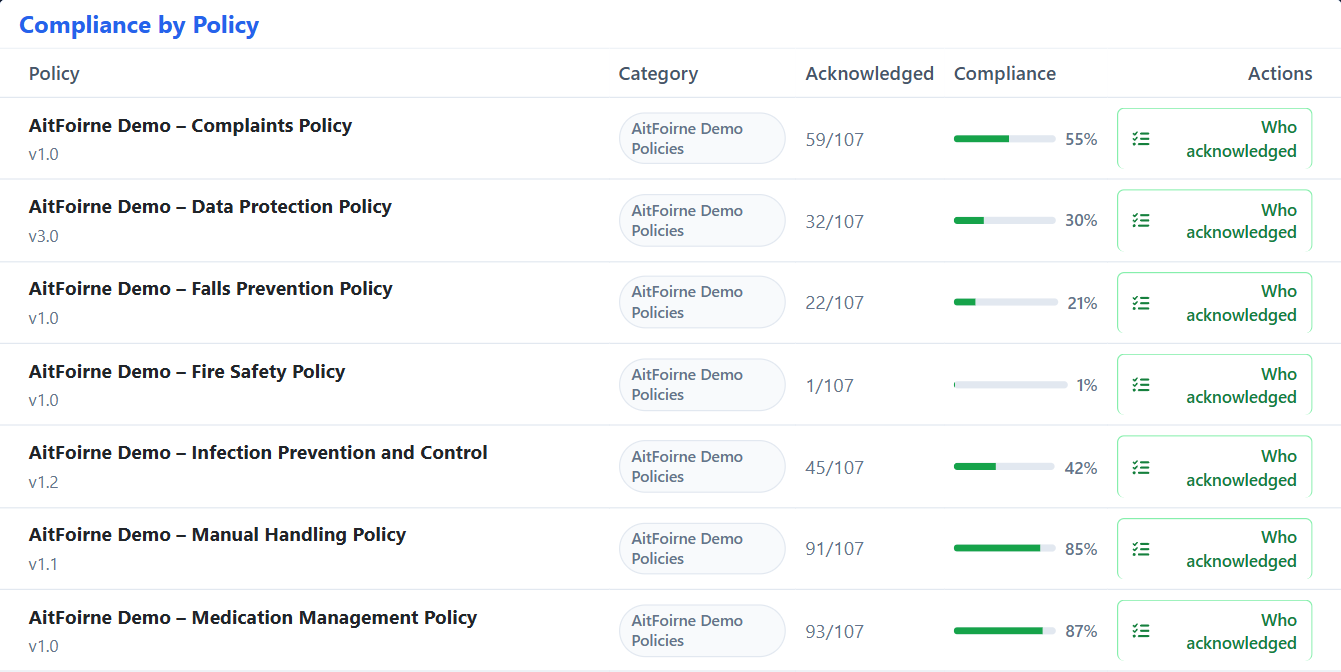
Policy acknowledgement How many staff have read each active policy -
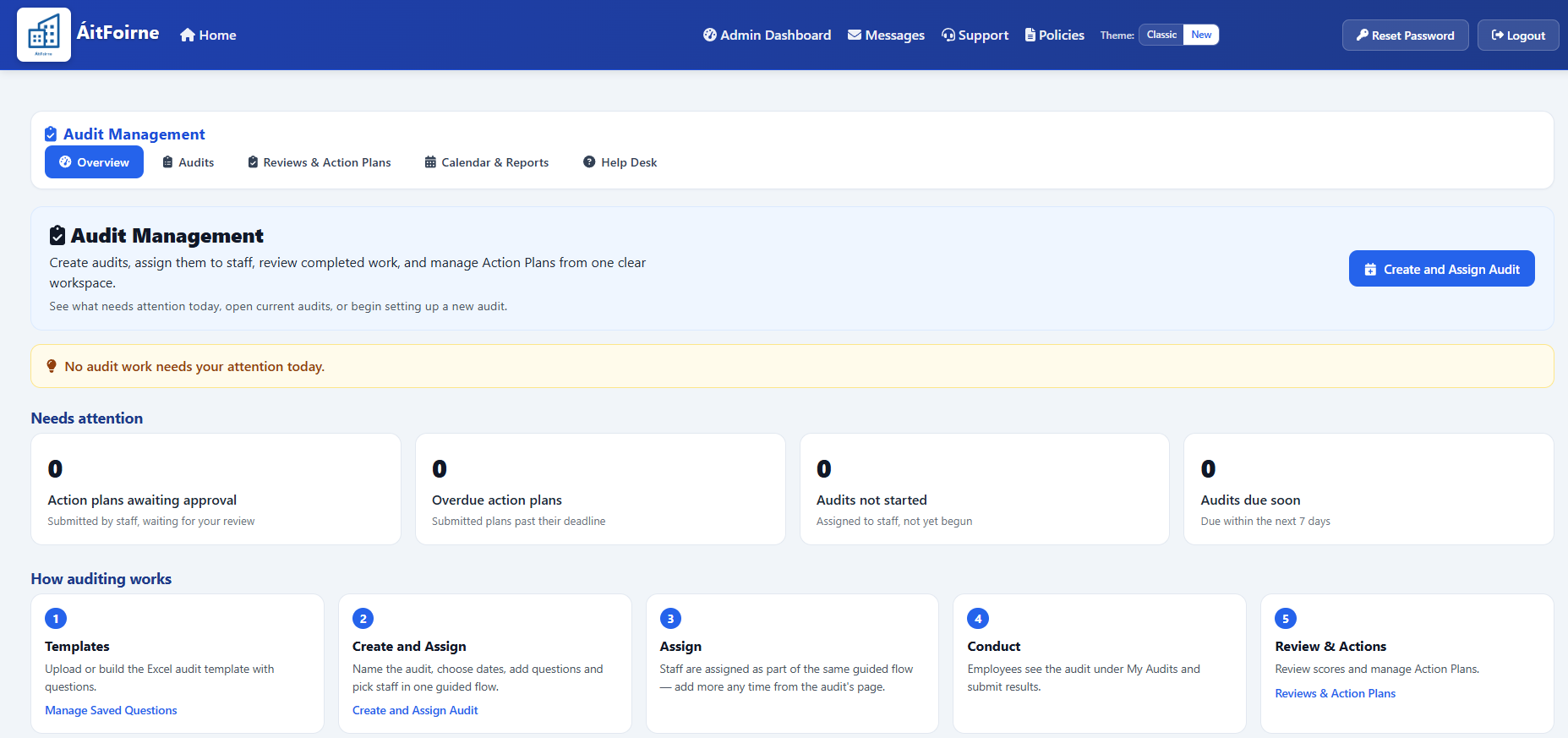
Audit management Create, assign and review audits and their action plans
Maintenance and Communication
Day-to-day issues and internal messages alongside the rota.
-
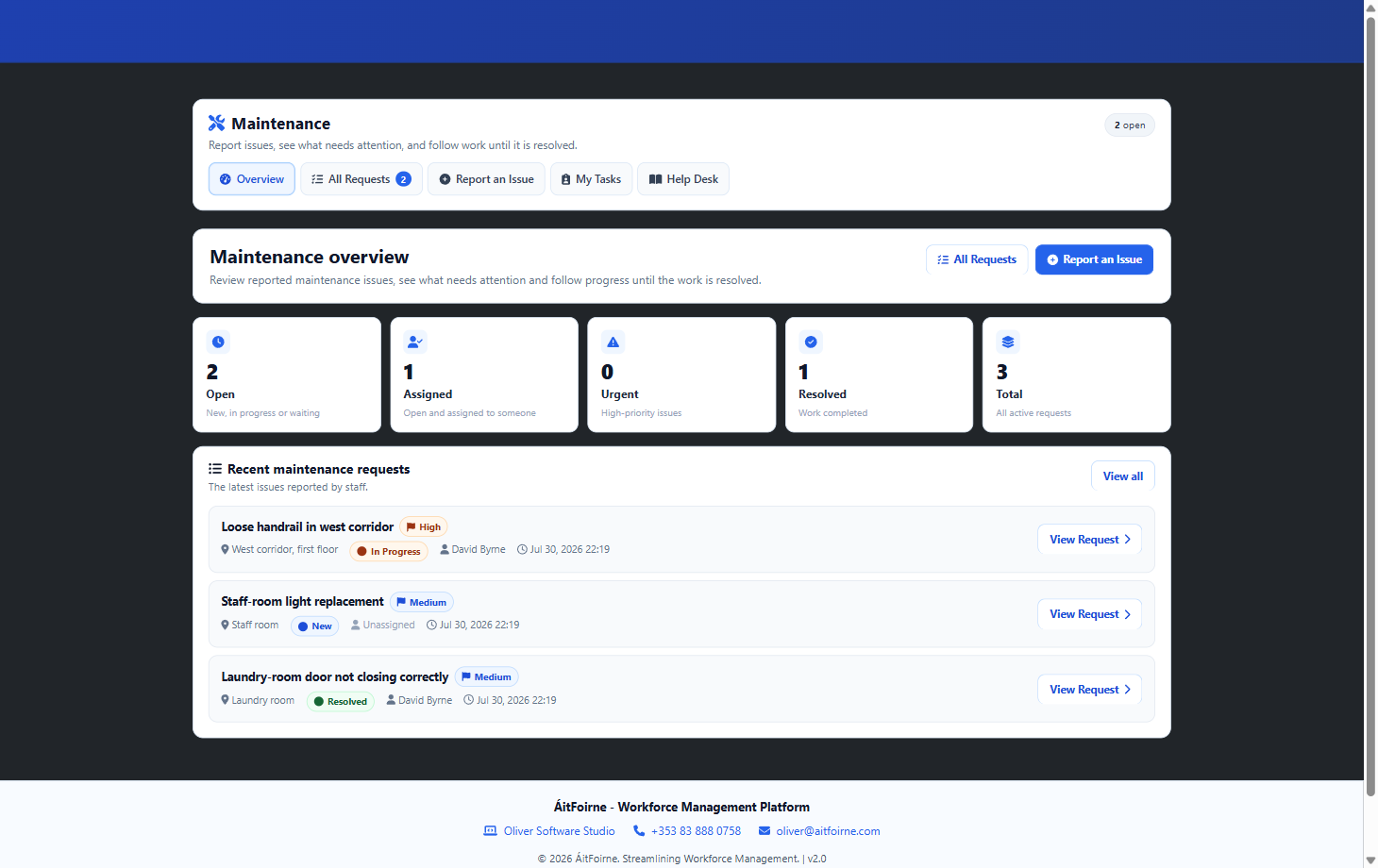
Maintenance Open, in-progress and completed facility issues in one list -
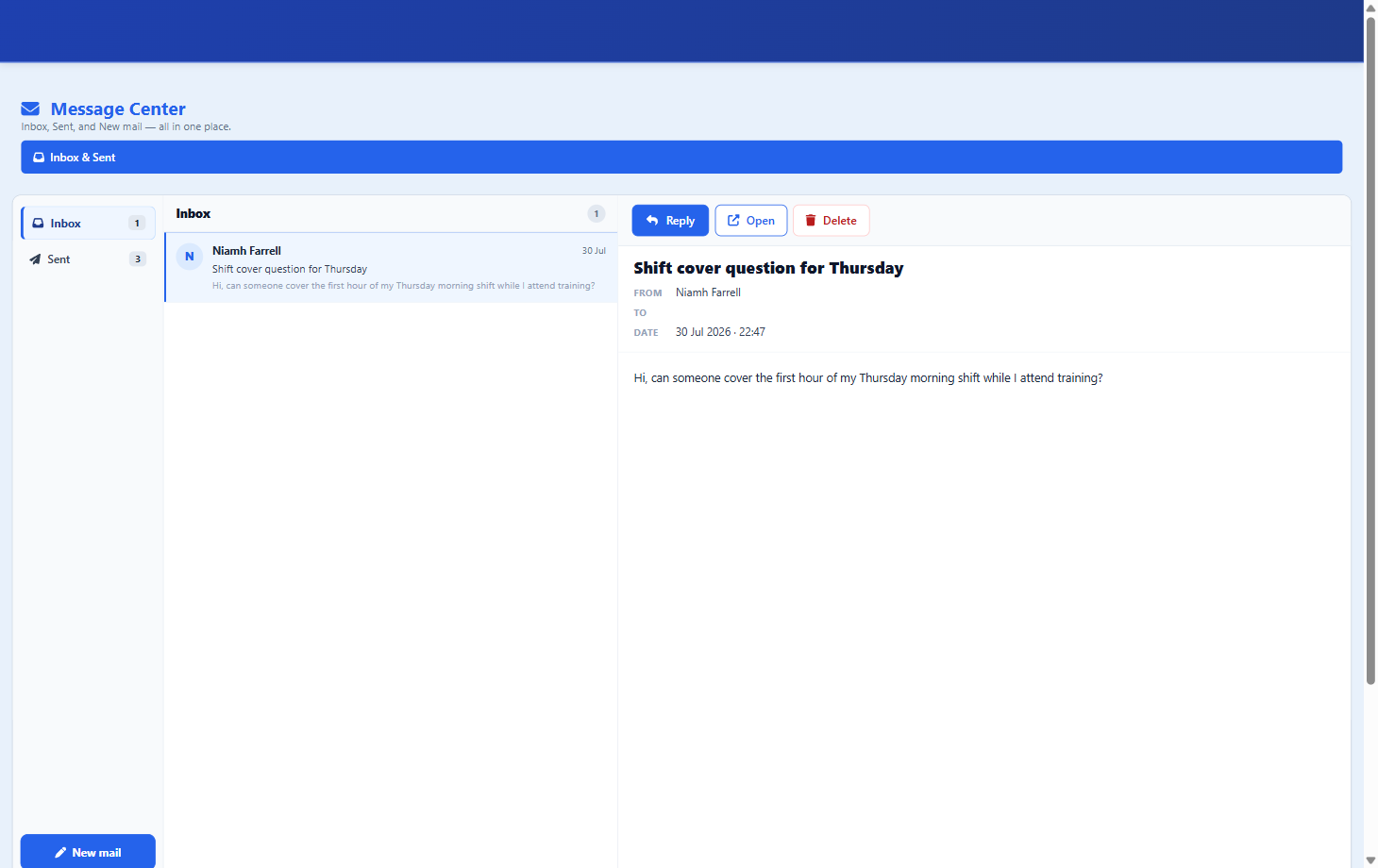
Message Center Internal messages between managers and staff, with previews
Clinical
What authorised Clinical roles use during a shift: grant Care Portal access, record Daily Care on a workplace tablet or phone, then review Today’s Care and the Resident Day Timeline. A job title does not open Clinical by itself.
Open Clinical
DONs and authorised Clinical managers enter Clinical from their normal ÁitFoirne dashboard.
-
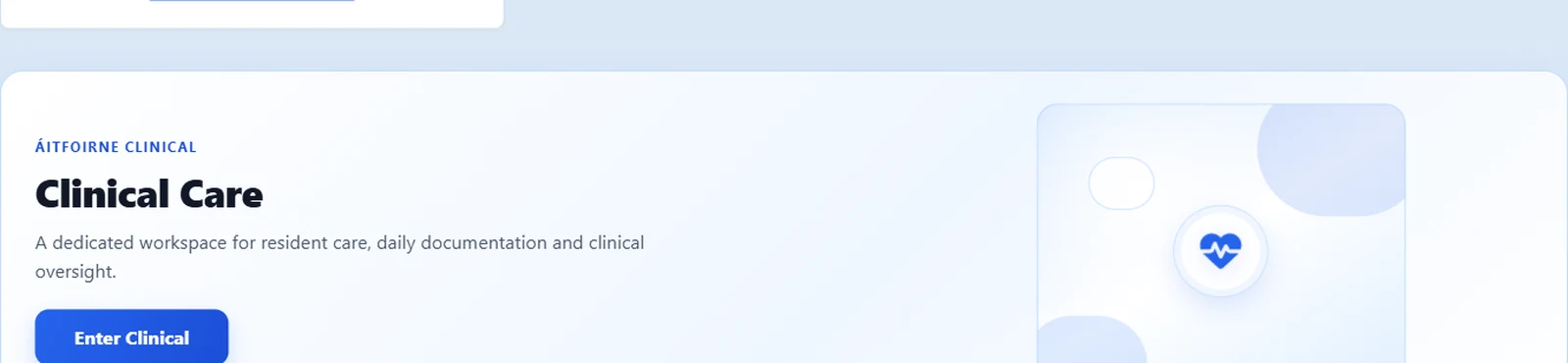
Open Clinical from ÁitFoirne The Clinical Care card on the ÁitFoirne dashboard -
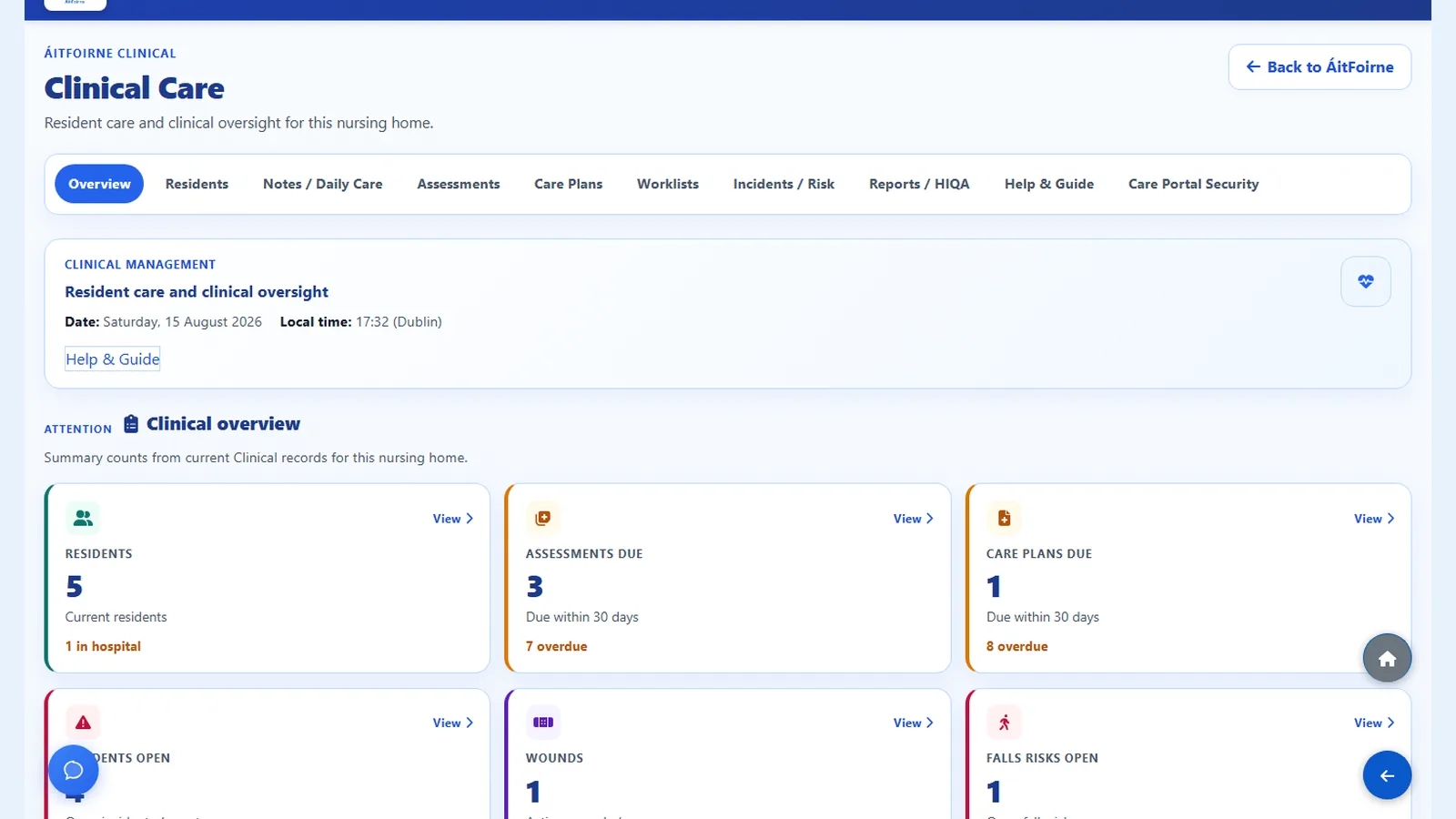
Clinical overview Residents, reviews due and Clinical work in one place -
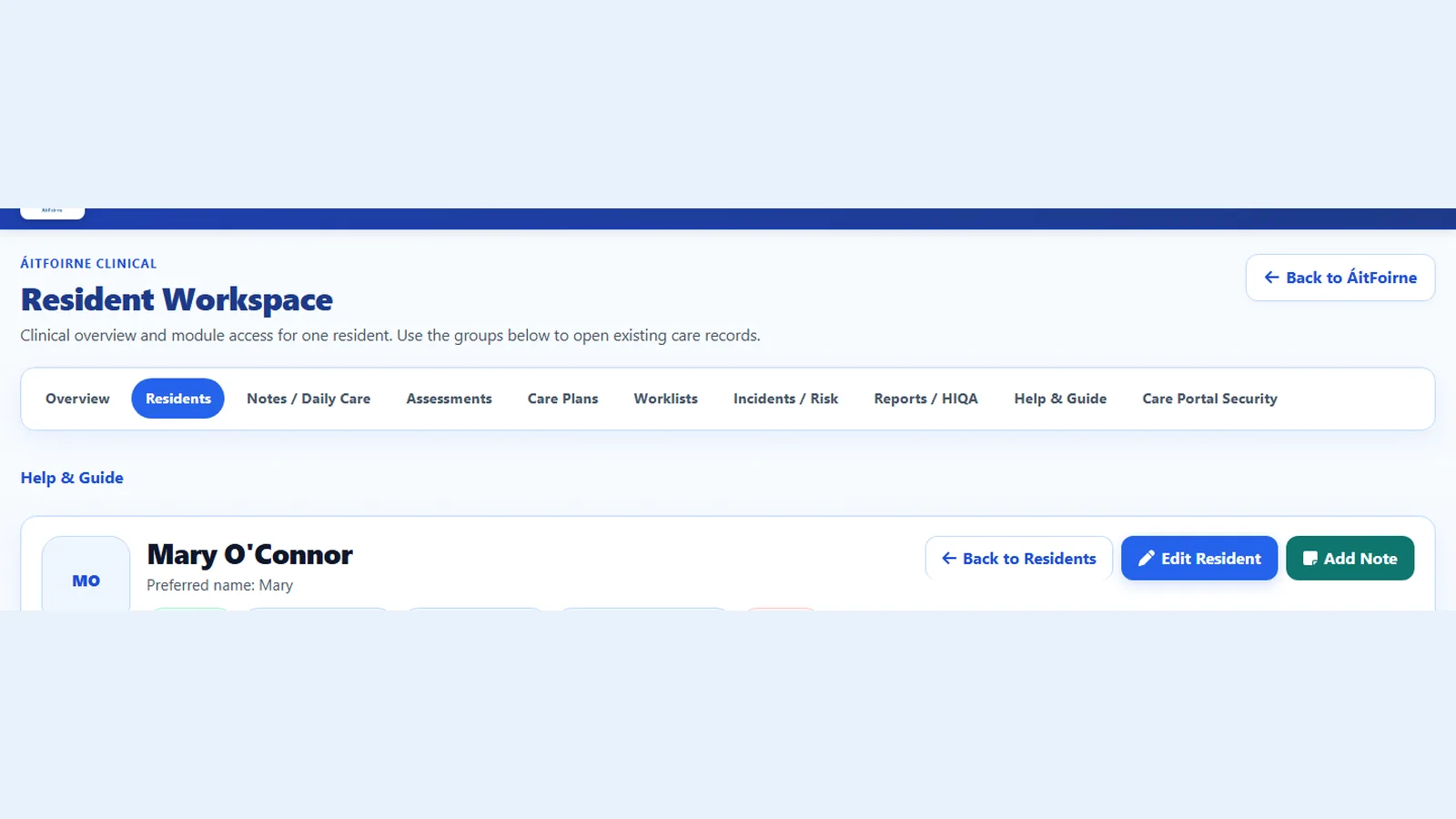
Resident workspace Open one resident and find their care file together
Clinical Access
Management assigns Healthcare Assistant or Nurse access. Each person then receives a separate six-digit Care Portal PIN, different from the Time Clock PIN.
-
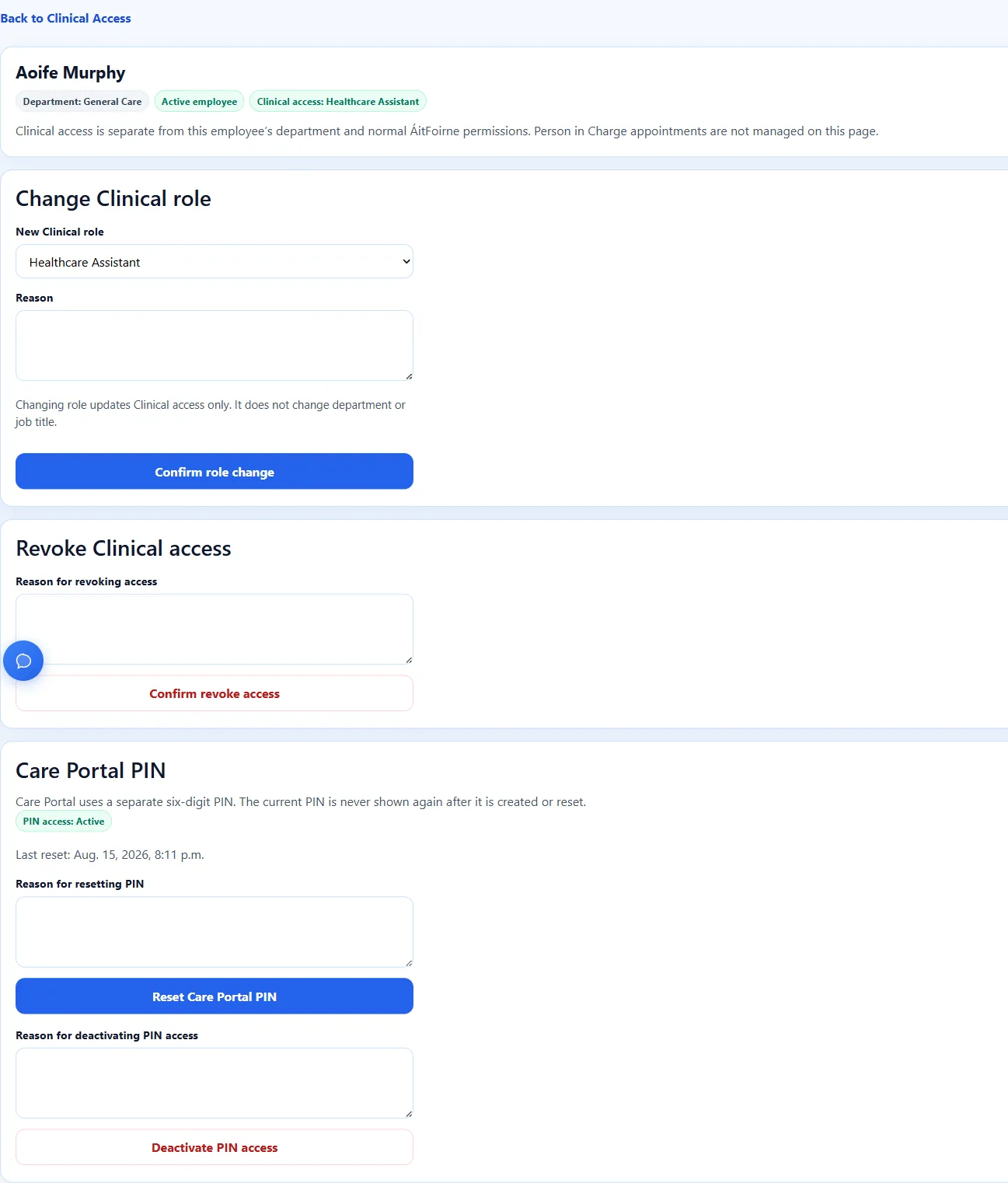
Grant Healthcare Assistant access Active HCA access and Care Portal PIN controls, with no PIN digits shown -
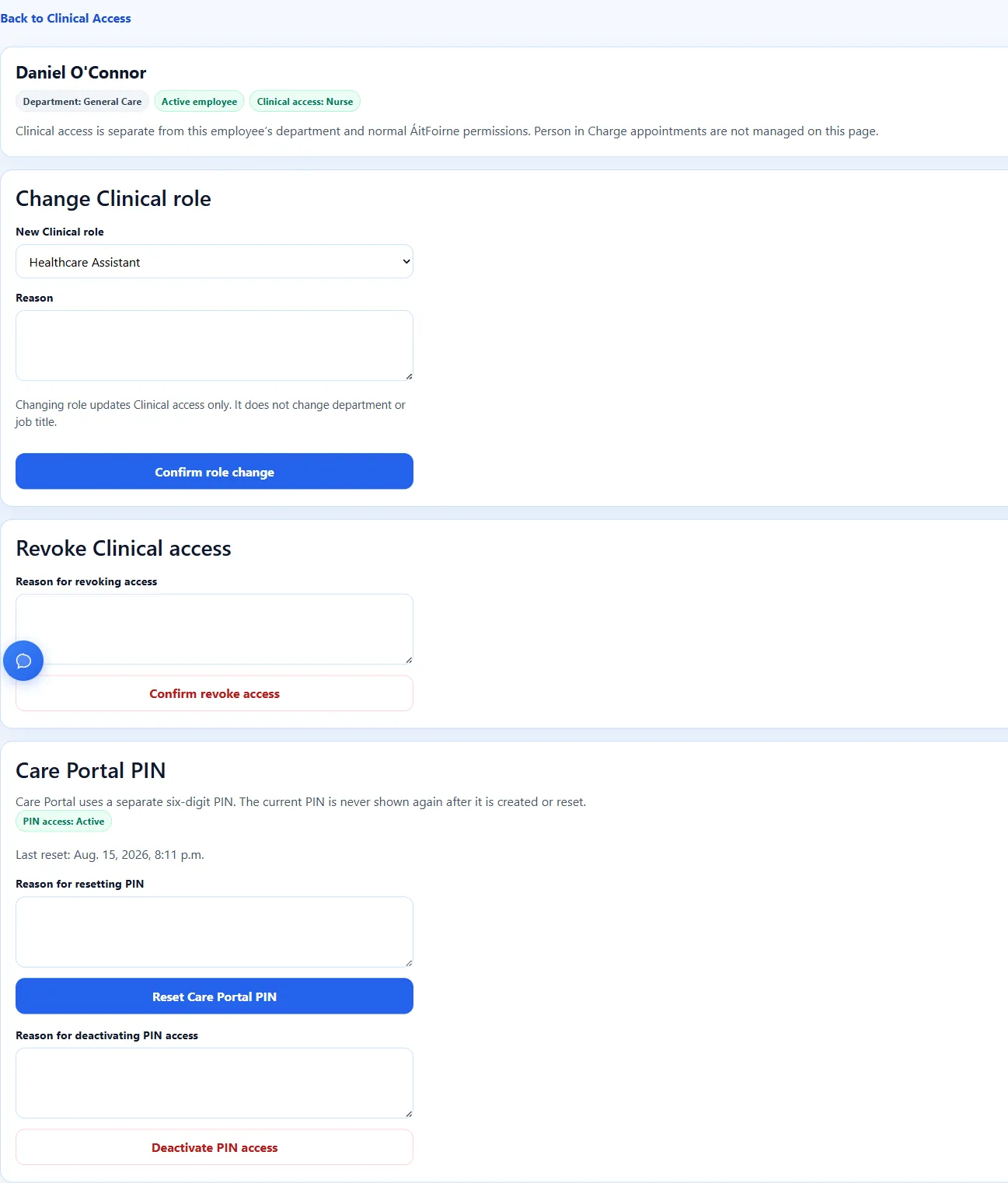
Grant Nurse access The same page for a Nurse, still without showing the PIN -

PIN shown once The new PIN is shown once, then only a redacted record remains
Care Portal
Staff add a home-screen shortcut, confirm they are at the workplace, select their name and enter their own PIN. It is not an App Store or Play Store download.
-
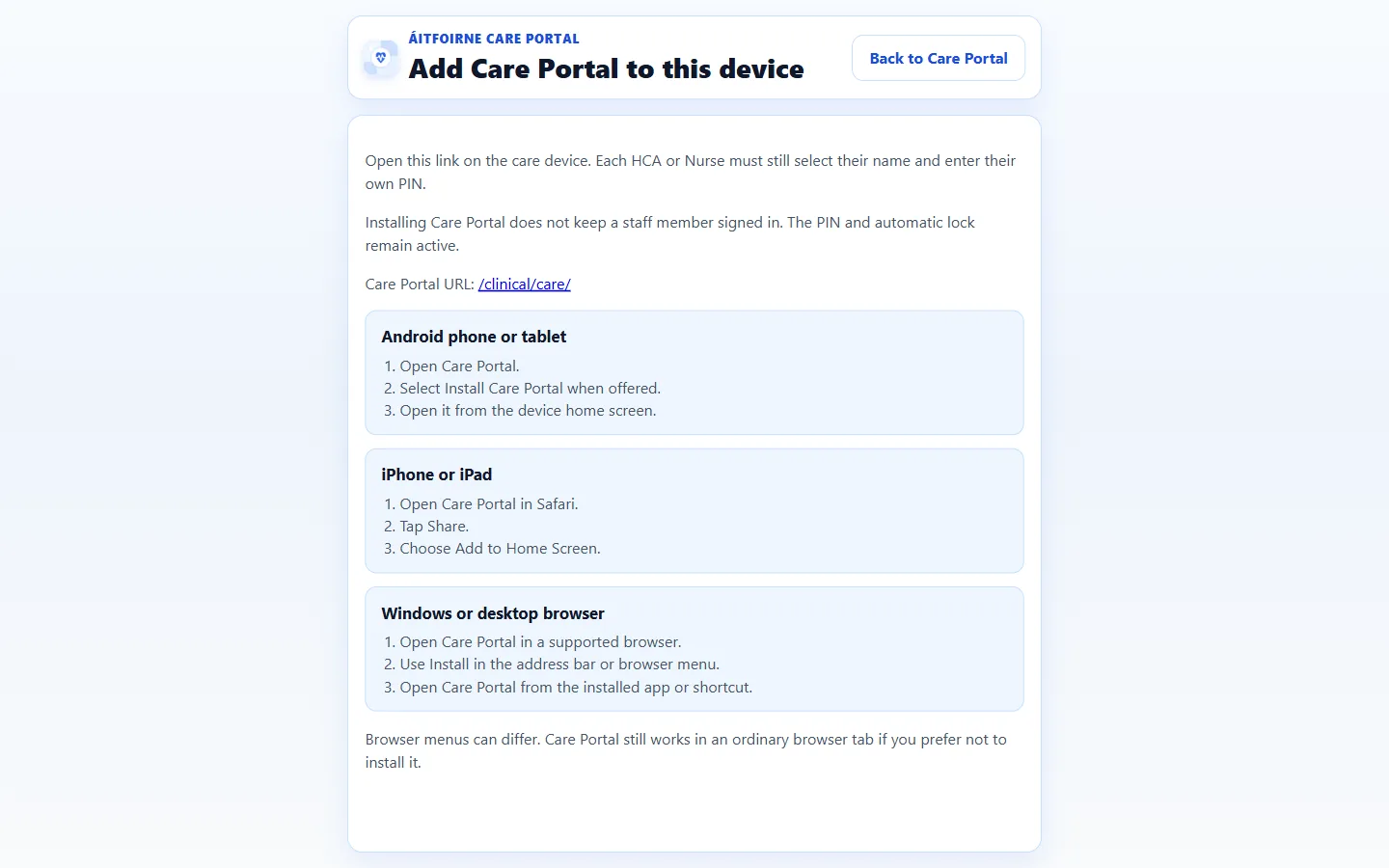
Add Care Portal to the device A secure web shortcut for the workplace tablet or phone -
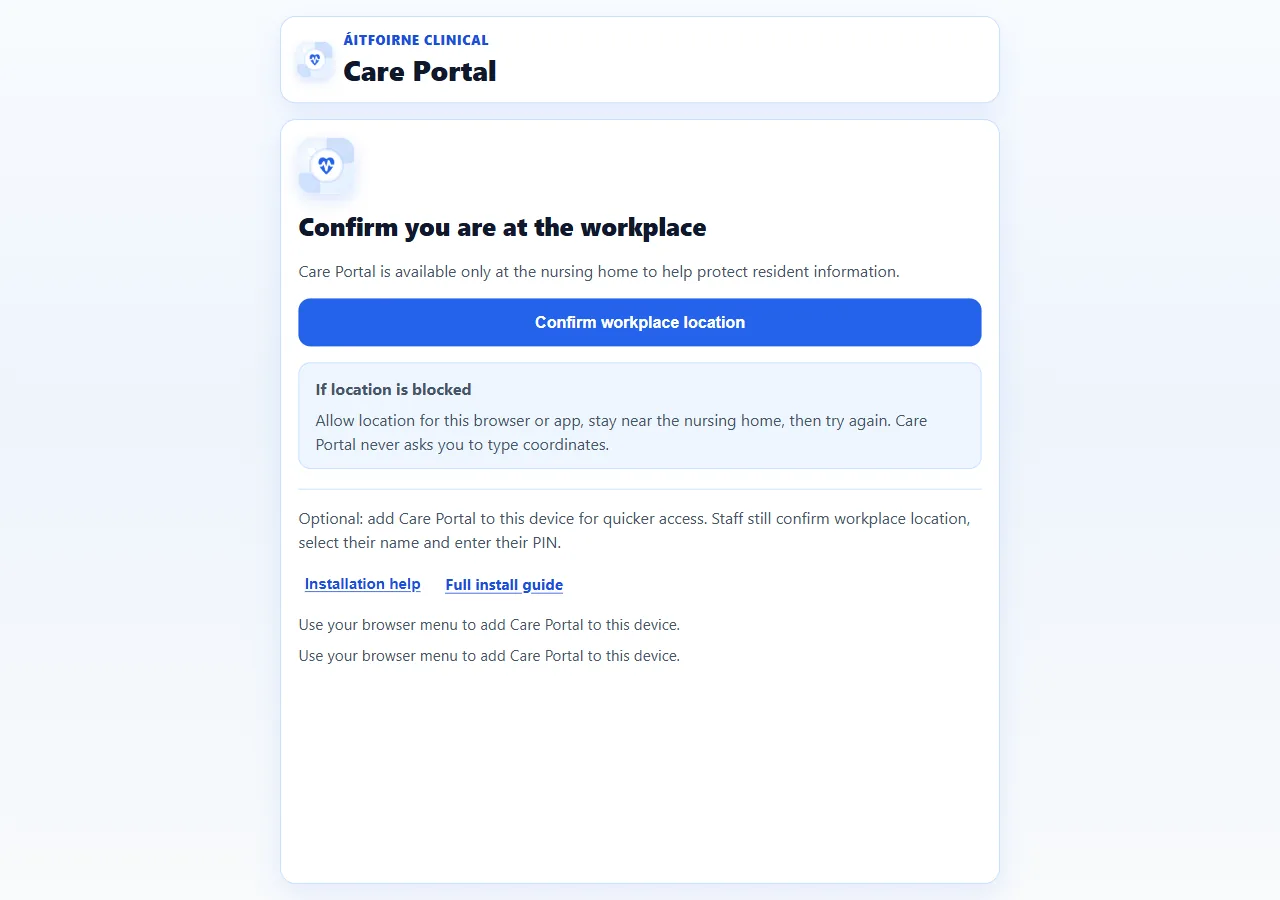
Confirm workplace location No staff list or PIN pad is shown until the device is at the home -
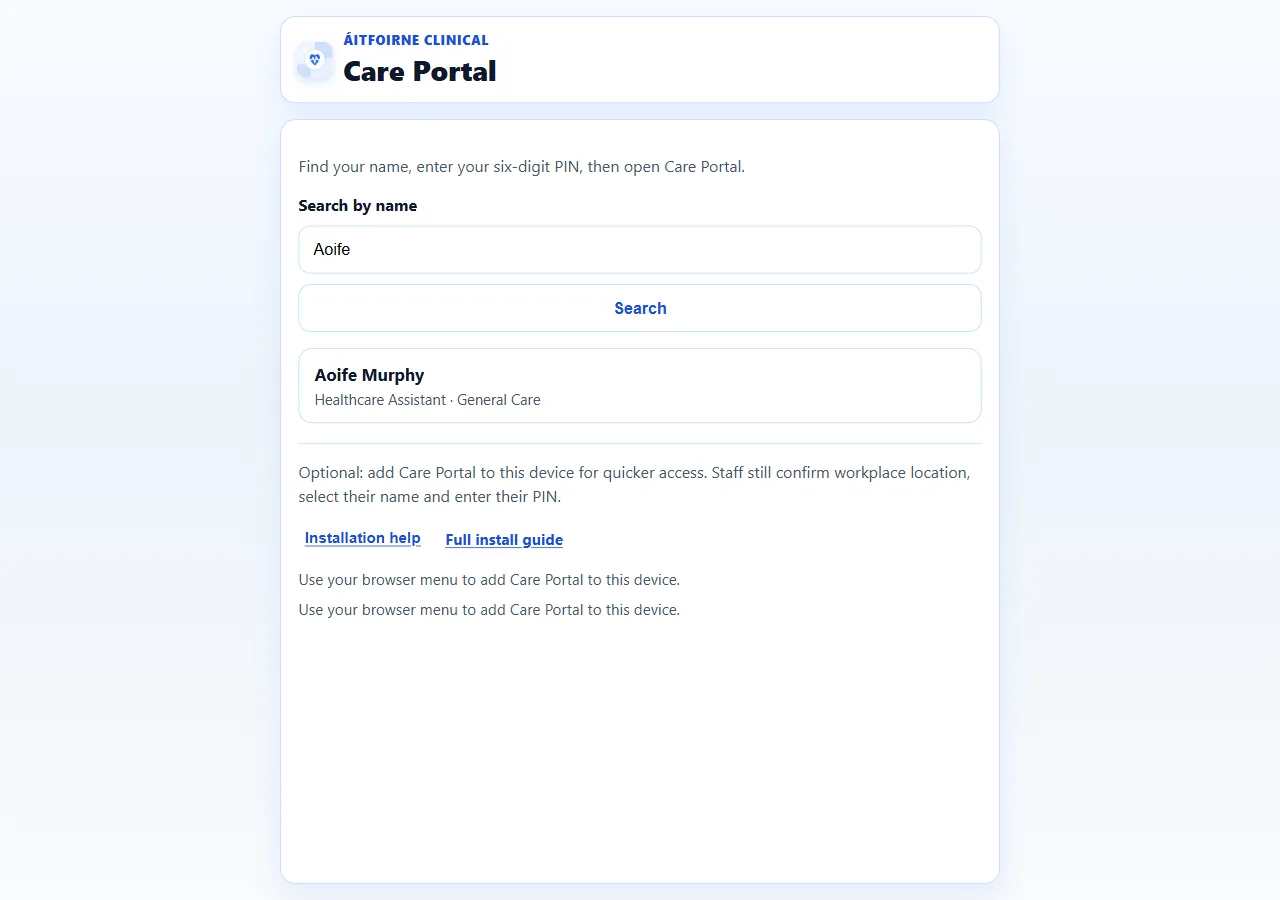
Select your name Staff find their own name on the shared device -
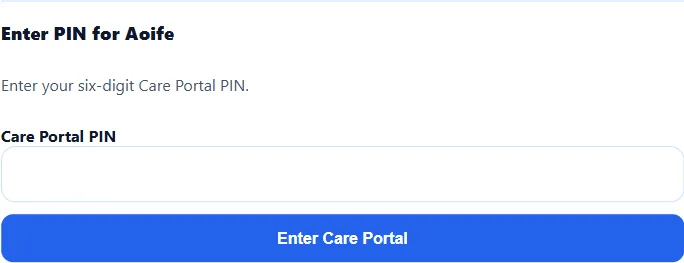
Enter your PIN The six-digit Care Portal PIN is typed here and is never displayed -
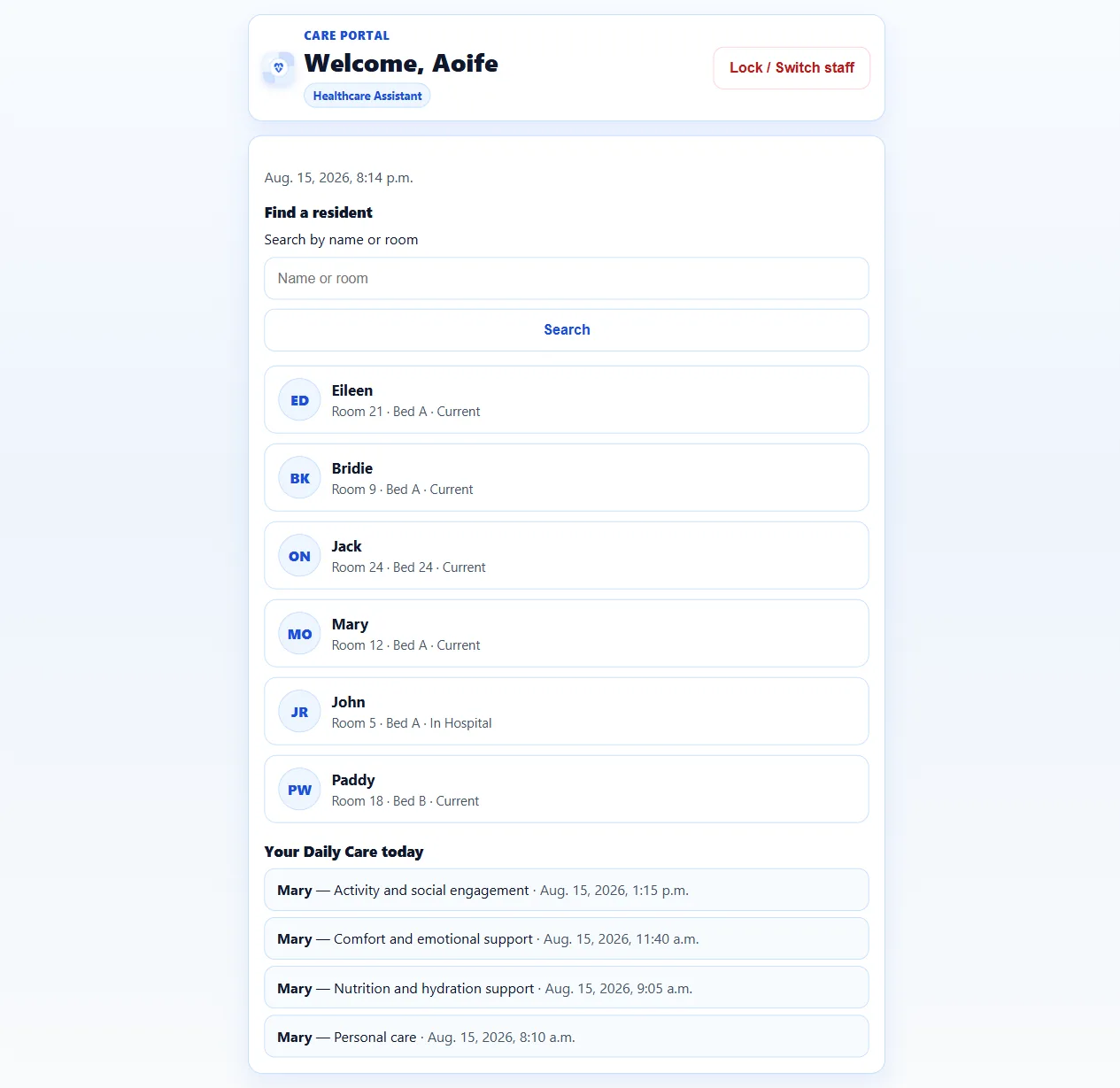
Healthcare Assistant home After the PIN, the HCA sees today’s Care Portal home -
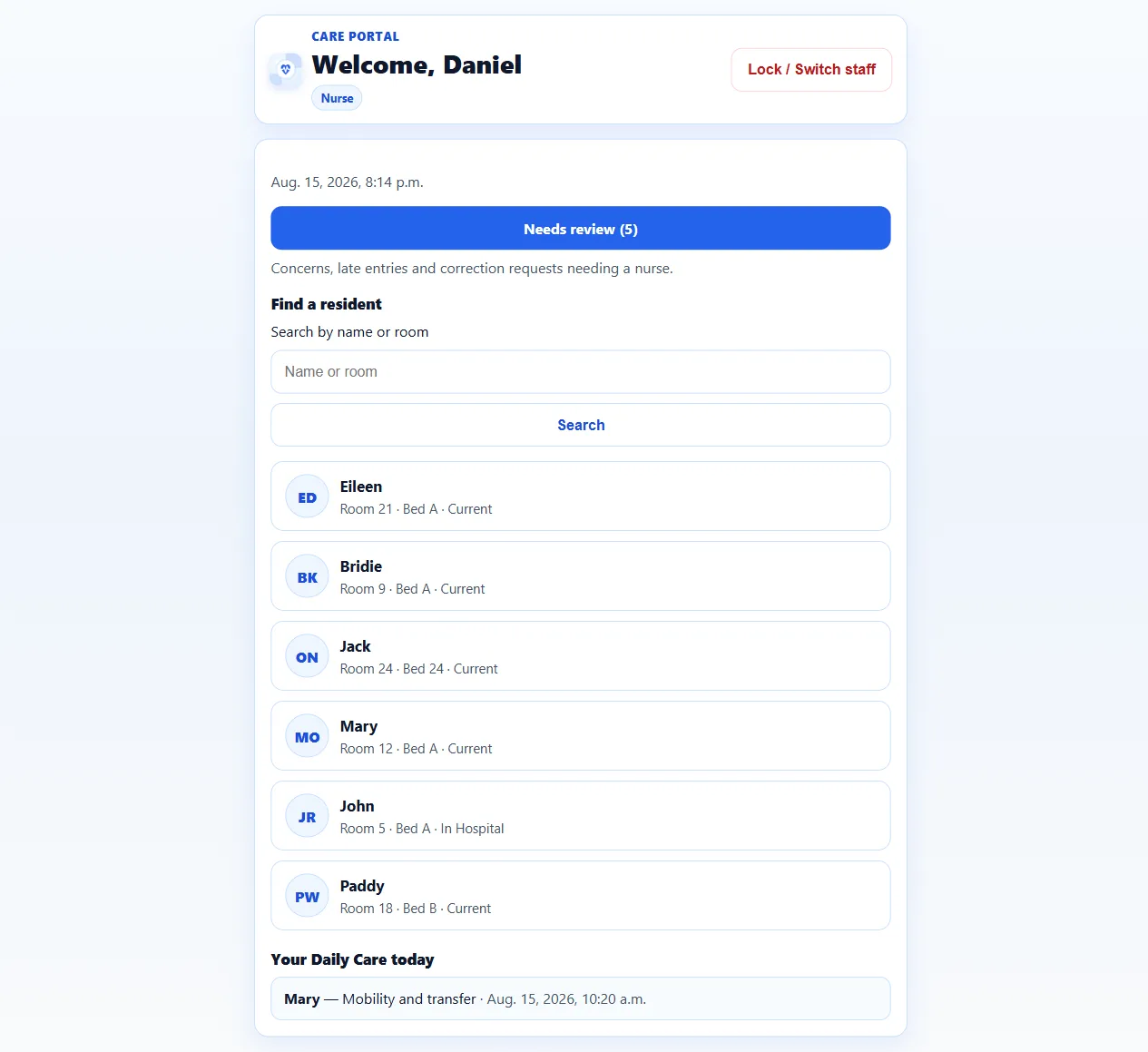
Nurse home A Nurse sees the same Care Portal, plus review work
Daily Care
Find the resident, record the care, and keep the submitted entry on that person’s list.
-
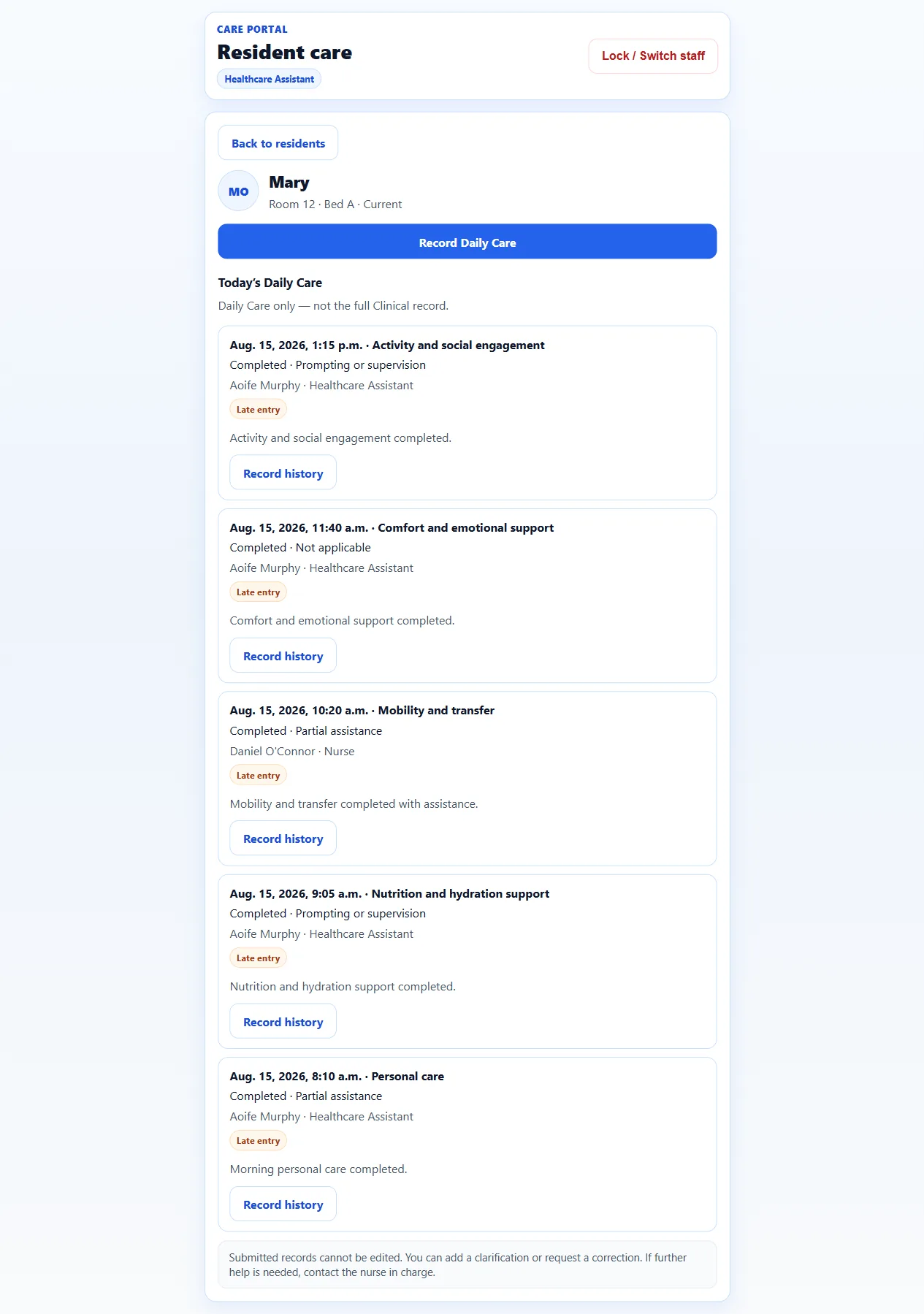
Resident Daily Care Submitted care stays on the resident’s Daily Care list -
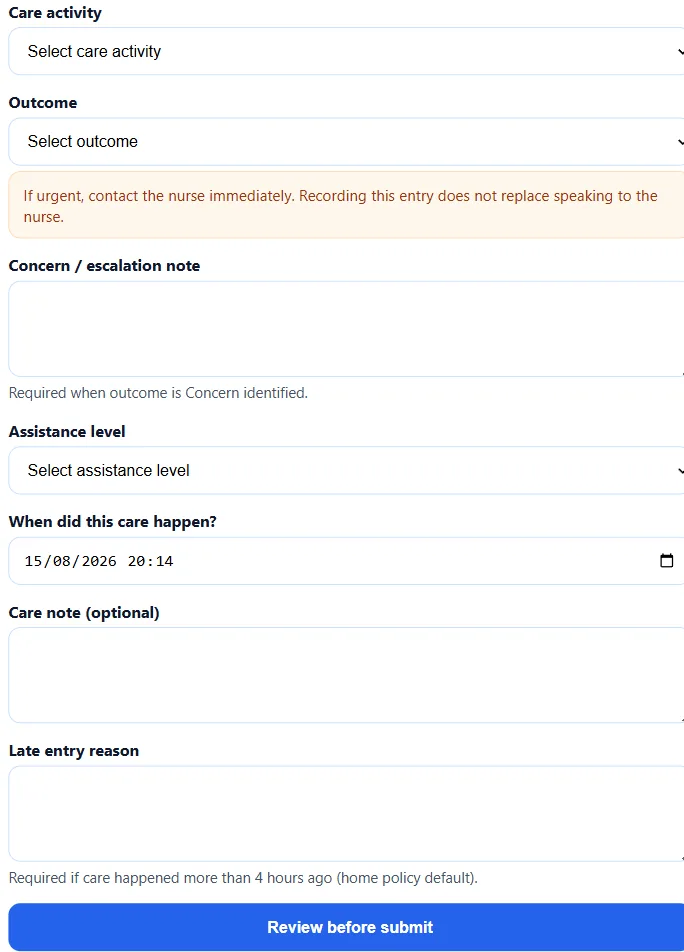
Record Daily Care Personal care, meals, mobility, comfort and other daily support
Nurse review
A Nurse can mark another person’s entry as reviewed or ask for follow-up. That is not the same as approving a formal correction.
-
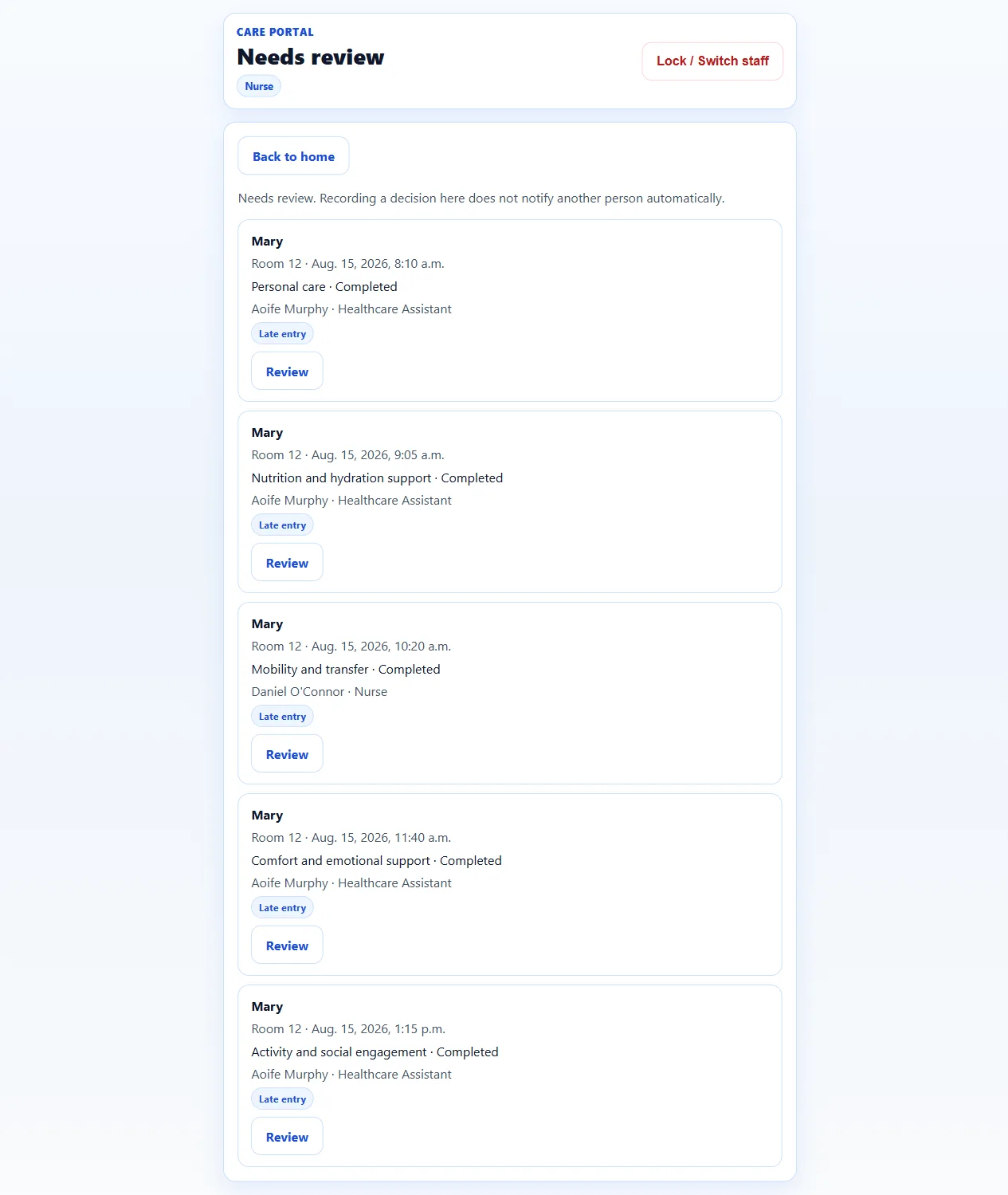
Needs review Concerns, late entries and follow-up sit in one Nurse list -
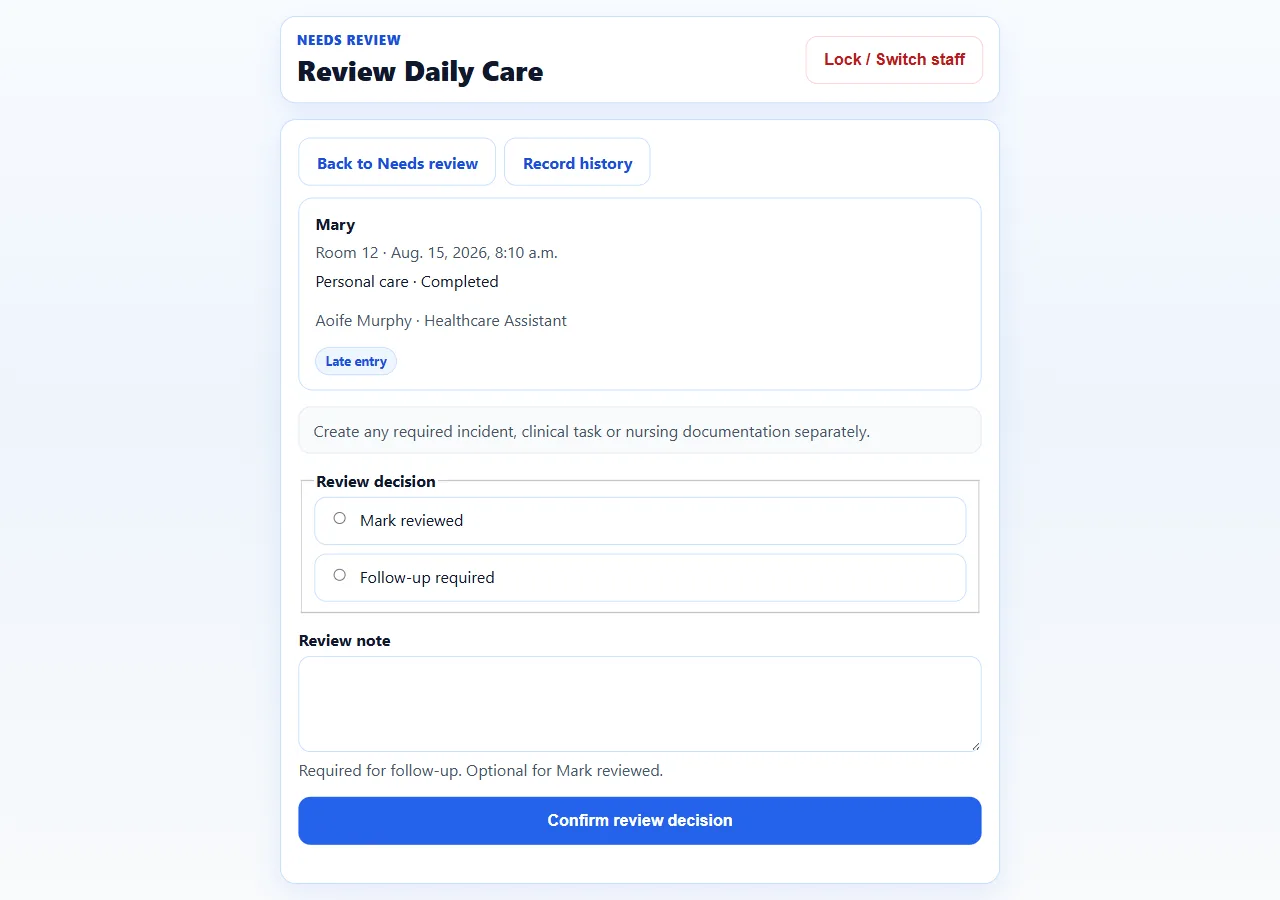
Review or follow up Mark reviewed, or ask for follow-up, without changing the original -
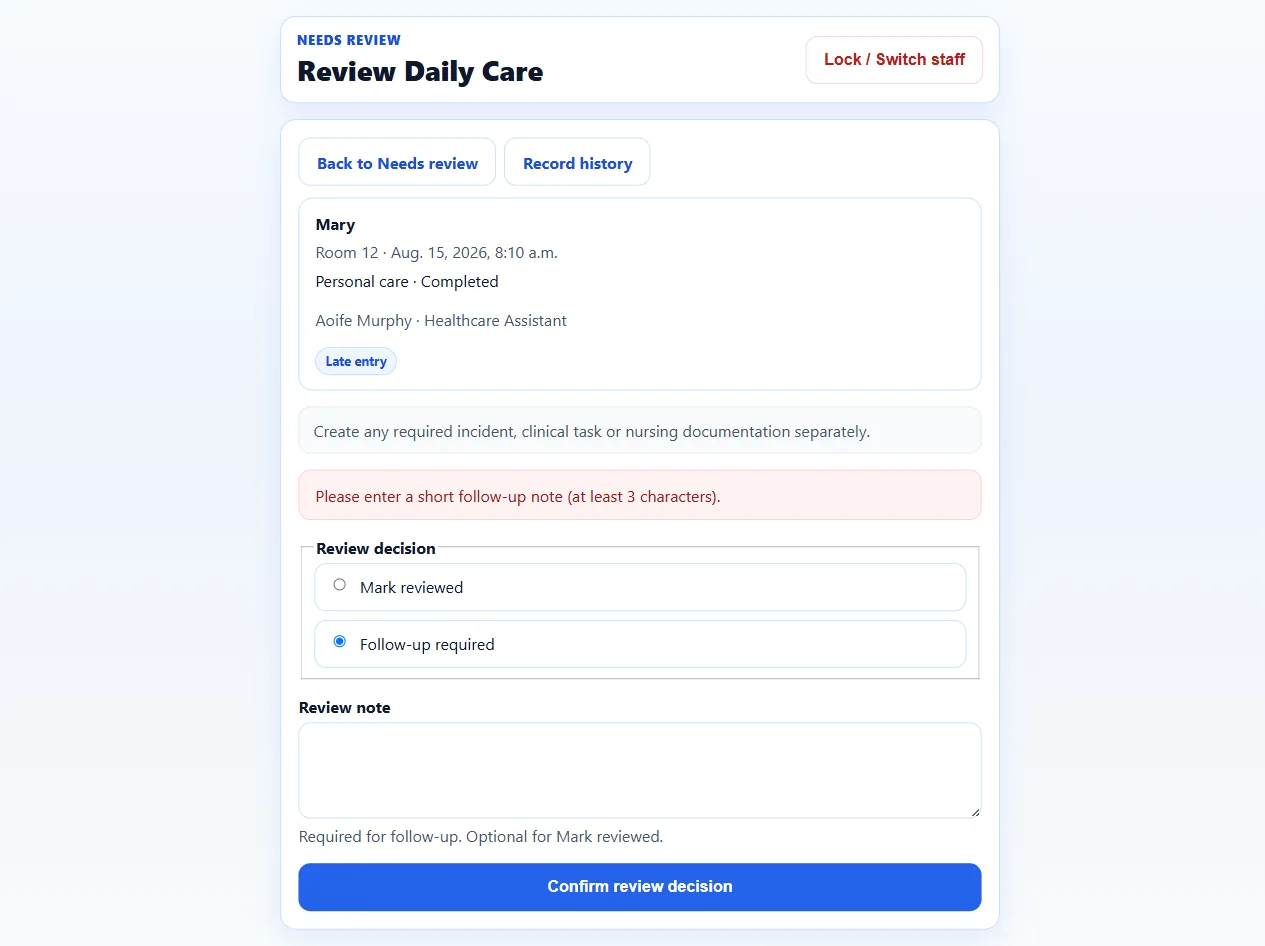
Review recorded The review sits with the original Daily Care entry
Today’s Care
Authorised managers refresh Today’s Care and the Resident Day Timeline to see what was recorded. This is not live streaming.
-
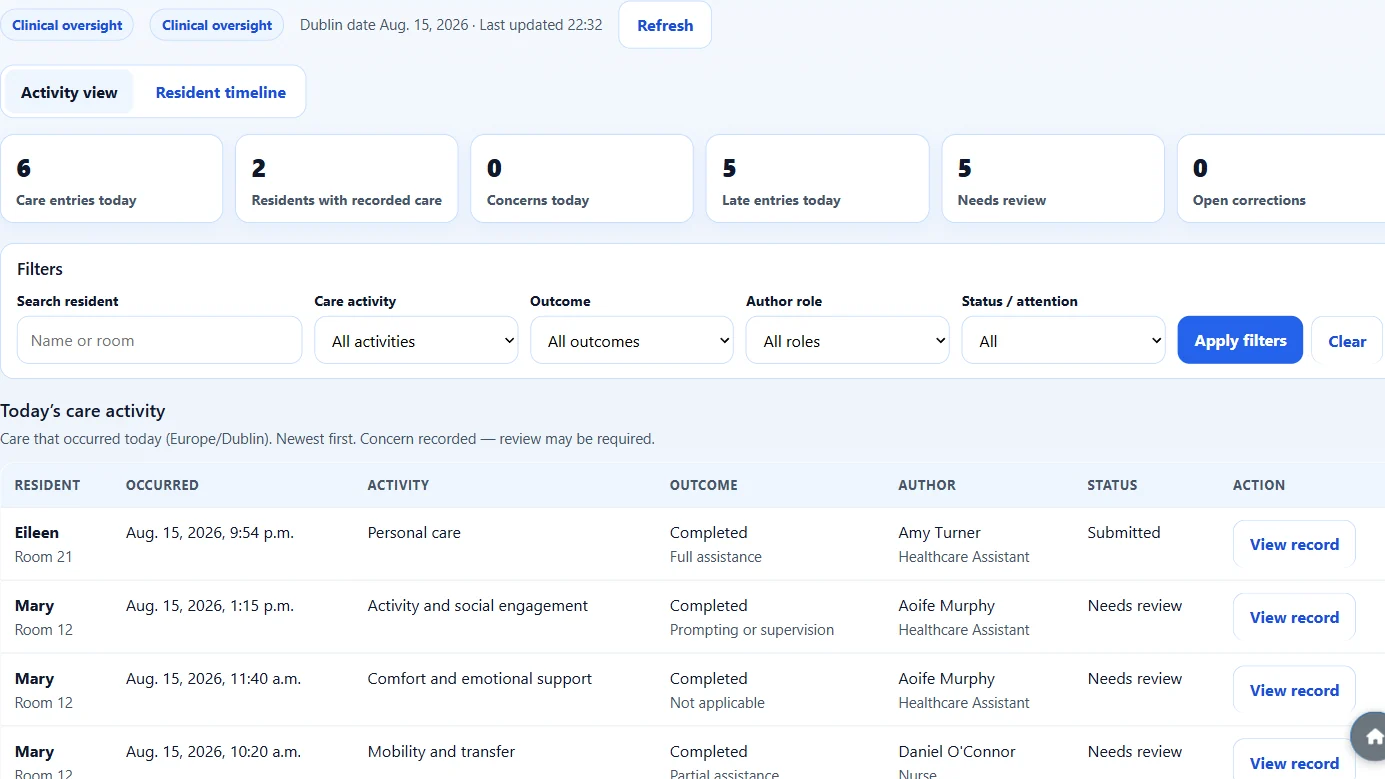
Today’s Care Submitted Daily Care for the selected Dublin date -
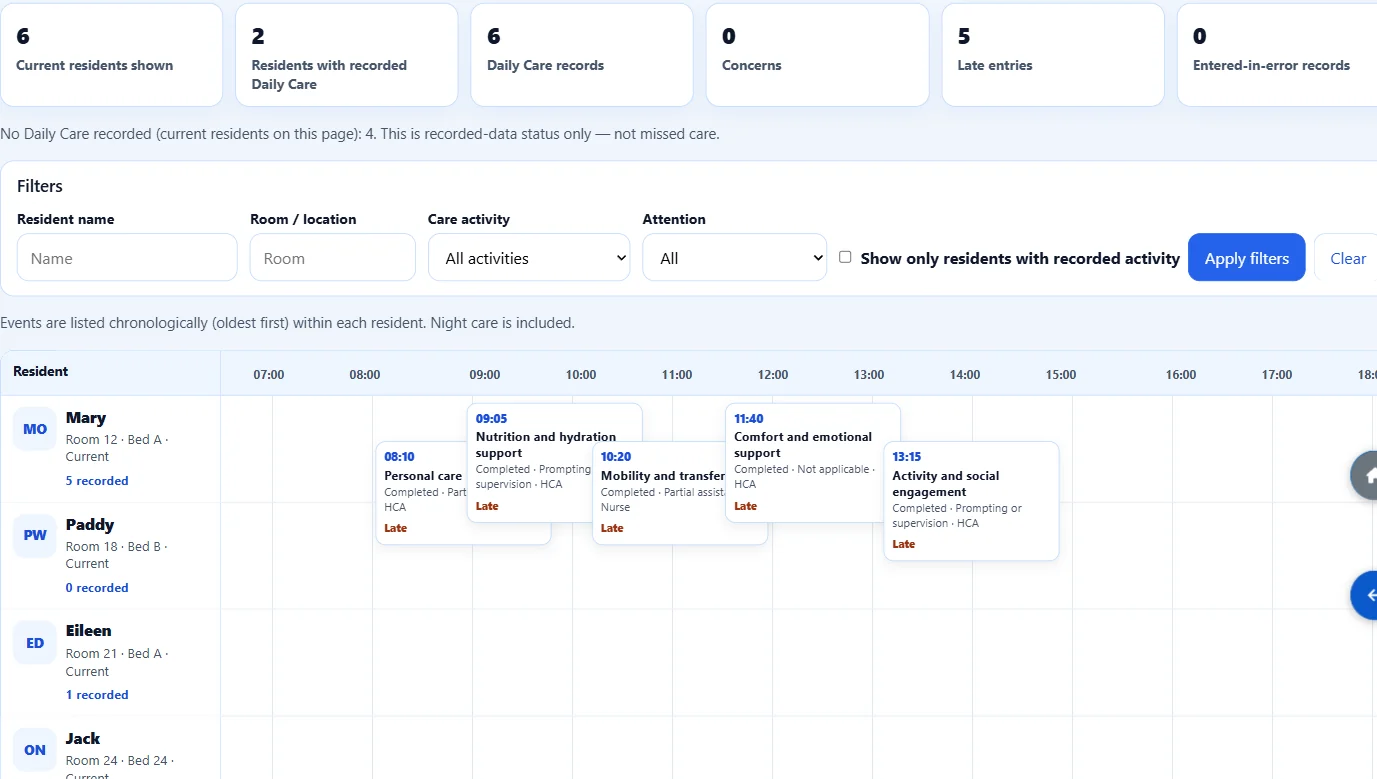
Resident Day Timeline One resident’s submitted care through the day, by time and role
Reports
Export Excel registers from records already in the home. ÁitFoirne does not send reports to HIQA for you.
-
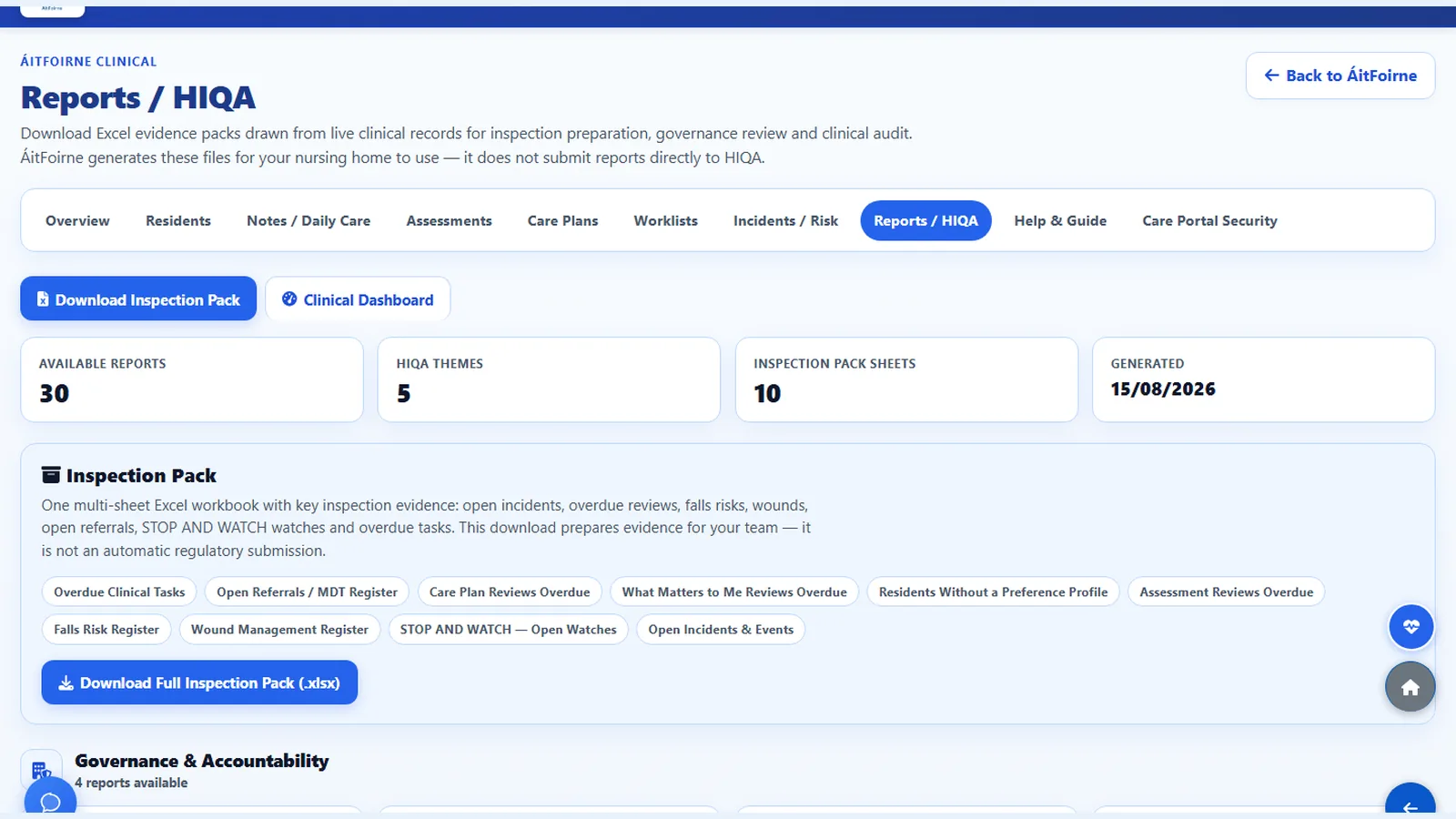
Reports and inspection preparation Download the registers you need for your own preparation
Family Portal
What the home and an authorised relative use: a Family resident profile, a personal link and PIN, messages and photographs, and in-app Family Activity. Family Portal does not show Clinical records.
Open Family Portal
Managers open Family Portal from ÁitFoirne, then add a Family resident.
-
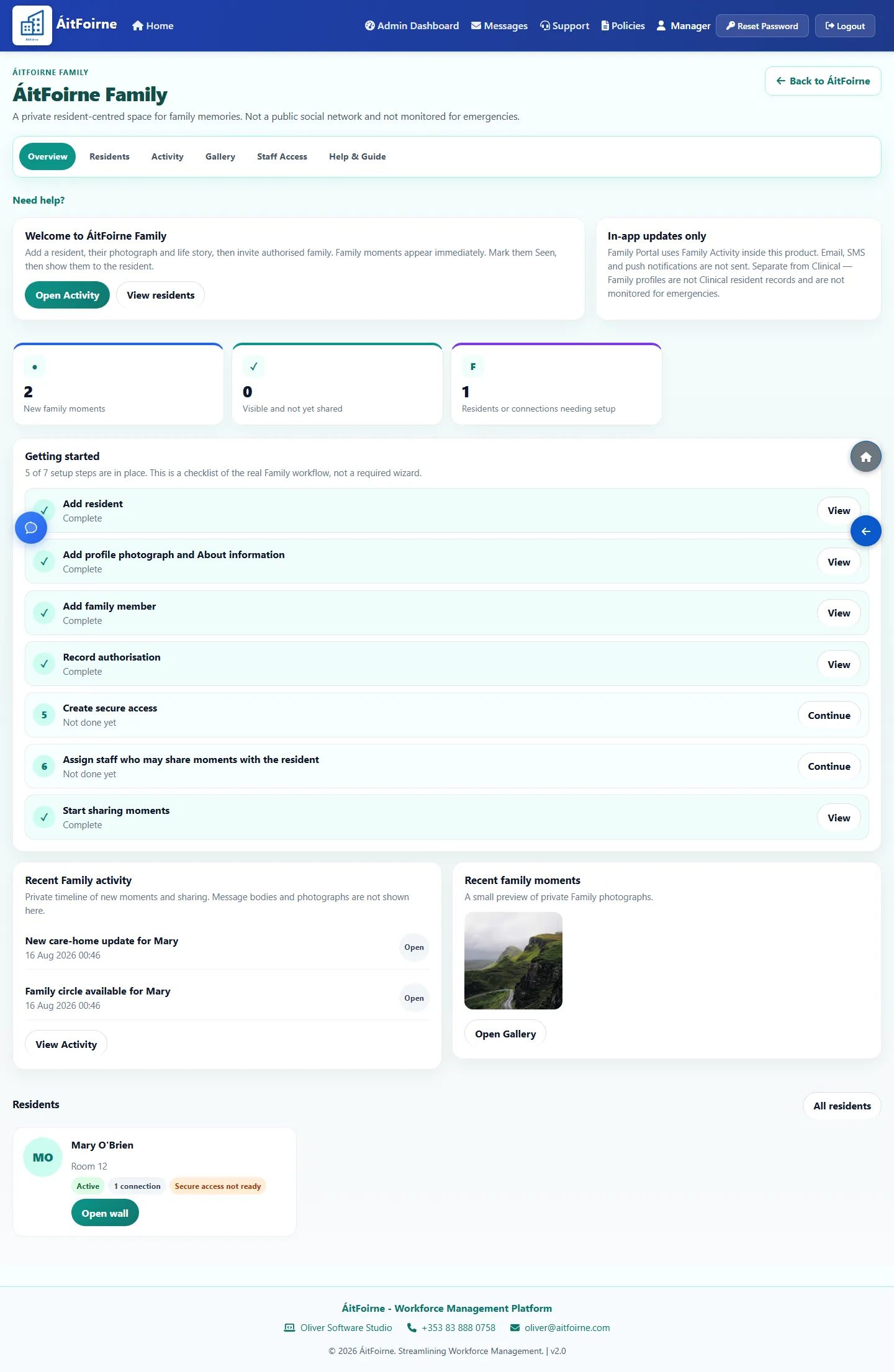
Family overview New moments, setup steps and recent activity in one place -
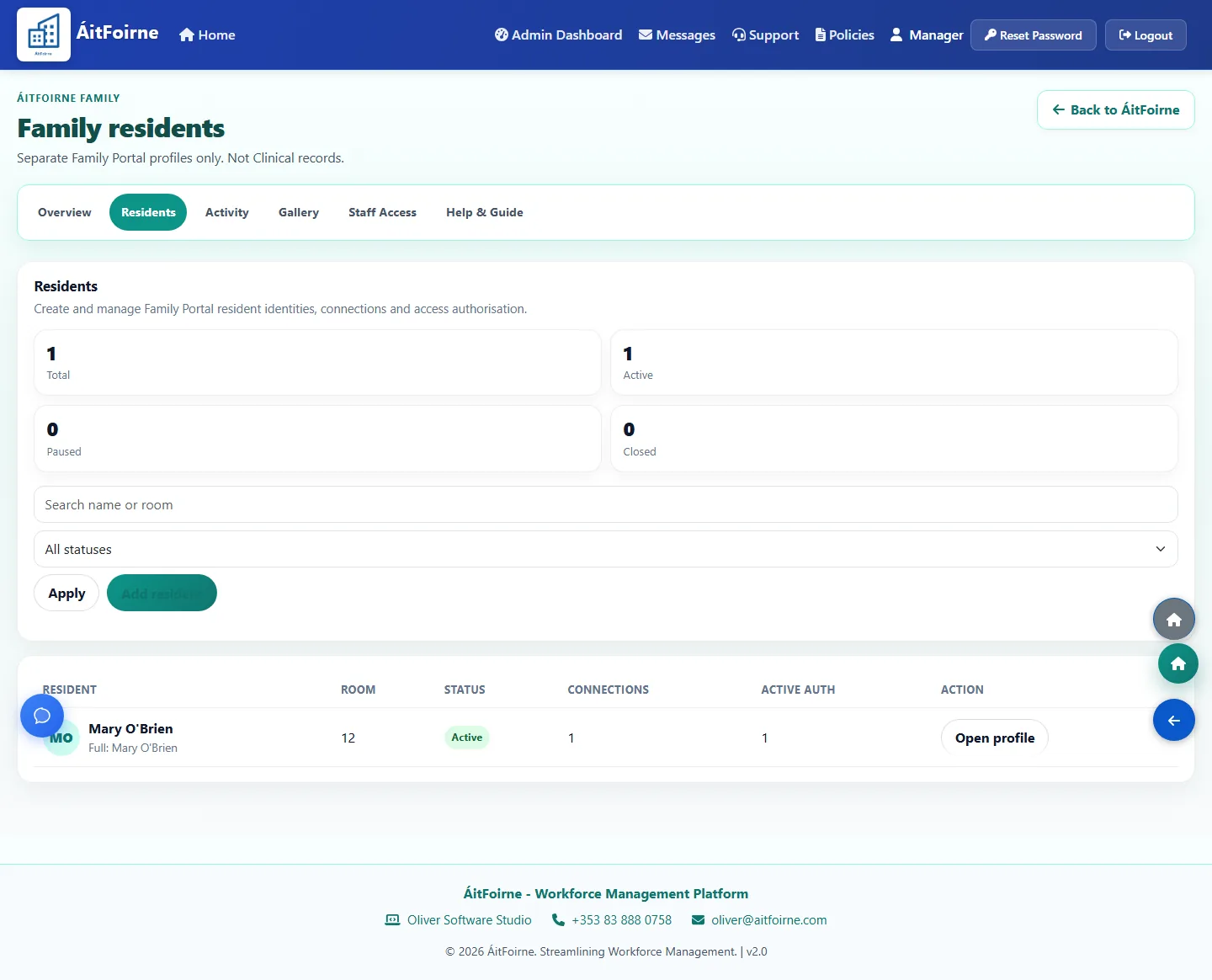
Family residents Separate Family profiles, not Clinical records -
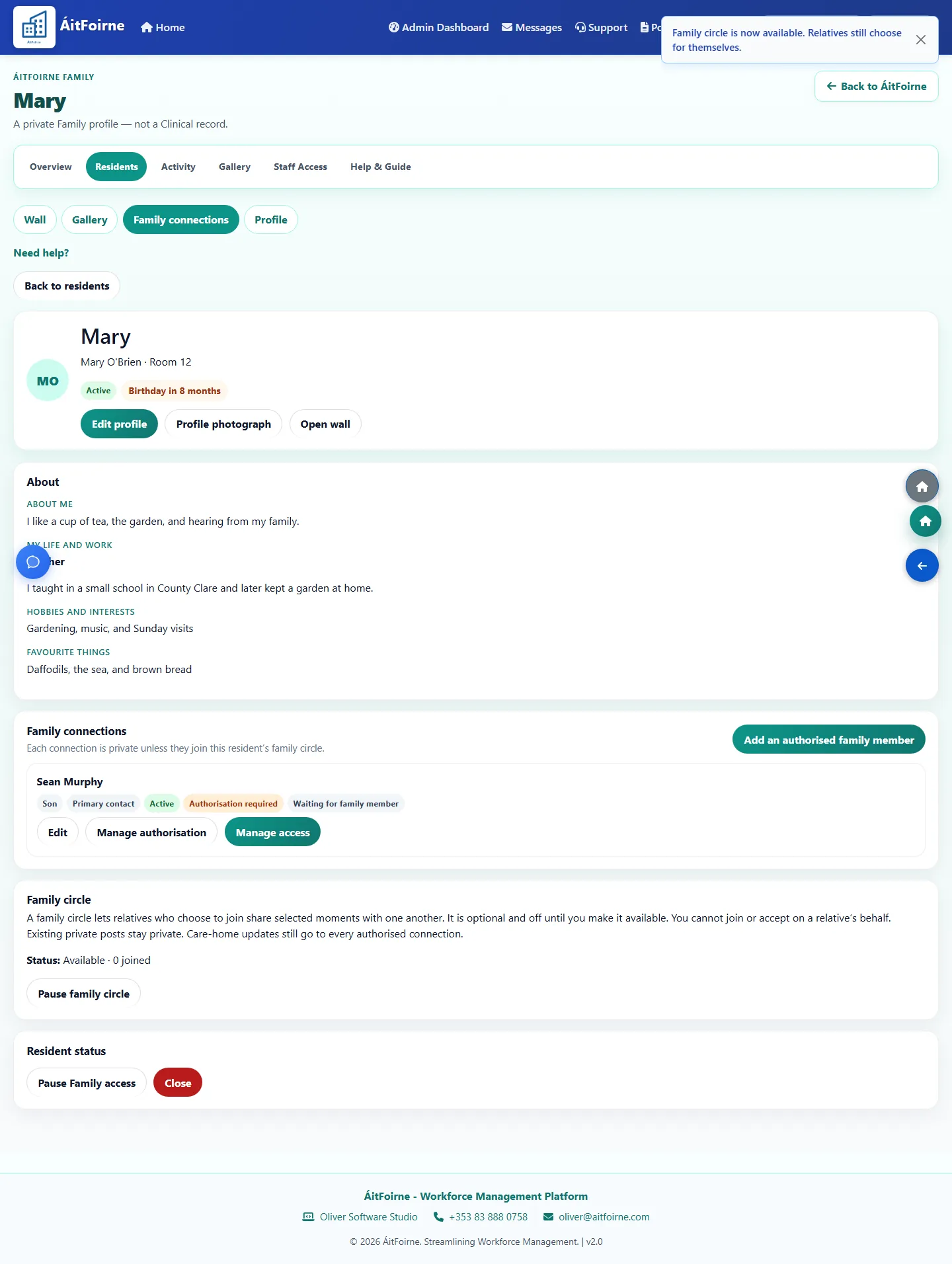
Resident story About me, life story and favourite things on the Family profile
Access and PIN
Authorisation is separate from a relationship label. The Family PIN is shown once.
-
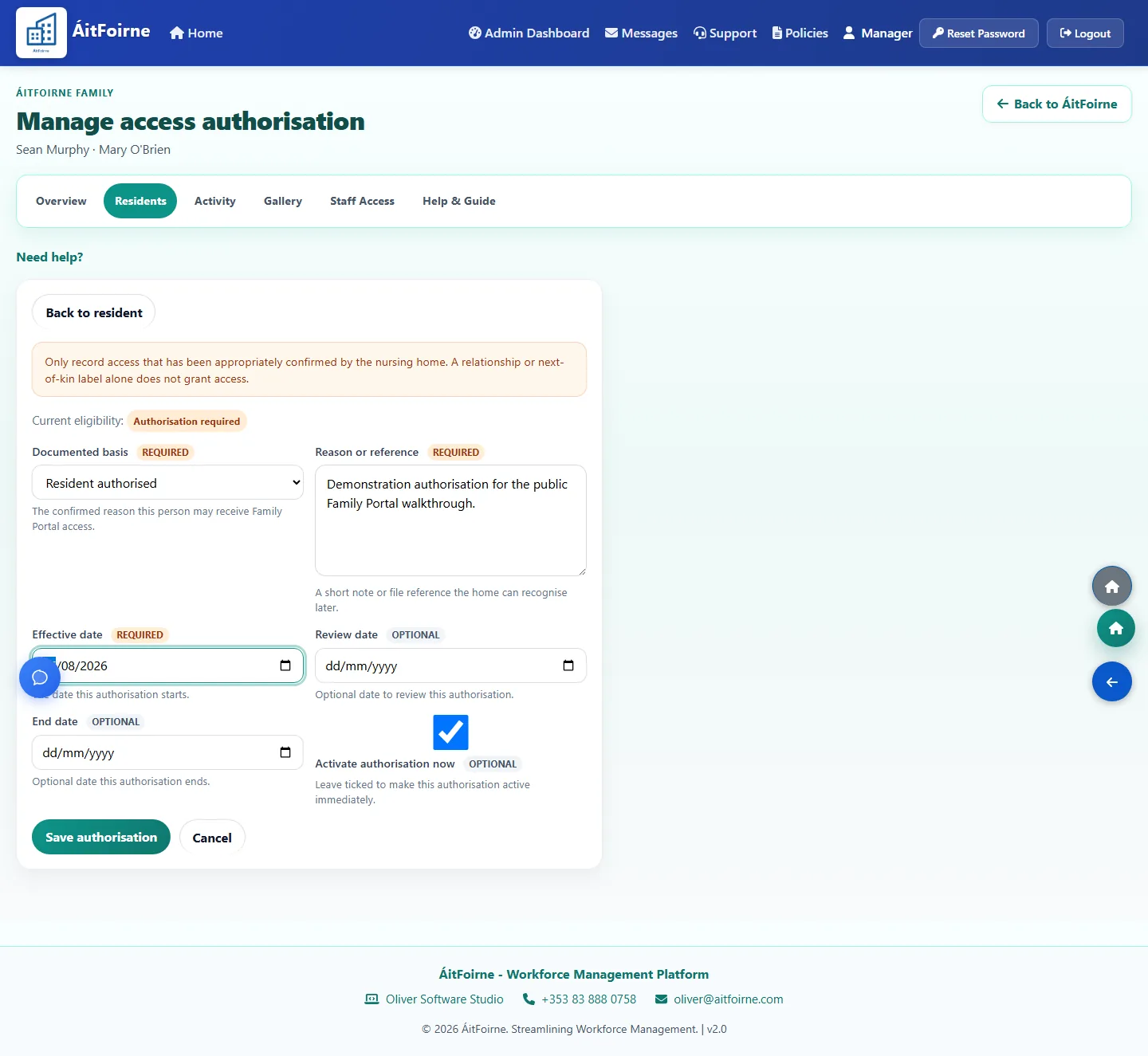
Record authorisation The home records why this person may receive access -
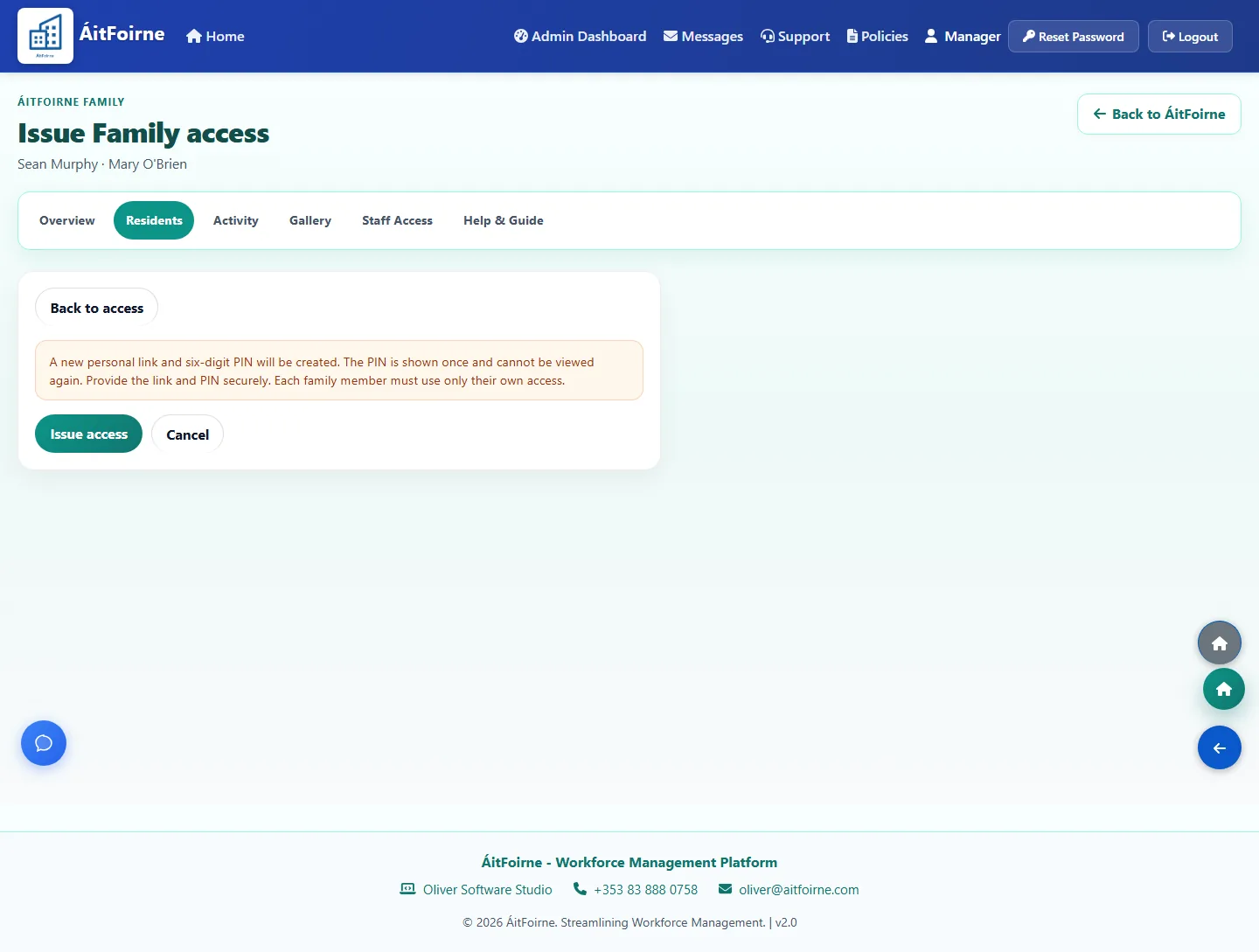
Issue the link and PIN Confirm issue. The six-digit PIN is shown once -
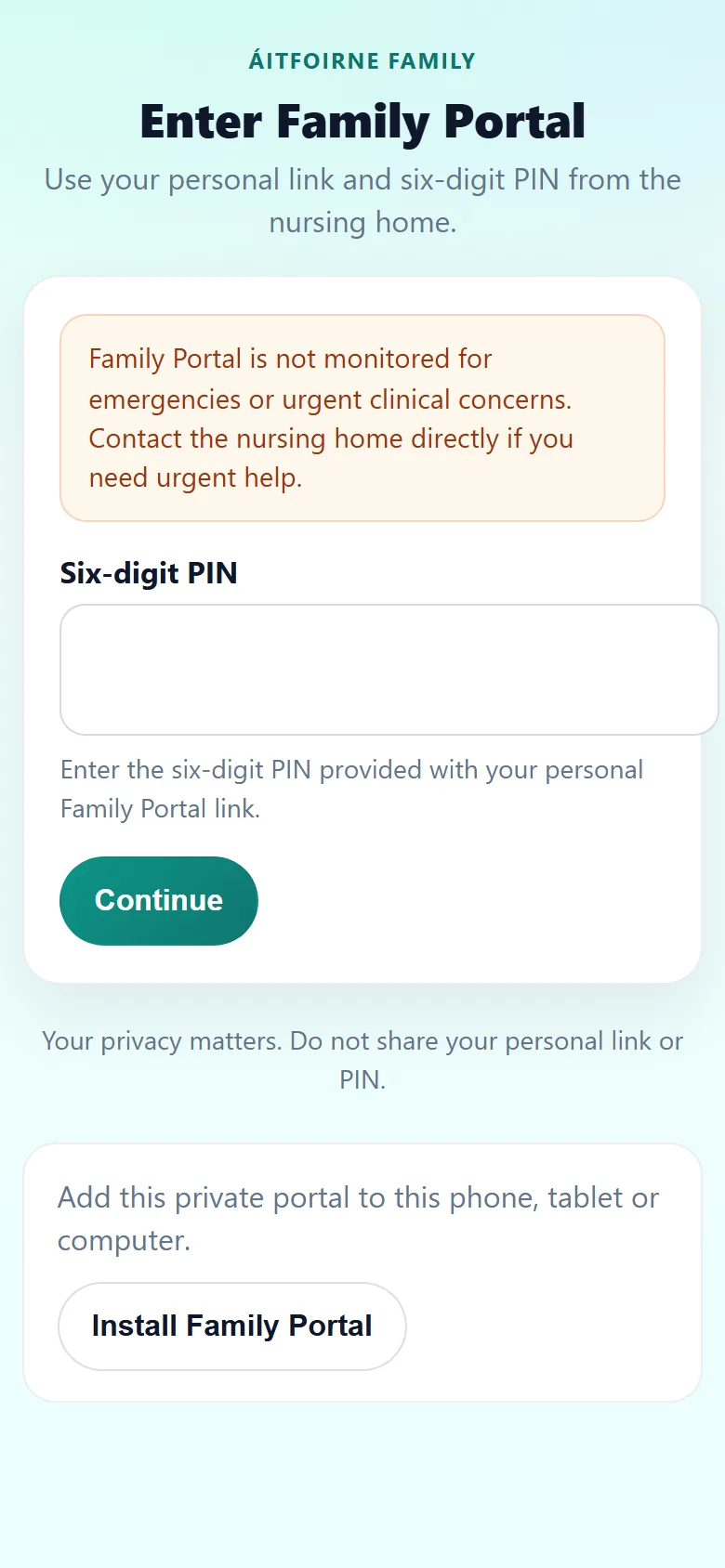
Enter Family Portal The relative opens their own link and enters the PIN
Moments and gallery
Care-home updates and family photographs stay private to that resident.
-
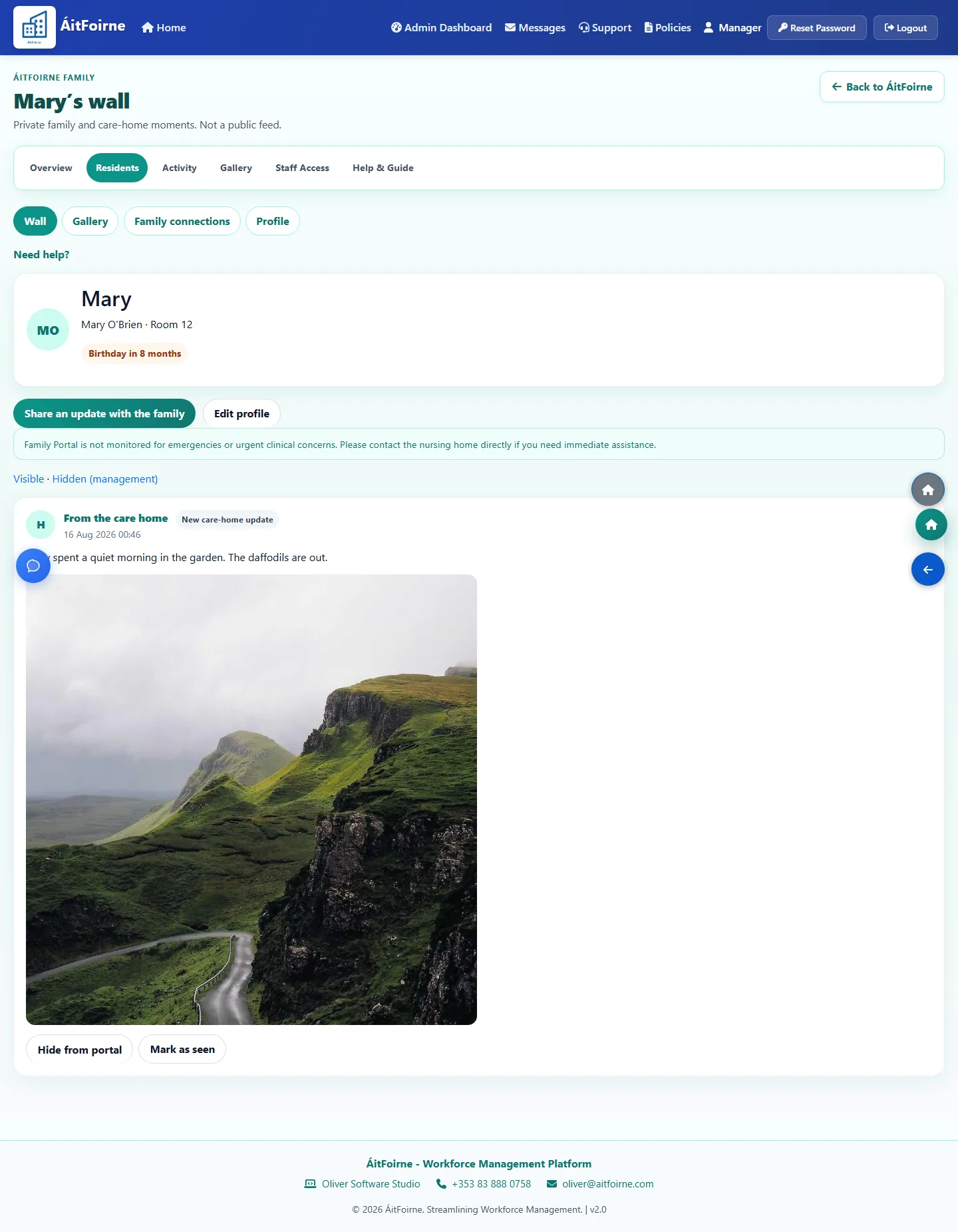
Resident wall Care-home updates and family moments for one resident -
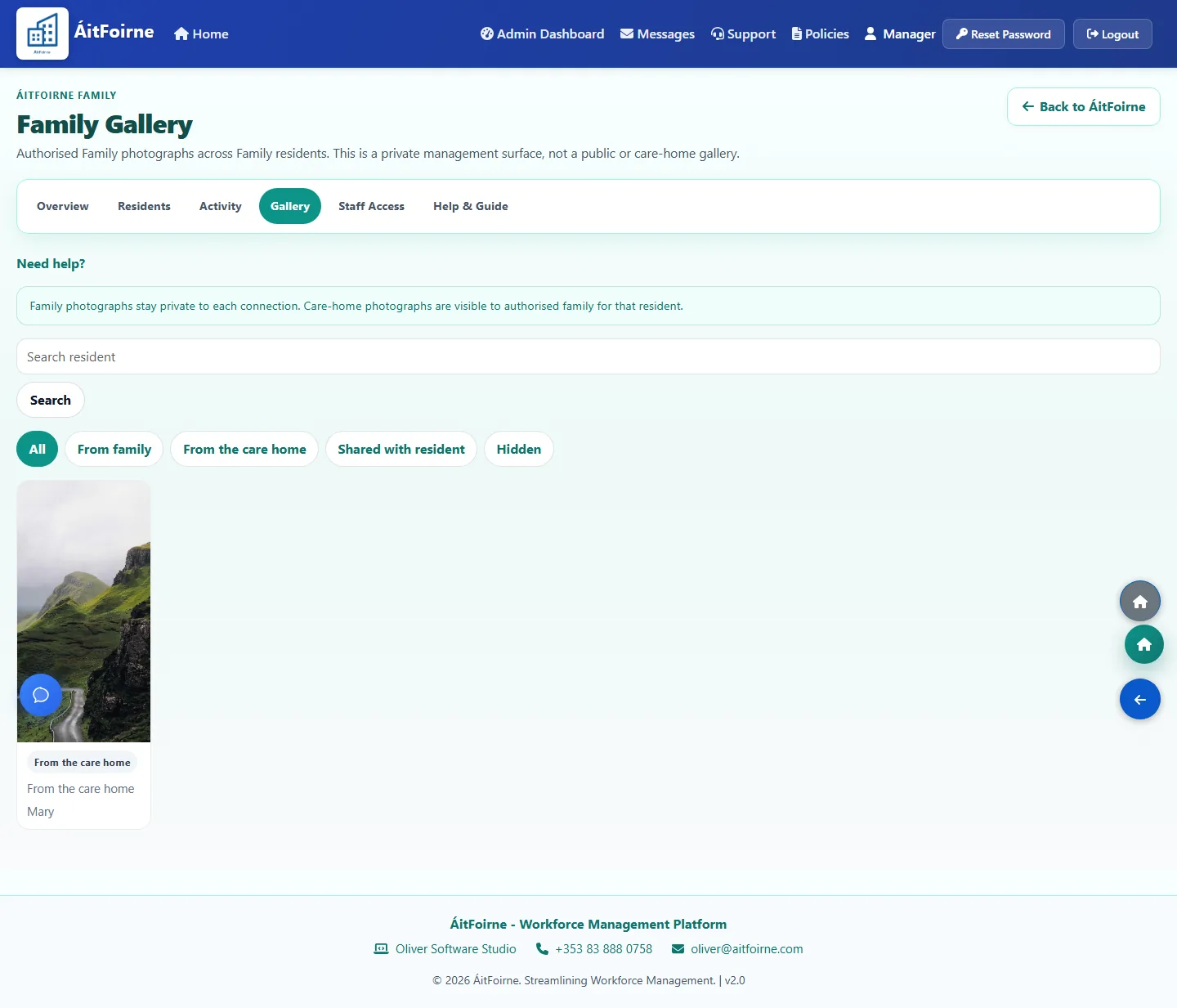
Family Gallery A private gallery, not a public album -
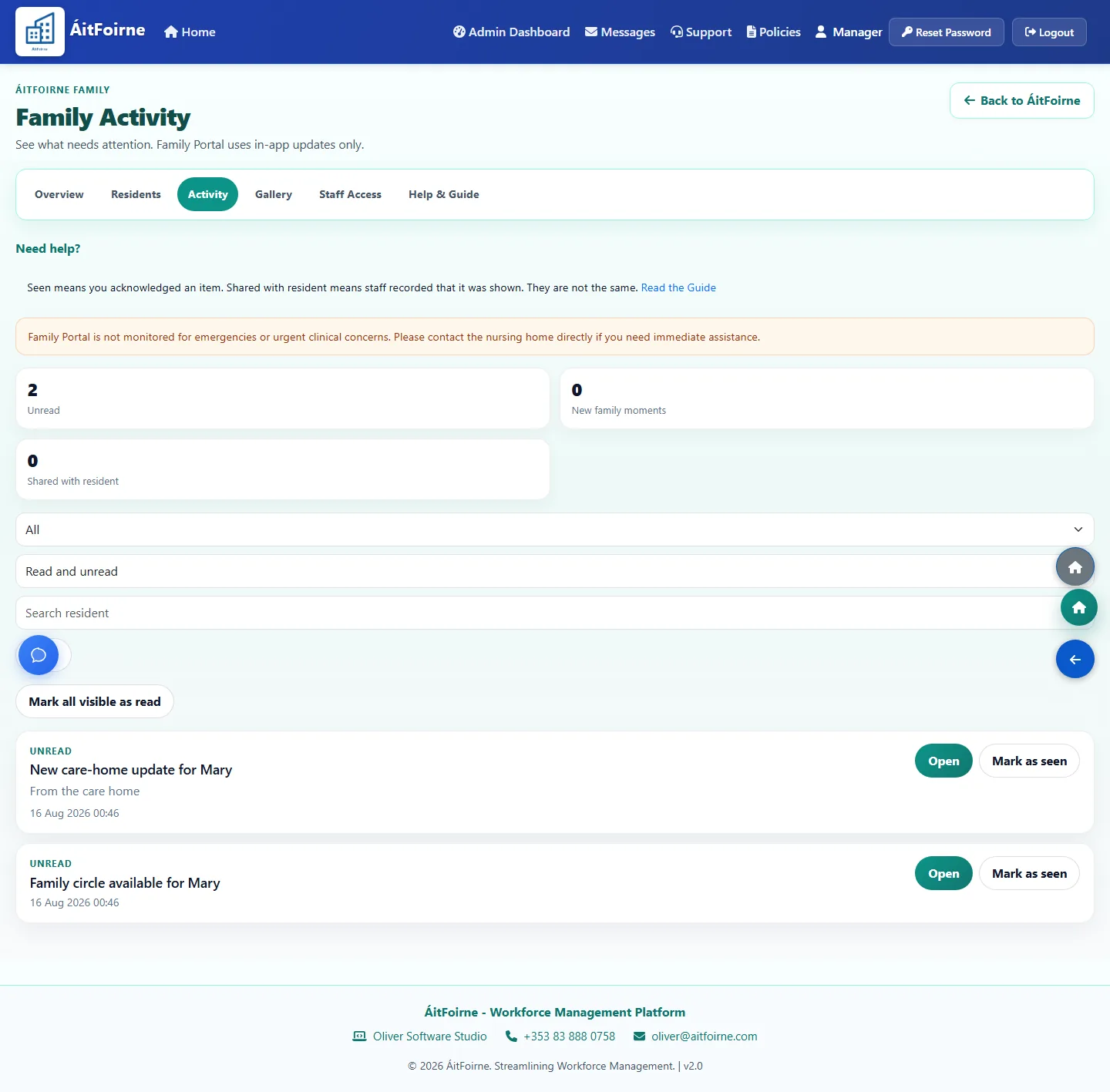
Family Activity In-app updates only — no email, text or phone alerts -
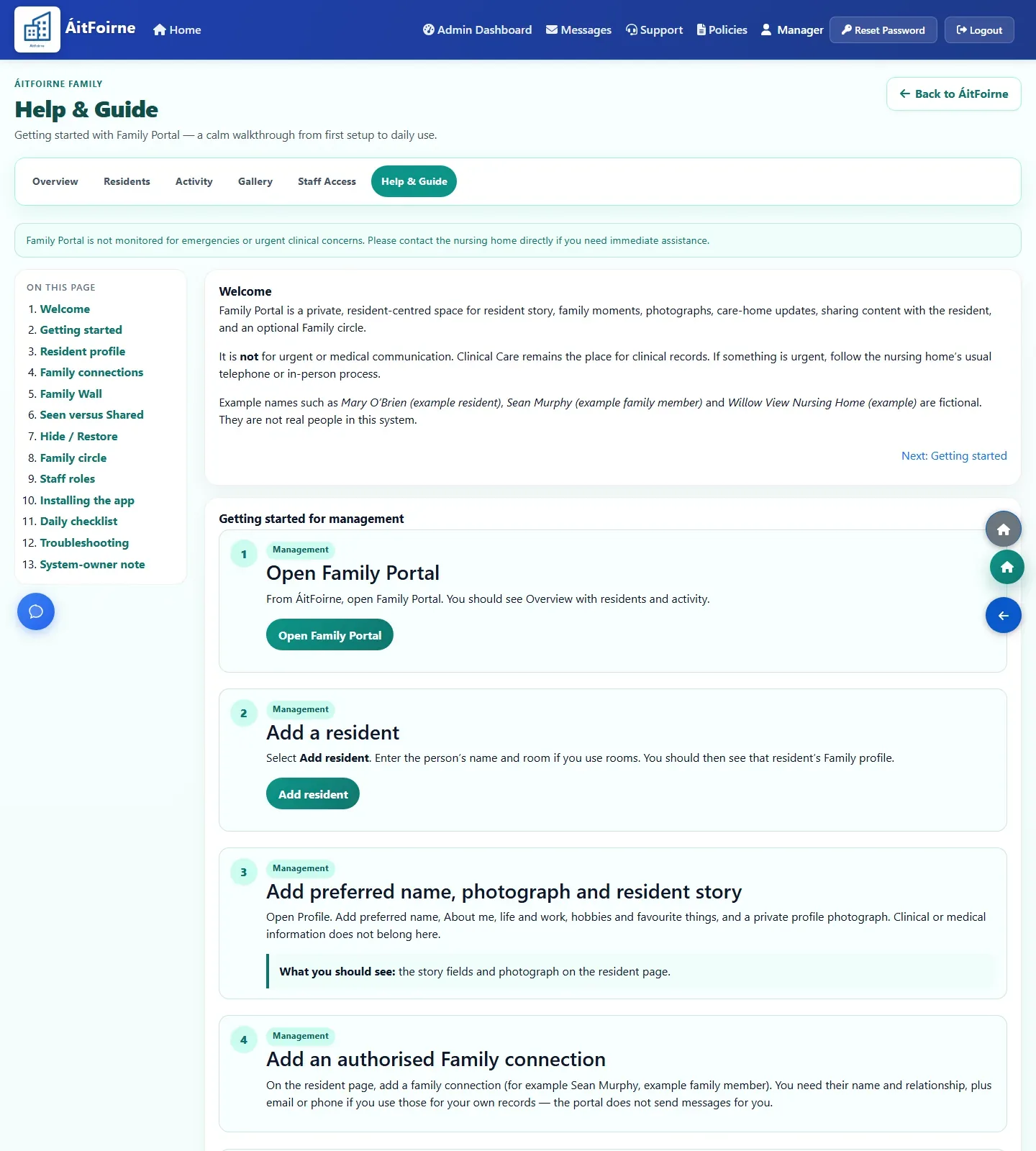
Help & Guide In-app steps beside the Family pages the home is using
Employee Portal
What care staff see on their own phone: published shifts, clocking in, breaks, requests, messages, policies and assigned tasks. No separate app and no ringing the office.
My Working Day
A short overview of what needs attention before the shift.
-
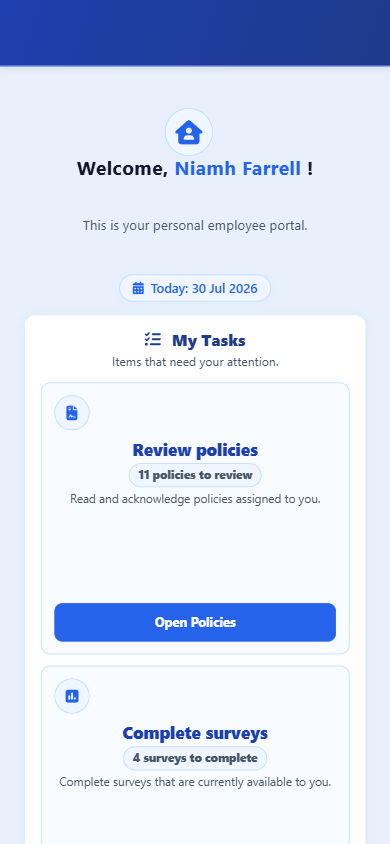
Portal home Tasks waiting and current clock status on one screen
My Schedule
The published week the employee can open after the rota goes live.
-
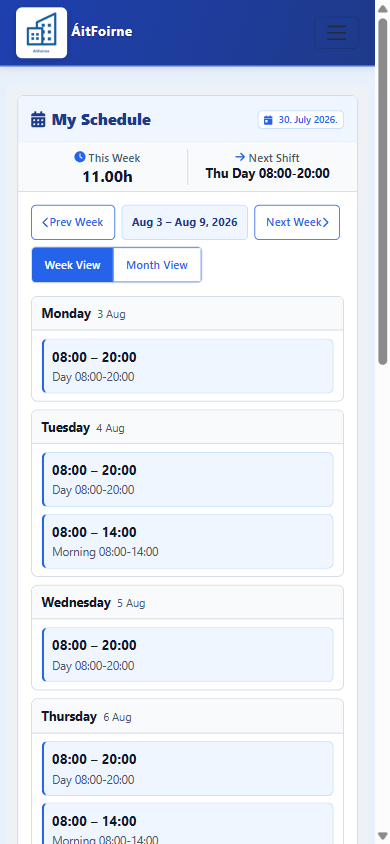
My Schedule Published shifts with times and weekly hours on the phone
My Requests and Holiday Balance
Submit leave, see decisions, and check remaining holiday hours.
-
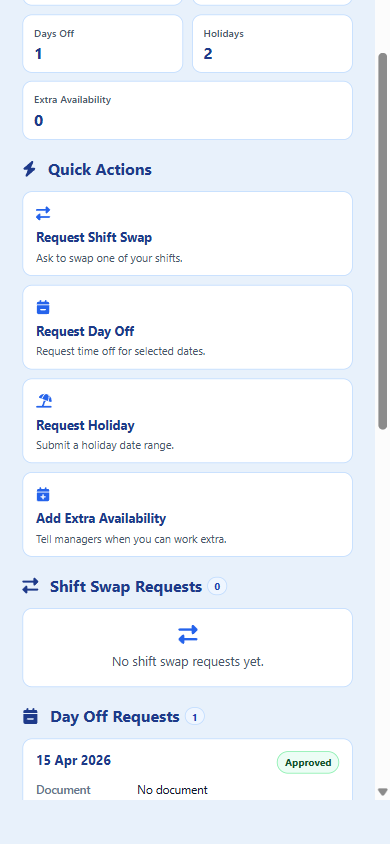
My Requests Pending and approved holiday and day-off history in one place -
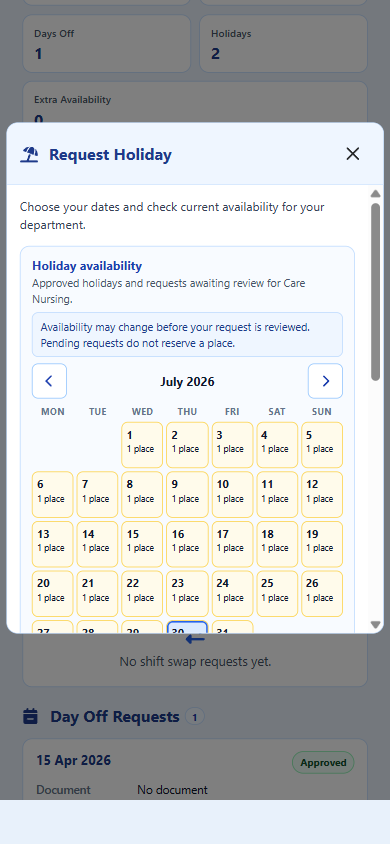
Request Annual Leave Choose dates and check department holiday capacity before sending -
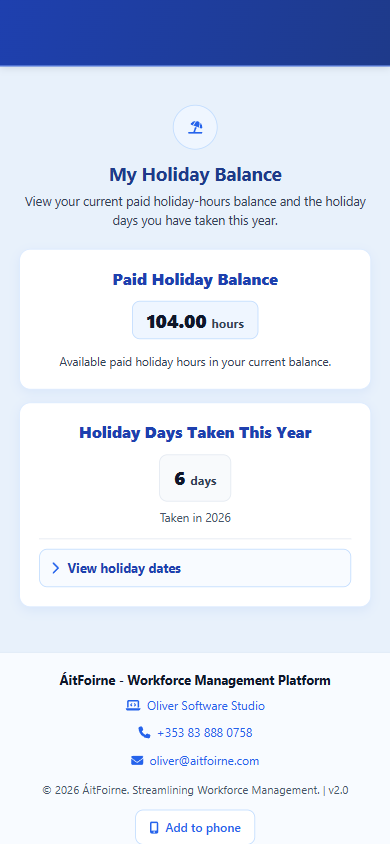
My Holiday Balance Remaining paid holiday hours and days taken this year
Clocking In and Breaks
The two things staff do most often, done from their own phone.
-
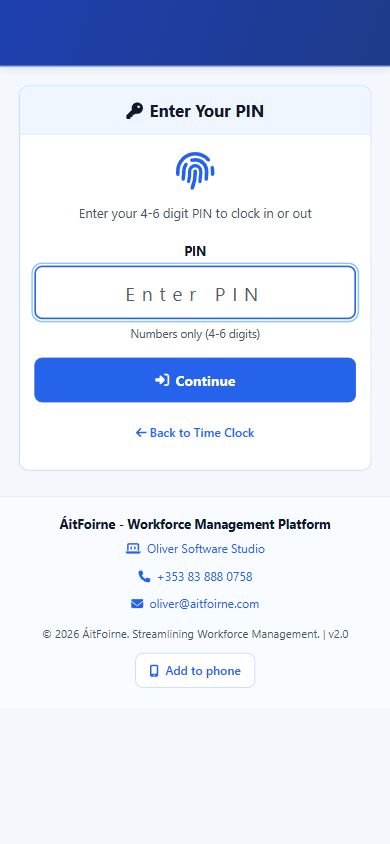
Clocking in A short PIN starts and ends the shift — no badge, no reader -
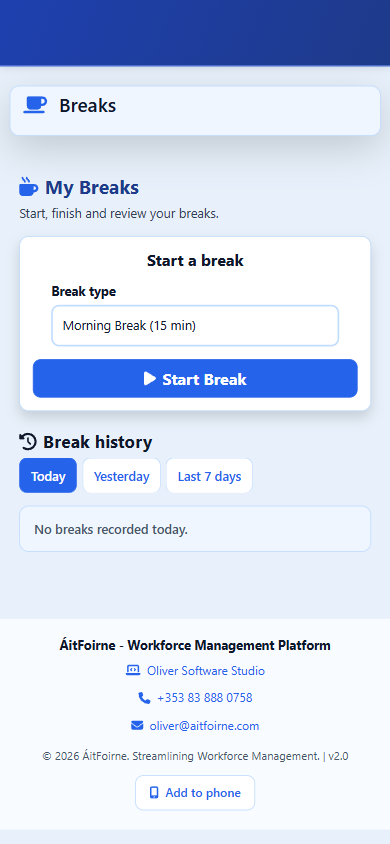
Breaks Staff start and finish their own breaks and see the history
Messages and Workplace Updates
Internal messages without relying on personal email or chat apps.
-
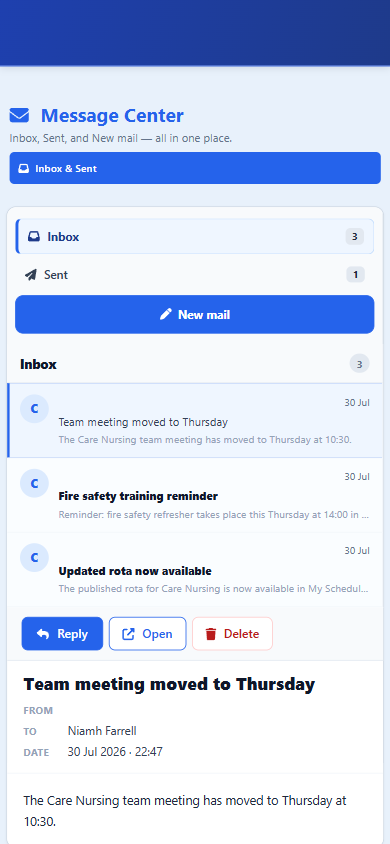
Message Center Rota updates and team reminders in the staff inbox
Policies and Assigned Tasks
Acknowledge policies and complete assigned audit work from the phone.
-
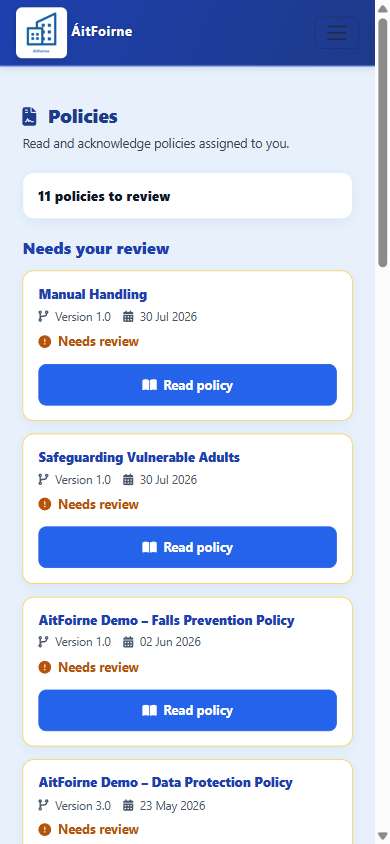
Policies Realistic policy titles waiting for acknowledgement -
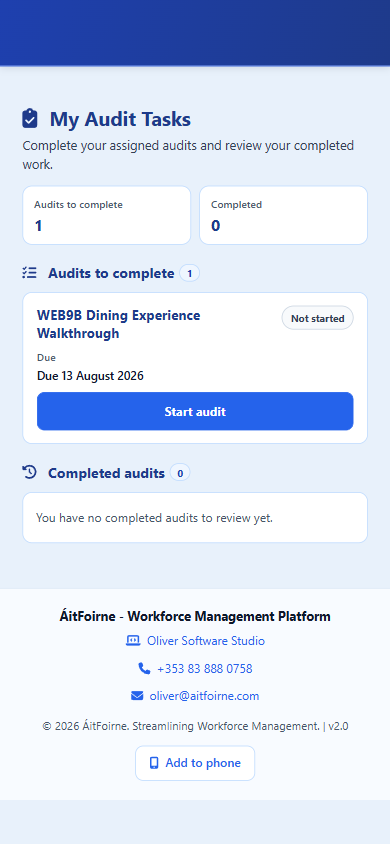
My Audit Tasks Assigned audit work the employee can open and complete
Maintenance
Report issues and track assigned facility tasks.
-
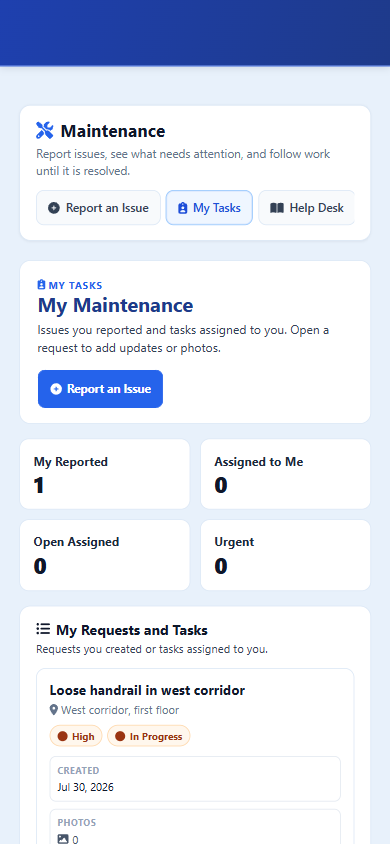
Maintenance tasks Report an issue or follow the status of assigned work
Ready to see ÁitFoirne in your home?
Book a short online walk-through tailored to how your nursing home runs today.
Book a Demo