
What this area is for
Authorised managers open Clinical Care from the ÁitFoirne dashboard. This is the office view. It is not Care Portal, and it is not the Employee Portal.
Use this door when you need to:
- review Today’s Care
- open a resident file
- grant Healthcare Assistant or Nurse access
- download registers for the home’s own inspection preparation
Before you start
- You need your own ÁitFoirne management login.
- You need a Clinical leadership role, such as Clinical Manager, Director of Nursing, Assistant Director of Nursing, or Person in Charge.
- A job title printed on a contract is not enough on its own.
- Ordinary company-admin access for rota and HR is not enough on its own.
Healthcare Assistants and Nurses should not use this guide. They use Care Portal. See Record Daily Care in the Care Portal.
Step-by-step: open Clinical
- On the workplace computer, open ÁitFoirne in the browser as you normally do.
- Sign in with your own username and password. Do not use another person’s login.
- Wait until the ÁitFoirne dashboard has finished loading.
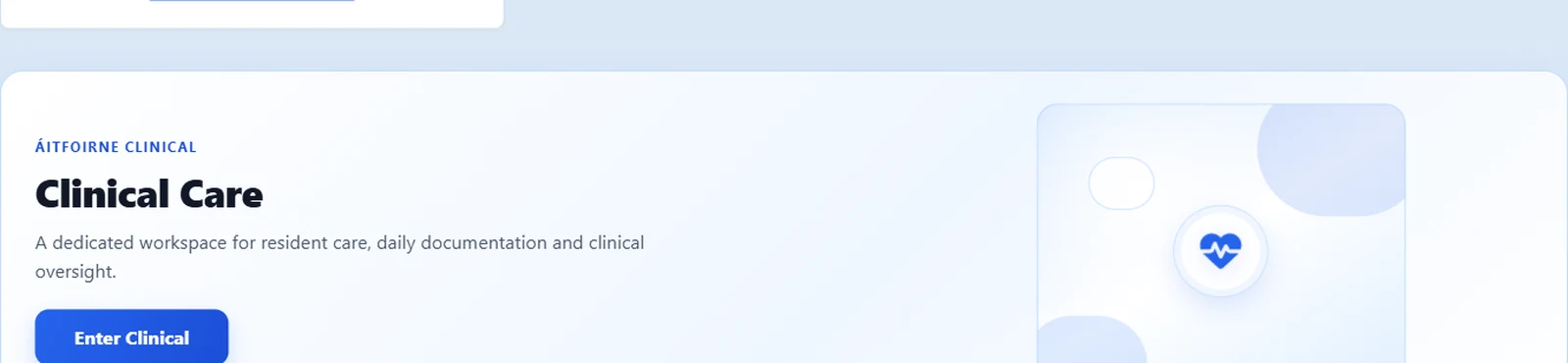
- Find the Clinical Care card.
- Select Enter Clinical.
- You should now see ÁitFoirne Clinical at the top, with the heading Clinical Care.
- Use the menu across the top: Overview, Today’s Care, Residents, and the other Clinical pages you are allowed to see.
- When you are finished, select Back to ÁitFoirne to return to the staff dashboard.
What you should see
After Enter Clinical, look for:
- the words ÁitFoirne Clinical
- summary cards on Overview
- a Residents link
- Help & Guide if you want the in-app version of this help
If your role can review the day, you will also see Today’s Care.
If you are the Clinical Manager, you will also see Clinical Access.
If Enter Clinical is missing
Stop. Do not try random menus.
Check these things in order:
- Confirm you signed in with your own management account, not an Employee Portal account.
- Ask whether Clinical leadership has been set up for your home.
- Ask the Clinical Manager whether your role is active.
- If you still cannot open Clinical, contact ÁitFoirne support and say: “I cannot see Enter Clinical on the dashboard.”
Do not ask a Healthcare Assistant to “just log in for you”. Do not share passwords.
What this login does not do
Signing in as a manager does not:
- let you skip the Care Portal PIN on a tablet
- let you record Daily Care as another staff member
- automatically make you the Clinical Manager
- let you create Care Portal PINs unless you are the Clinical Manager
Questions people ask
I can open the rota, but I cannot open Clinical. Is the system broken?
Usually no. Rota access and Clinical access are separate. Ask the Clinical Manager or ÁitFoirne support to check your Clinical role and management login.
I opened Clinical on my phone. Is that Care Portal?
No. Enter Clinical is the office view. Care Portal is the large-button tool on the workplace device. Managers review care in Clinical. Floor staff record care in Care Portal.
Can I leave Clinical open on a shared office computer?
No. When you finish, go Back to ÁitFoirne and sign out. A shared computer should never stay signed in.