Reporting an Issue or Completing a Task
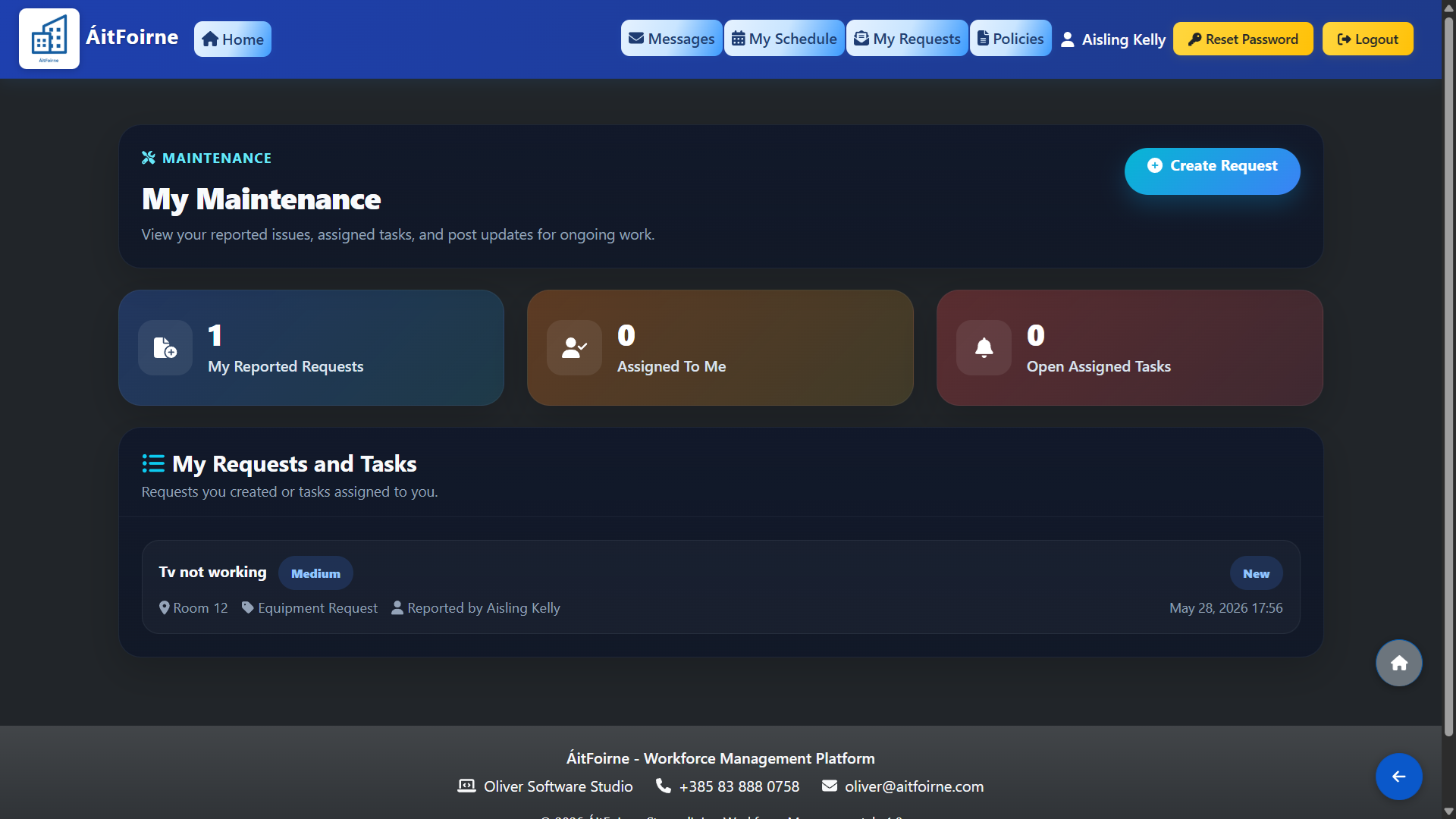
From your dashboard, click Maintenance Tasks. To report a new issue, click Report a Problem, describe the fault and add a photo if available. Your report will be sent to the maintenance team for review. If you have been assigned a maintenance task, it will appear in your list — open the task to view the details, add comments or photos and mark it as complete when the work is done.