Everything in One Place
When you log in as an administrator, the home screen gives you instant access to every module in the platform. From scheduling and employee management to audits, HR, payroll and communication — everything is one click away. There is no need to switch between separate systems or spreadsheets.
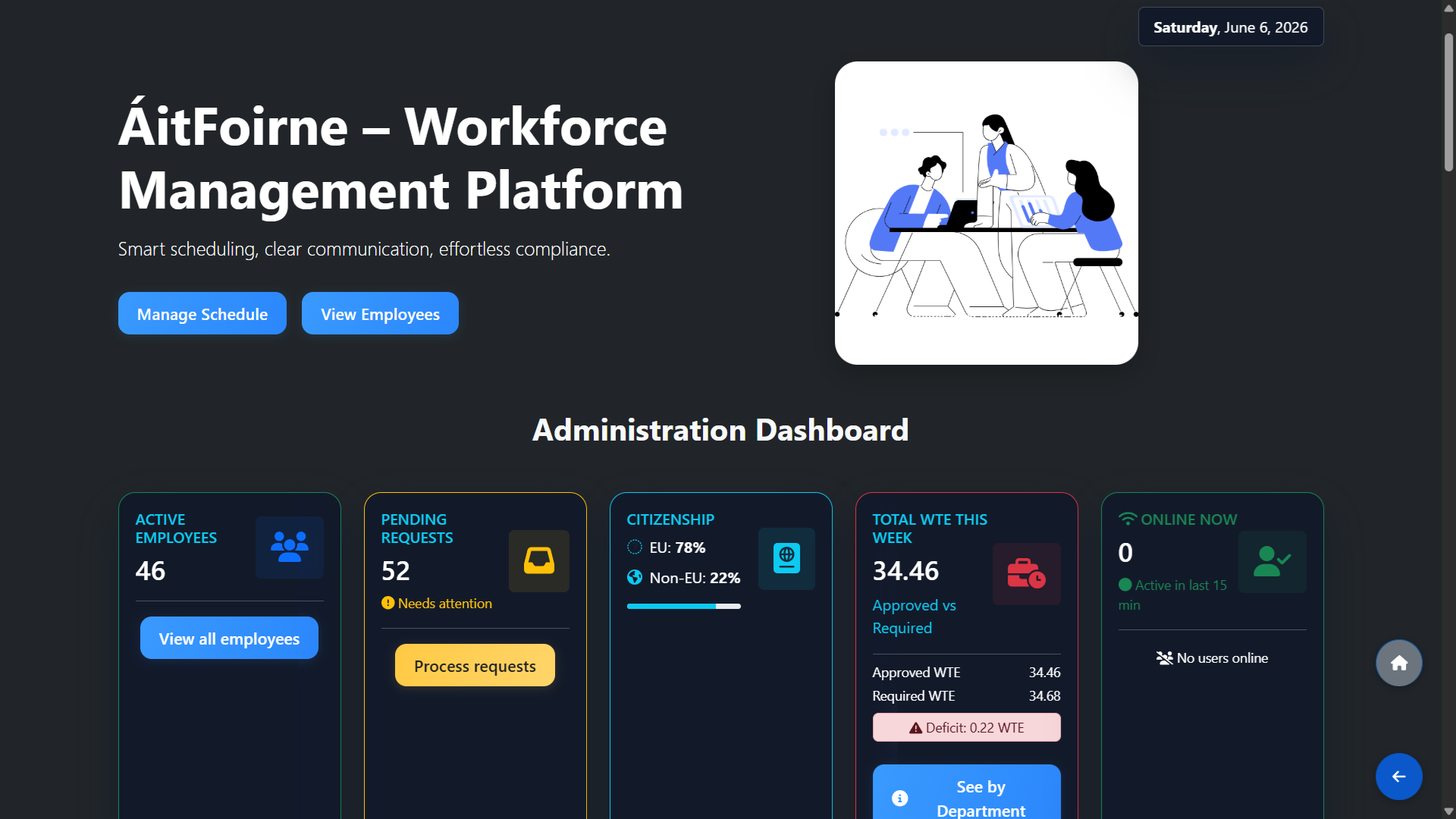
Administration Dashboard — Live Key Metrics
At the top of the dashboard you see five live KPI cards updated in real time:
- Active Employees — total number of currently active staff
- Pending Requests — time-off and shift change requests waiting for approval, flagged as "Needs attention" when action is required
- Citizenship — breakdown of EU vs Non-EU employees across the facility
- Total WTE This Week — Whole-Time Equivalent hours approved vs required, with a clear deficit or surplus indicator
- Online Now — number of users currently active in the system within the last 15 minutes
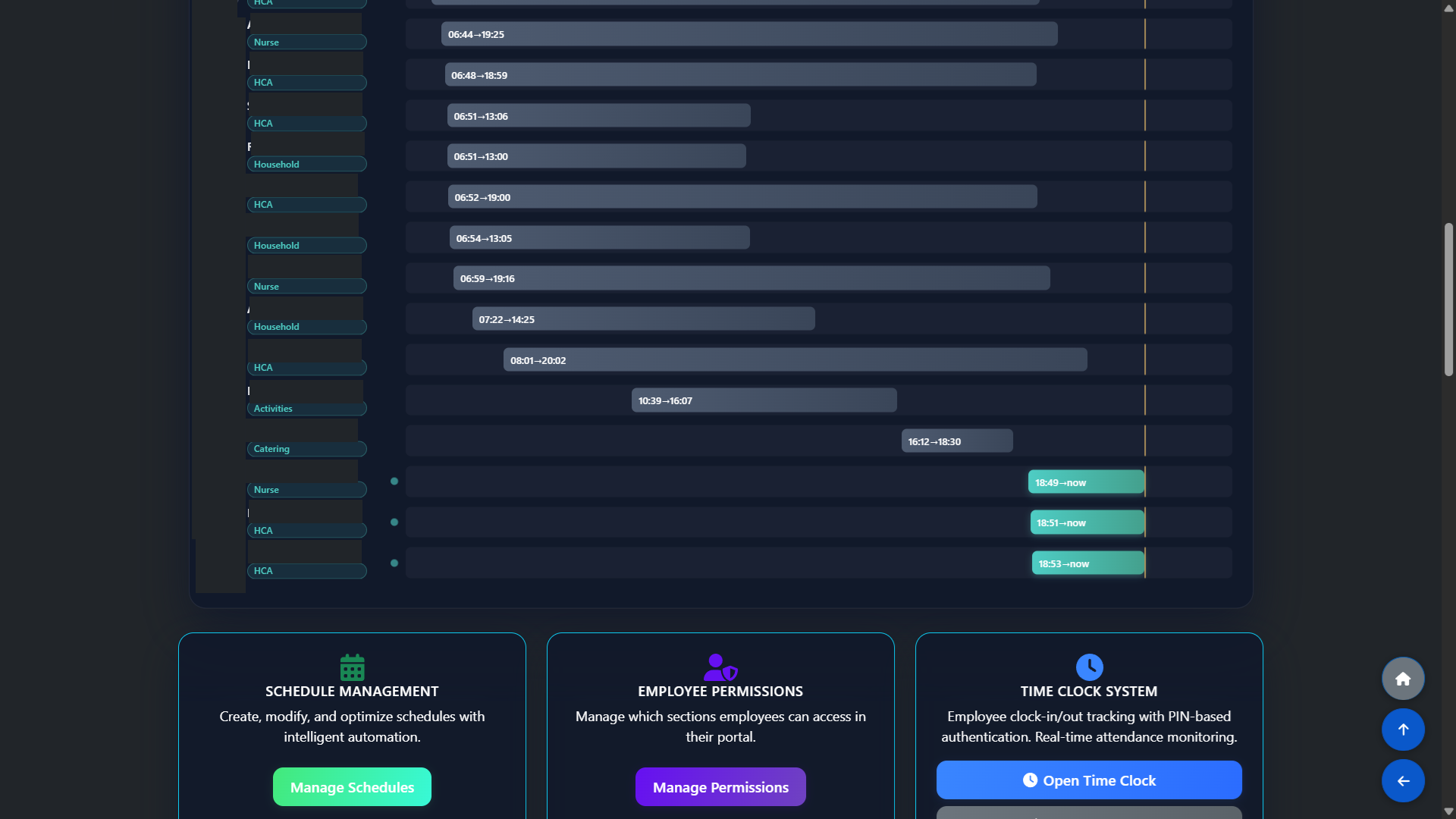
Today's Clock-In Timeline
Below the KPIs, the Clock-In Timeline gives a live view of every employee's working hours today. Each row shows the employee name, their department (Nurse, HCA, Household, Catering, Activities etc.), and the exact clock-in and clock-out times. Employees currently clocked in show their start time and "now" as the end time. This gives managers an instant picture of who is on site at any moment.
Today's Workforce Status
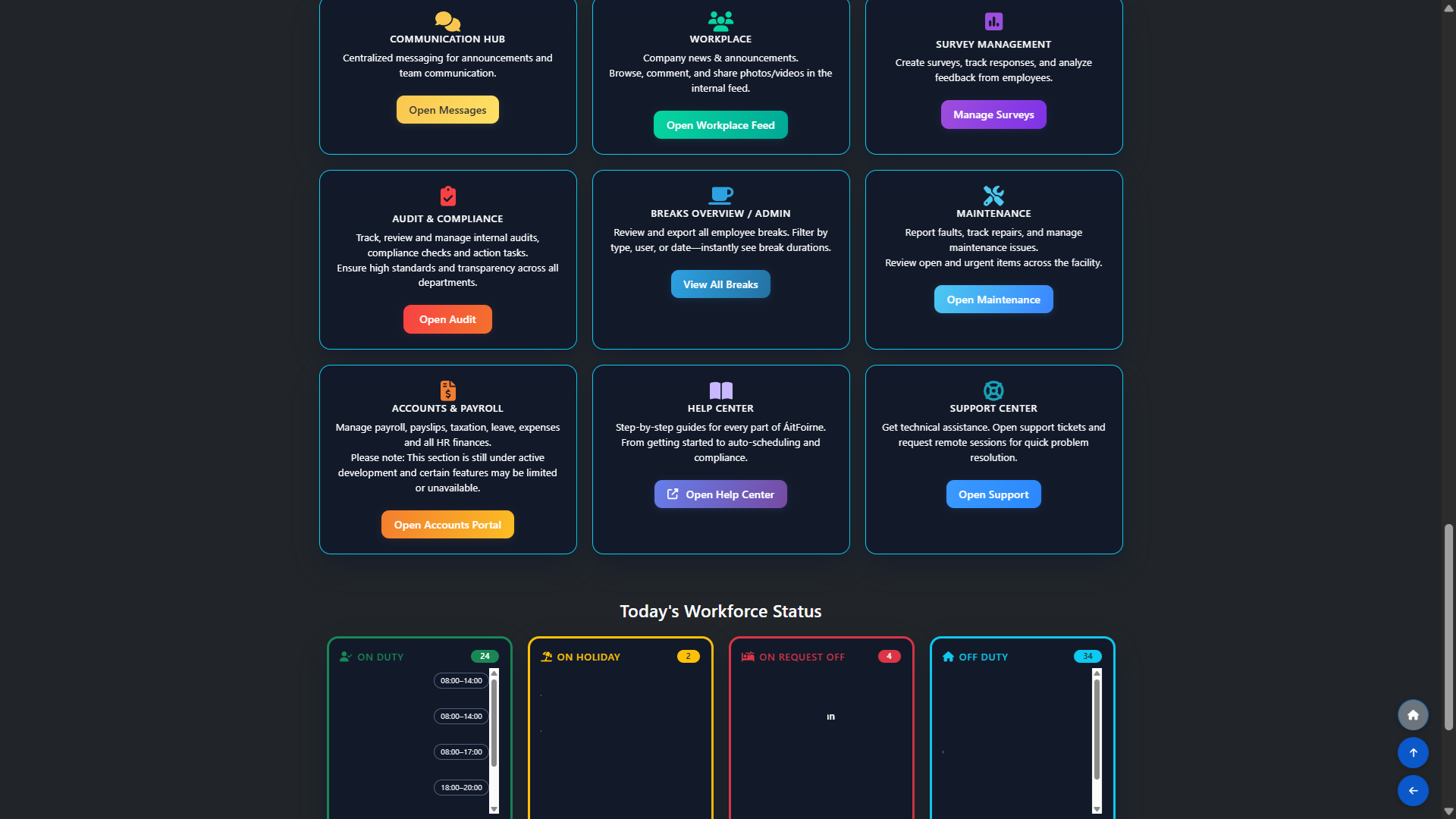
The Workforce Status section shows a real-time count of all staff broken into four groups:
- On Duty — employees currently working their scheduled shift, with shift times
- On Holiday — employees on approved annual leave today
- On Request Off — employees with a pending or approved day off request
- Off Duty — employees not scheduled today
Each card is colour-coded and scrollable so managers can see at a glance exactly how many people are working and who is unavailable.
All Modules — Full Platform Overview
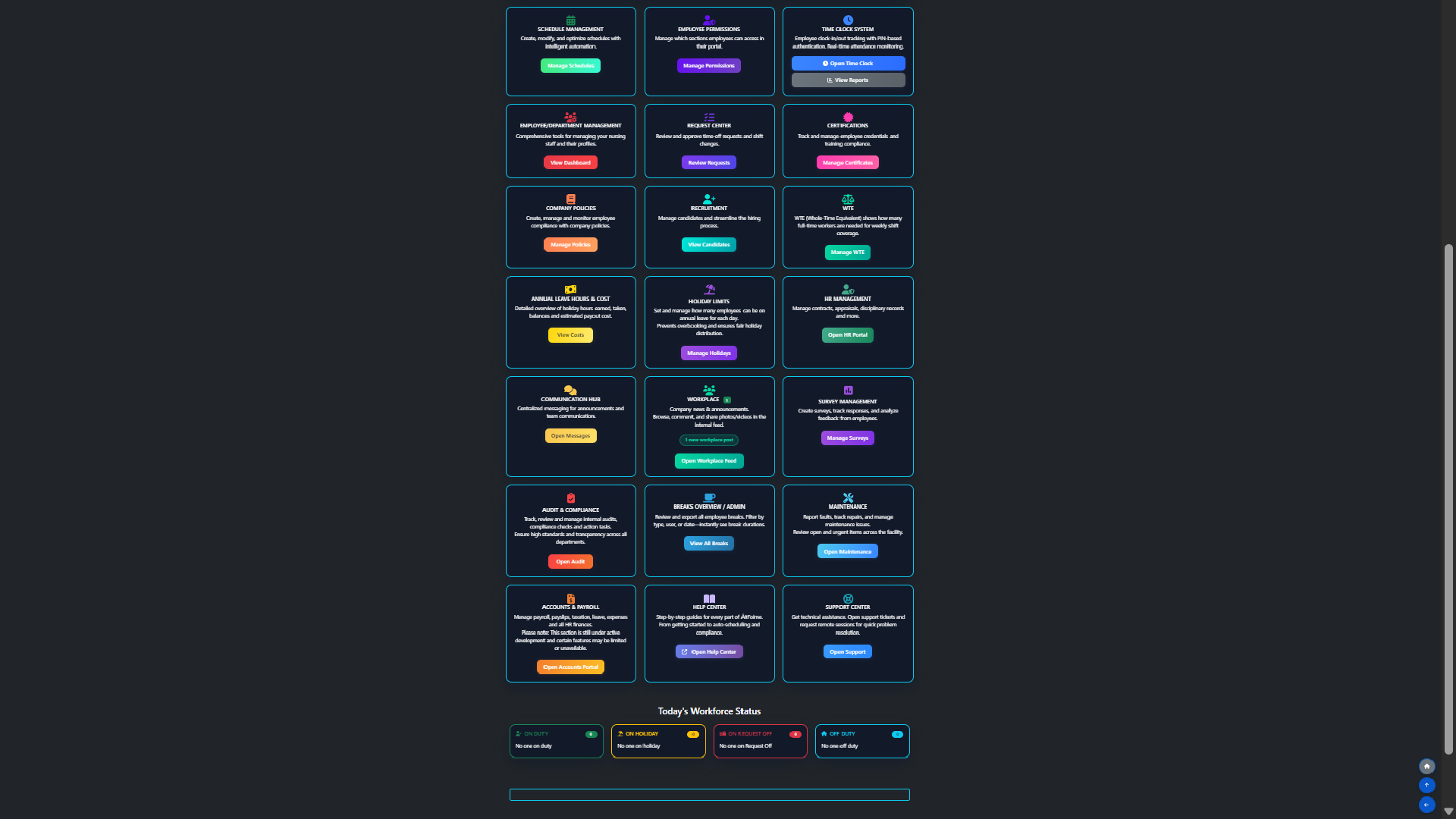
The full module grid gives administrators access to every section of the platform. Each module has a short description and a direct action button. Available modules include Schedule Management, Employee Permissions, Time Clock System, Employee & Department Management, Request Center, Certifications, Company Policies, Recruitment, WTE, Annual Leave Hours & Cost, Holiday Limits, HR Management, Communication Hub, Workplace, Survey Management, Audit & Compliance, Breaks Overview, Maintenance, Accounts & Payroll, Help Center and Support Center.
Automatic Scheduling — Built for Care Homes
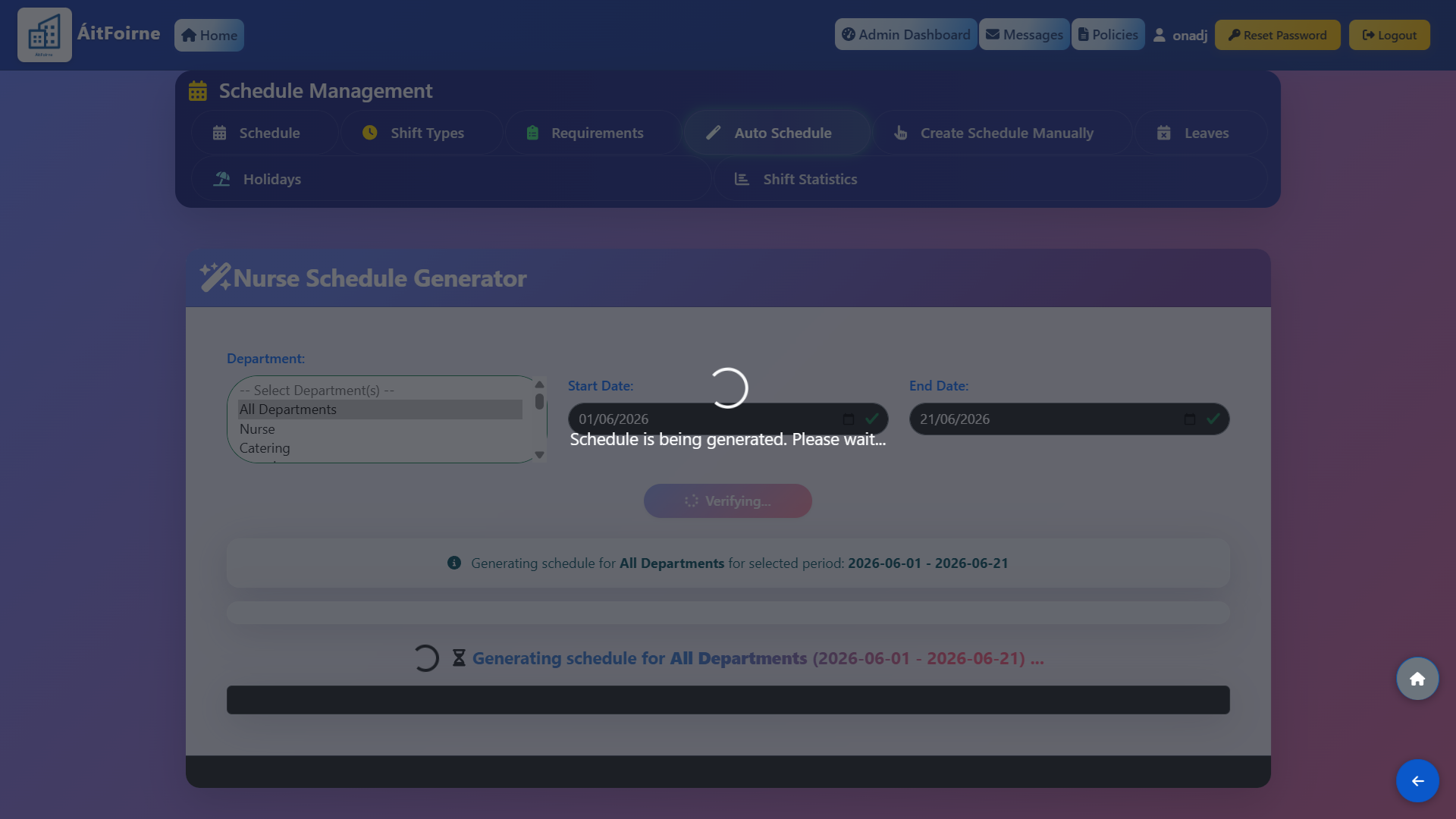
One of the most powerful features in ÁitFoirne is the automatic rota scheduler, designed specifically for Irish care homes — not generic restaurant or retail logic.
Every care home has staff with different contracted hours — 12, 18, 23, 38 hours per week — who can only work certain departments or shift types. For each employee you configure their maximum weekly hours, available days, shift types they can cover, and approved departments.
The scheduler then generates a complete rota for 2 to 4 weeks ahead in seconds. It automatically skips employees on approved leave or sick, respects contracted hour limits, and matches your staffing targets. If a shift cannot be fully covered, the rota clearly marks it as "Worker missing" — so managers know exactly where manual decisions are still needed.